A behavioral health website can describe a service accurately on its program page and still mislead someone on the way there. Suppose evening appointments are available at one location. A shared banner repeats “Evening appointments available” across the site, including pages for locations that do not offer them. An editor can fix the program page and leave the broader impression intact. The audit needs to follow the claim wherever someone could encounter it.
Start with one decision a visitor is trying to make. Can they make the appointment they need? Are they calling the correct team? Will the program provide a service directly, or direct them elsewhere? A claim that can change the answer deserves a record with the exact wording, the current source, the person who can verify it, and each public place where it appears.
Start with one route to admissions
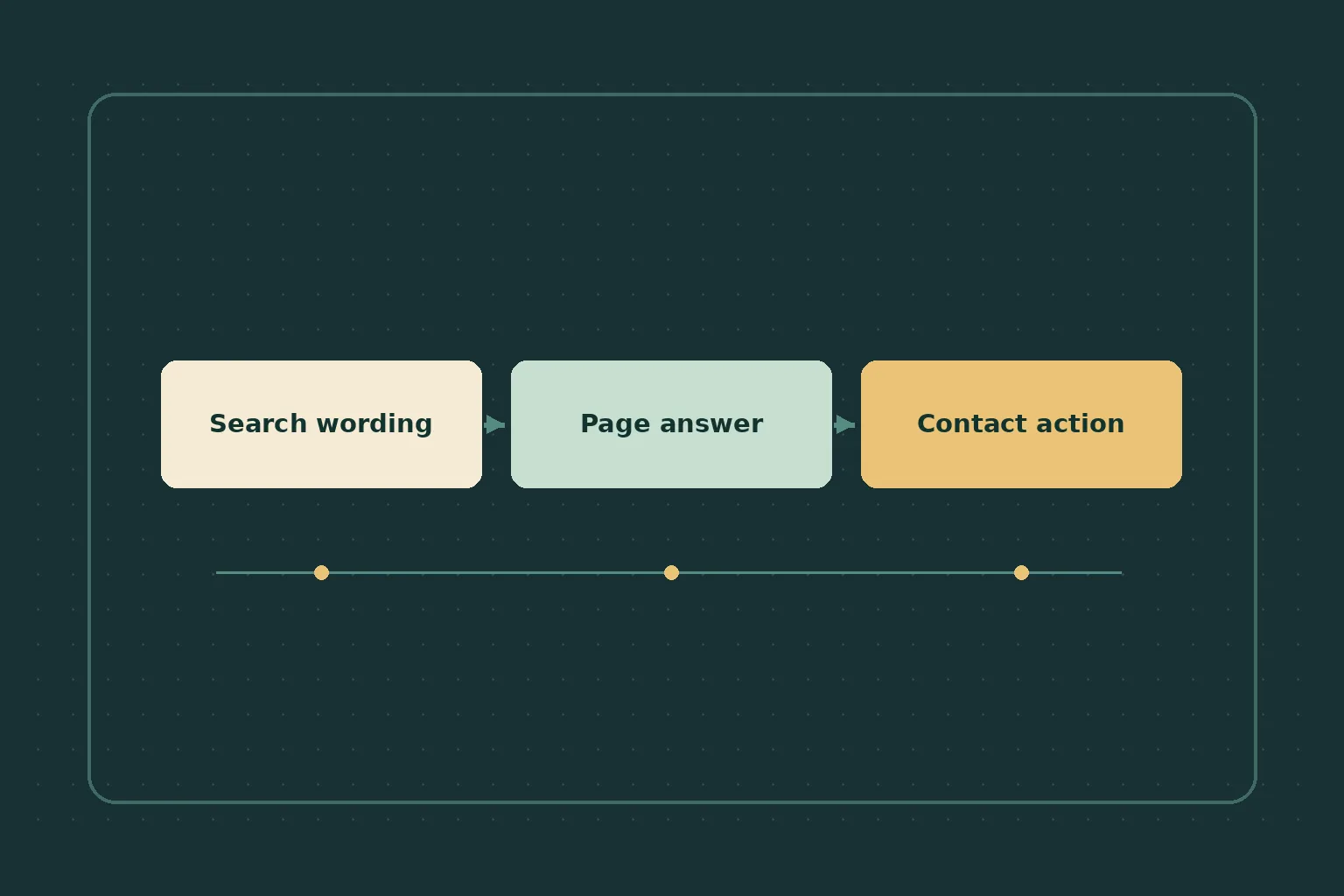
Choose a program and a location, then trace how someone might reach the first contact step. Start from the home page and from the main program page. Review the navigation, program cards, admissions page, and the destination reached by the call or form button. If your organization uses a separate campaign landing page for that program, include it even if it does not appear in navigation.
Check the route on a phone and a larger screen. A desktop visitor may see a location heading beside a claim, while the mobile banner shows the claim by itself. Capture the sentence, surrounding labels, and destination as the visitor sees them. Note the URL, page section, and date. If a statement lives in a shared component, note the component and its known placements so the editor can distinguish one global edit from several page-specific edits.
A search of the editorial system can help find copied wording, but search for the fact as well as the phrase. Try the location name with time-related terms, check the same service on related landing pages, and inspect cards that shorten longer program descriptions. Put the owner of each source on the list before the edit so no placement is silently dropped when work moves between teams.
Check summaries your team controls, including page titles, descriptions, reusable cards, and public directory information, when they repeat the claim. A search result may display text the website did not explicitly choose. Record what you saw separately from the editable text you can confirm. Behavioral healthcare website design and optimization is relevant when the same wording is hard to trace across templates, mobile components, and landing pages.
Capture the exact wording and what it suggests
Copy the wording into a private register before discussing a fix. Keep the headline, button label, sentence, or list item intact. For an ambiguous placement, capture the nearby wording that may change how someone reads it. “Ask about evening availability” invites a question. “Evening appointments available now” implies current availability. An editor looking only at a note labeled “evening hours” could miss the difference.
Write the likely interpretation in a separate field. Ask a colleague who did not draft the copy to tell you which program, location, or next step they think the wording describes. Show them the page as it appeared, without explaining what the team intended. If they read a one-location claim as applying to the organization, record what the placement led them to assume. You can then decide whether the problem is the wording, the design, or both.
Split sentences when their parts need different evidence. “Call our downtown team to book an evening appointment” makes claims about where the call goes, what the team can do, and what appointment options exist. The approved staff schedule may support the availability piece. It cannot show where the phone link routes or whether the person answering can book an appointment.
Build a register that separates claims from placements
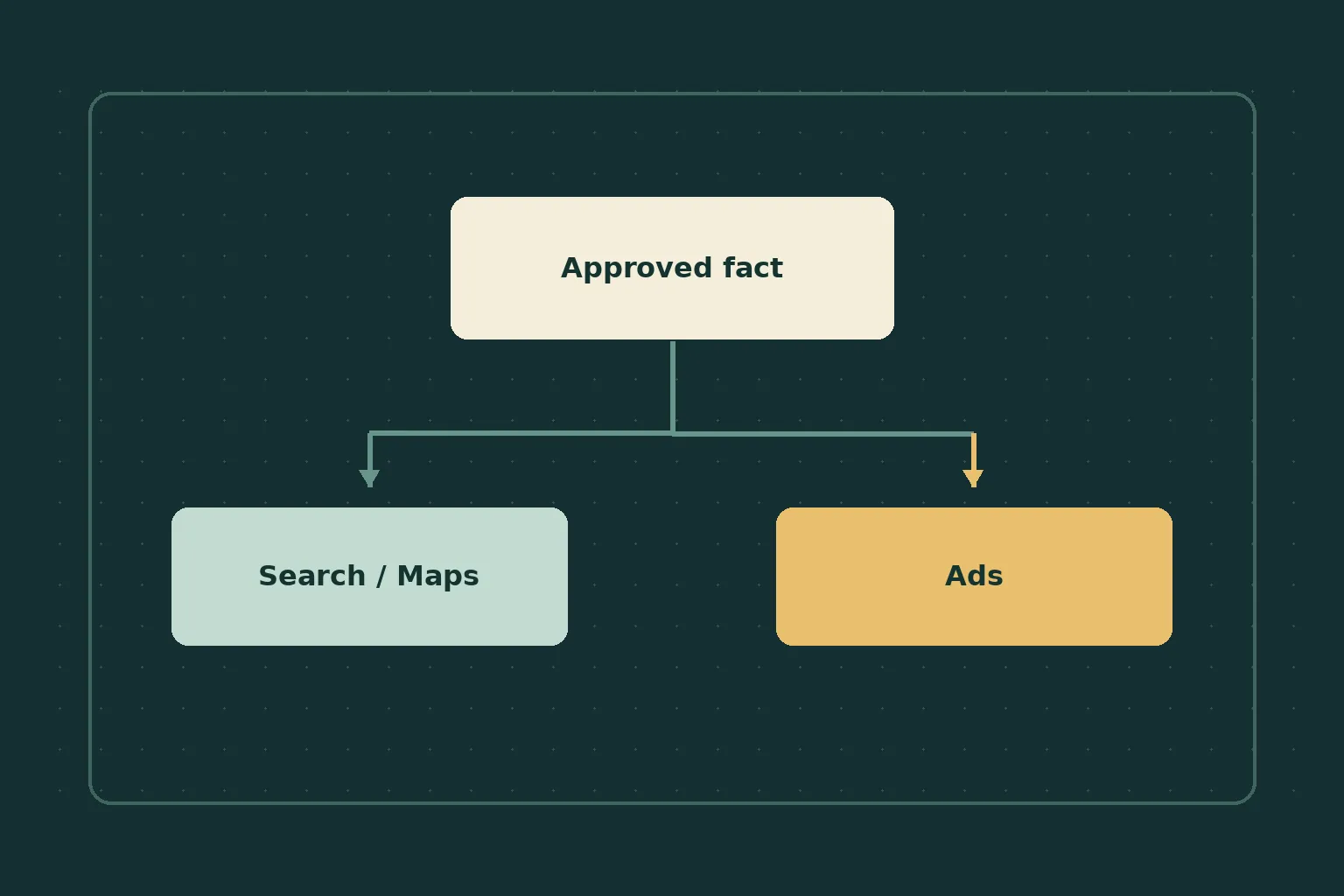
Give a claim a stable ID when multiple placements share the same underlying fact. Below it, log each placement separately. An editor can then keep an approved sentence on a location page, replace a broader banner, and track a delayed directory correction without losing sight of the original fact. If two placements add materially different promises, create separate claim records even when they use similar words.
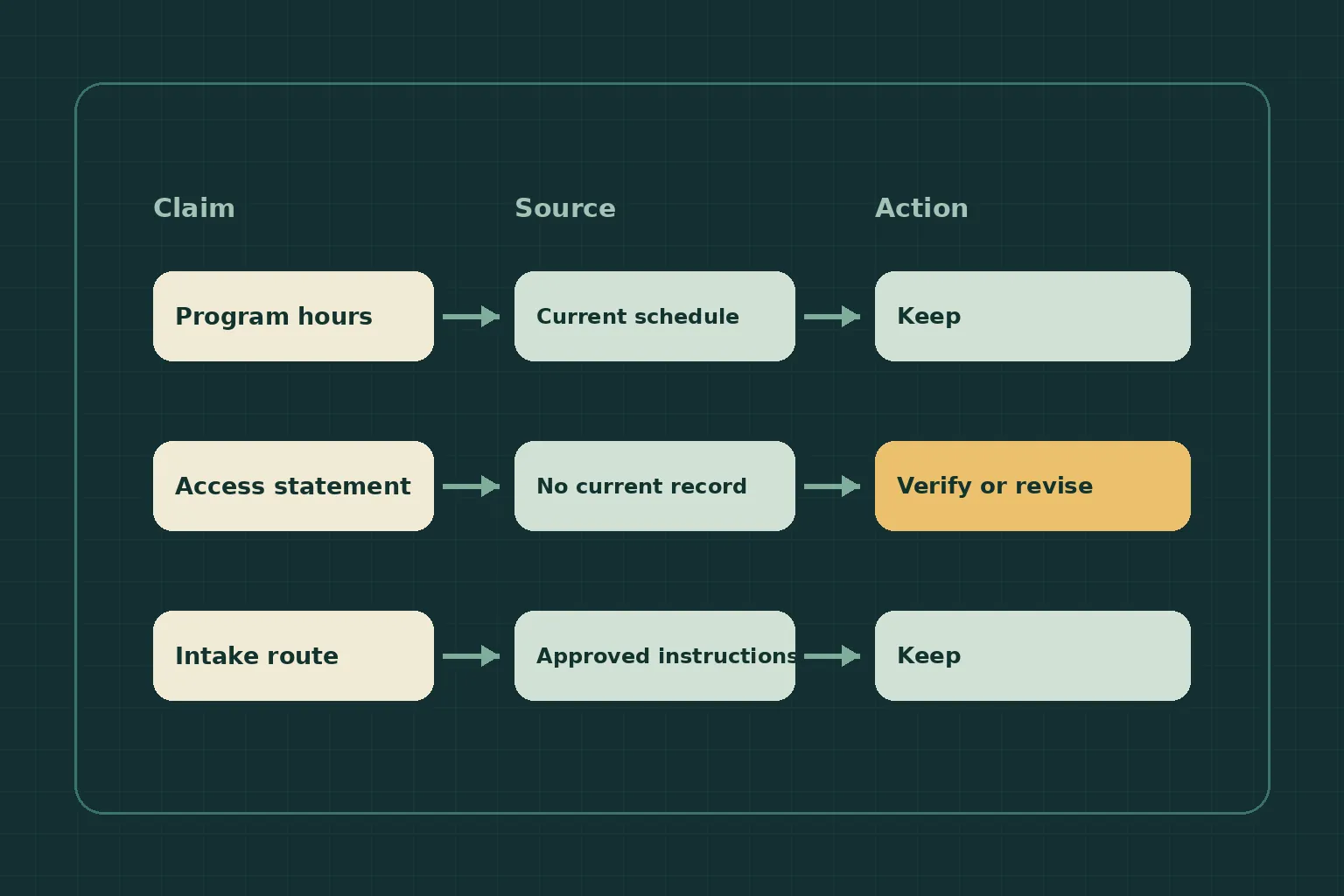
| Exact public wording | First place to check | Evidence to request | Decision owner and action |
|---|---|---|---|
| “Evening appointments available” | Program introduction and shared banner | Current schedule for the specific offering and location | Program owner confirms scope. Editor limits wording and placement to that scope. |
| “Call admissions to discuss next steps” | Mobile contact block | Current routing record and authorized test of the destination | Admissions owner confirms the process. Editor verifies the displayed label and phone link. |
| “We provide the following services” | Program overview and location card | Current approved description of services delivered at that location | Program owner verifies each listed item. Editor holds unsupported entries. |
For each claim, capture the source reference, source date, scope, selected action, and next review date. Keep the evidence reference precise enough for another authorized staff member to find the same record. A note that “the program team reviewed this” tells a future editor less than a dated approval covering the specific wording and location. Use source references in the register and keep any sensitive material in its authorized system.
Use separate statuses for the claim and its placements. The decision owner might mark revised wording approved while the website editor marks the shared banner awaiting verification. If the underlying fact is unresolved, mark the claim on hold. If a directory correction has been submitted and is still pending, keep that placement open even after publishing the website fix.
Give the question to the person who can answer it
Check what each source is capable of confirming. A current service description may show what the program delivers. A schedule may show when staff are assigned. A routing record can show where a number is intended to go. Write a short question for the person responsible for the fact, and include the exact claim and placement so they can answer in context.
For example, ask an admissions lead, “Does the number shown in this mobile button reach the team responsible for first inquiries during the hours listed here?” If a shared line takes messages after hours, ask the owner to confirm how the site should describe that step. The admissions process evaluation and optimization page describes Alliance’s consulting work on admissions workflows when the audit exposes an unclear handoff.
Route questions about clinical services, outcomes, credentials, coverage, privacy, or regulatory wording to the people authorized to assess them. Capture the question and the placement. Hold the affected wording until they resolve it. An editor can help make a verified fact easier to understand. Specialized review belongs with the qualified owner.
Work one claim through all affected placements
Consider a fictional organization with two locations. Its central location offers evening appointments for one outpatient program on certain days. A new location offers daytime appointments. The central program page says, “Evening appointments available,” and the same words appear in a banner shared by both locations. A campaign page also uses them, but its button sends people to a general admissions line.
Start with the program owner’s current schedule and approval of the exact scope. On the central program page, name the location and describe the availability using wording the owner can confirm and keep current. If the organization cannot maintain a day-by-day statement, ask the owner to confirm a stable description and an accurate way for people to ask about current times. An inquiry prompt still needs a working destination.
On the shared banner, choose wording the organization can support everywhere the banner appears. If the banner’s purpose is to help people ask about appointment times, check that each placement leads to a team that can explain the relevant schedule. On the campaign page, verify the locations the campaign describes and what the general admissions line actually handles. If the campaign page is outside the website editor’s control, assign the change to its owner and keep it open in the register.
Ask the content owner to review the revised headline, nearby location label, and button together. A heading narrowed to one location does little if a nearby button says “Book an evening appointment” and leads to a form that only requests a callback. Alliance’s content development and copywriting service covers related work when teams need to align wording across their site and marketing materials.
Verify what a visitor can see and do after release
Check the changed pages in the published version. Record when and where you checked each placement and the wording displayed. Verify the shared component on at least one page where the old claim belonged and one where it did not. On mobile, check menus or collapsed blocks that could hide a location label or expose a separate version of the same wording.
When a claim depends on a phone or form destination, agree on an authorized test with the receiving team. Check what the published link points to and what happens at the next step. If a test submission is appropriate, use the organization’s test process and synthetic information. Record whether the expected team received it and whether the confirmation matched the public wording. Keep real inquiry records out of the audit.
If a public directory still shows the old statement, note the currently visible wording and who owns the update. Document the next check and any interim action the owner approves. If the claim has been corrected on the main website but remains visible elsewhere, the register should show both facts. Close each placement when a reviewer can verify the public result.
Reopen the claim when its source changes
Connect the register to decisions the organization already makes. When a schedule changes, a program moves, or a contact team changes its routing, have the person who approves that change flag the affected claim IDs. Give each placement owner the approved wording, the effective date, and the date by which they need to verify the public result.
Add a periodic review for claims that may change without a website request. Choose the review date with the person who owns the source. If the owner leaves, transfer responsibility for the source and unresolved decisions before treating the claim as current. Where the team cannot identify who can verify a claim, mark it for resolution and avoid carrying it into new materials.
The same register makes future launches easier to review. If a proposed service has a private draft page, check the draft page’s cards, menus, and campaign links before any public announcement. Record who can confirm the wording and when the service statement may appear. A scheduled website release and the effective date of a program change may differ. The person authorizing public copy should know which one the wording depends on. Alliance’s workflow development and process improvement work is relevant when recurring updates cross departments and nobody owns the final public check.
Start with one claim today. Copy it exactly, identify the person and source that can verify it, and follow it to each place it appears. When a schedule, service, or contact route changes next month, the register should tell the next editor which wording to revisit, where to look, and who can confirm the update.