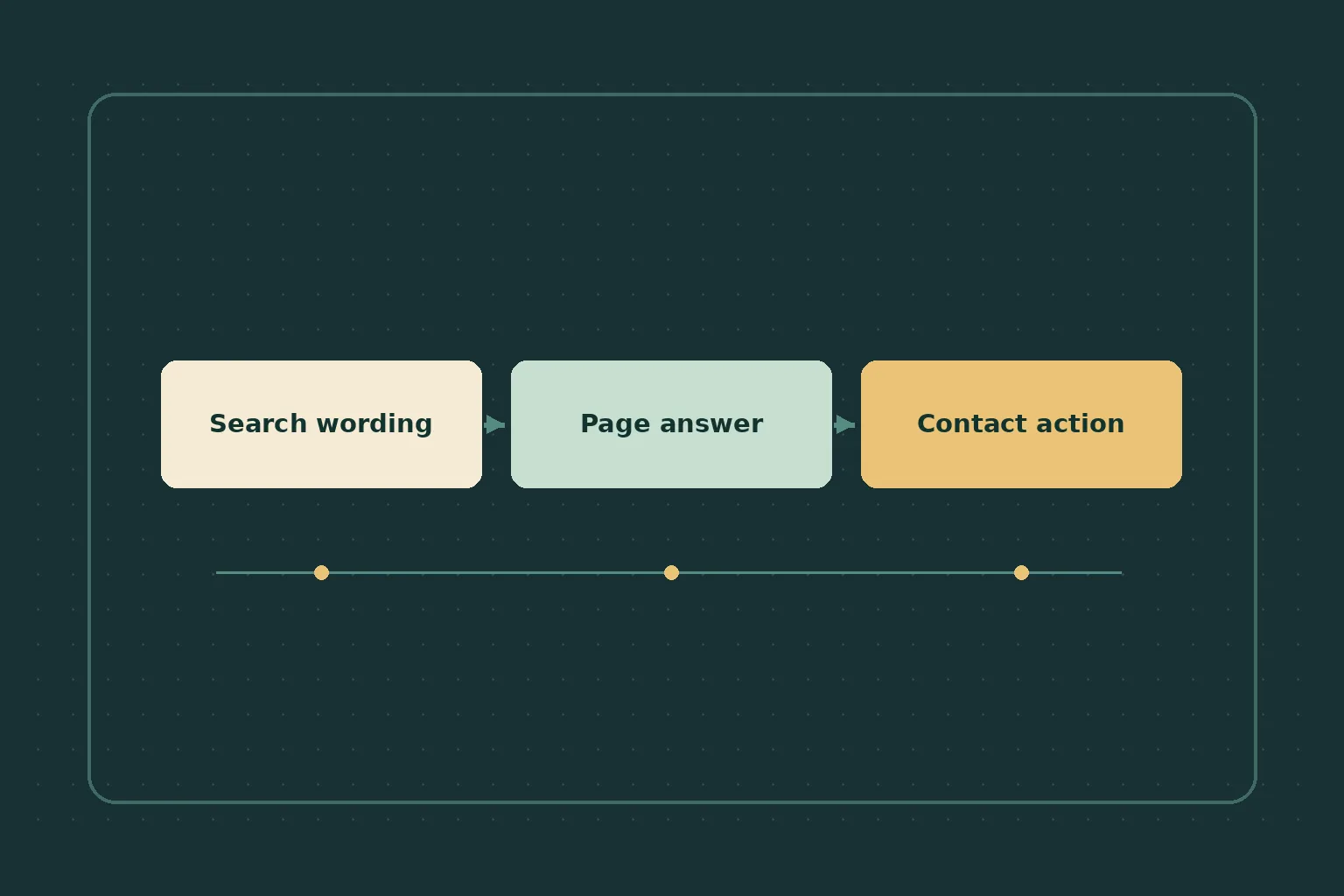
Someone who searches for a plain explanation of a behavioral health program may want to read before talking to anyone. A person looking for the same program at a specific location may need to confirm that the organization provides it there and find the appropriate contact route. Both can land on a page whose headline looks relevant. The test is whether the search result creates an expectation the page and the next step can fulfill.
Take one page and test it with two visits. Begin with one person trying to understand a program term and one trying to reach a provider. Record what each person sees before the click, what they learn after it, and what actually happens if they follow the next step. The comparison can show where a headline needs a clearer answer, where an ad needs narrower wording, or where a contact path needs work.
Start with a question the visitor could reasonably be asking
Choose search phrases from information your team is authorized to use, such as a report of organic queries that reached the page or a set of search terms reported for an active campaign. Keep the source and date with each phrase. If you have no usable search data, write down synthetic examples and label them as test cases. They can still expose a confusing page. They cannot tell you how many visitors have the same question.
Write one likely task in the visitor’s voice. For example, “I want to understand what this program term means,” “I want to see whether this provider offers the named program in this city,” or “I want to find the appropriate number to ask about this location.” A phrase containing a city may still come from someone who is researching rather than ready to call. Treat the task as a reasonable interpretation that you can test against the page.
Preserve the wording around the link. For an organic result, record the displayed title and description, the page it led to, and the device used. For a paid placement, use the approved creative or a current report showing what appeared. Check the actual result and its destination when available. A draft headline or a field in the website editor can help explain the intent of the copy, but the visitor may have seen a different excerpt.
Put the two visits side by side
| Visitor task | What the result suggests | What the landing page should answer | A useful next step |
|---|---|---|---|
| Understand a program term | The page explains the term in plain language | What the term means in context and where the organization’s verified program information begins | Read the relevant overview or choose to ask a question |
| Check a service at a location | The named provider offers the service at the named location | Which program and location the page describes, plus the applicable contact process | Reach the team or form responsible for that route |
| Understand a boundary | The provider explains that it refers out or does not offer the service there | What the provider can accurately say about its role and any verified assistance | Follow the verified next step if one exists |
Use the first two tasks as a starting pair. Add the boundary case where a page mentions a service for context, such as an overview that discusses how different services fit together. A visitor can reasonably infer direct availability from a page title or button even when the body makes a narrower point. Ask the program owner to verify the local service facts if the page sends conflicting signals.
For a single visit, reduce the worksheet to one line. Write the observed result, the first useful answer on the page, the action offered, and its destination. If any box is missing, write the specific gap. “The paid headline names City A, but the landing page opens with the name of the organization and the location appears only in the footer” is easier to test than “the page does not match the ad.”
Read the page before explaining it to a tester
Give a colleague the result as the visitor saw it and one fictional task. Ask them what they expect to find. Then open the landing page on a phone and ask what it answers before they move further. Record the heading, first relevant paragraph, and main action they saw. Let them scroll naturally. Watch for an early mismatch that an employee who already knows the site would overlook.
For an explanatory visit, can the colleague find a plain-language answer without interacting with an admissions control? If the answer is present but buried, try moving it above the first promotional section. Follow it with a clear path to the provider’s verified program overview. The reader can then choose whether to learn more or make contact.
For a local service visit, can the colleague name the program and location from the opening section? Can they tell whether the button calls admissions, opens a callback form, or moves to another page? Ask them to say what they expect immediately after tapping it. If several actions have similar labels but lead to different processes, describe what each control does in its own words. Alliance’s landing page development and conversion optimization relates to this work when layout and copy jointly obscure the next step.
Check where the answer appears against how someone arrived. A person who visits through the home page may already know which office they selected. A person who lands directly from search has no such context. Repeat the test with that direct route so the page can stand on its own.
Verify the contact action with the receiving team
Ask the admissions owner what happens when a visitor uses the action during the relevant hours. A contact form may send a callback request to a shared team. A phone link may route to a menu or another approved destination. Capture who receives the request and what response, if any, the organization can accurately describe. A contact button should set a clear expectation for the step the visitor can actually take.
For a fictional test, follow the phone link or form far enough to verify the visible route and confirmation. Coordinate any call or submission with the responsible team, follow its established test process, and use synthetic information. Ask the team to confirm the destination independently. Save only the test outcome and the page version where the problem occurred. Admissions process evaluation and optimization applies when the test reveals an unclear handoff beyond the page itself.
Consider a fictional result labeled “North Location Outpatient Program.” The page names North Location in a short heading and ends with “Contact us.” The button opens a general form whose confirmation mentions only that the organization received the request. The owner may confirm that the general team can assist with questions for North Location. In that case, a precise label and a short line describing the callback process may answer the visitor’s question. If the form instead reaches an unrelated team, route ownership needs resolution before the editor changes the label.
Decide whether one page can serve both visits
Start by checking whether the two visitors need the same core answer. An explanatory section and a verified local service section can coexist when they refer to the same program and location and their roles are clear. Organize the page so a reader can get the definition and a service seeker can quickly find the verified local information and contact action.
Separate the jobs when the promises materially differ. An educational overview can explain a term and link to verified offerings. A location page can focus on the service available at that location and how to make contact. Give each page enough of its own information to stand alone. Several nearly identical pages with different city names will do little for someone seeking an accurate location-specific answer. Content development and copywriting is relevant when overlap between explanatory and service-specific copy makes the distinction hard to maintain.
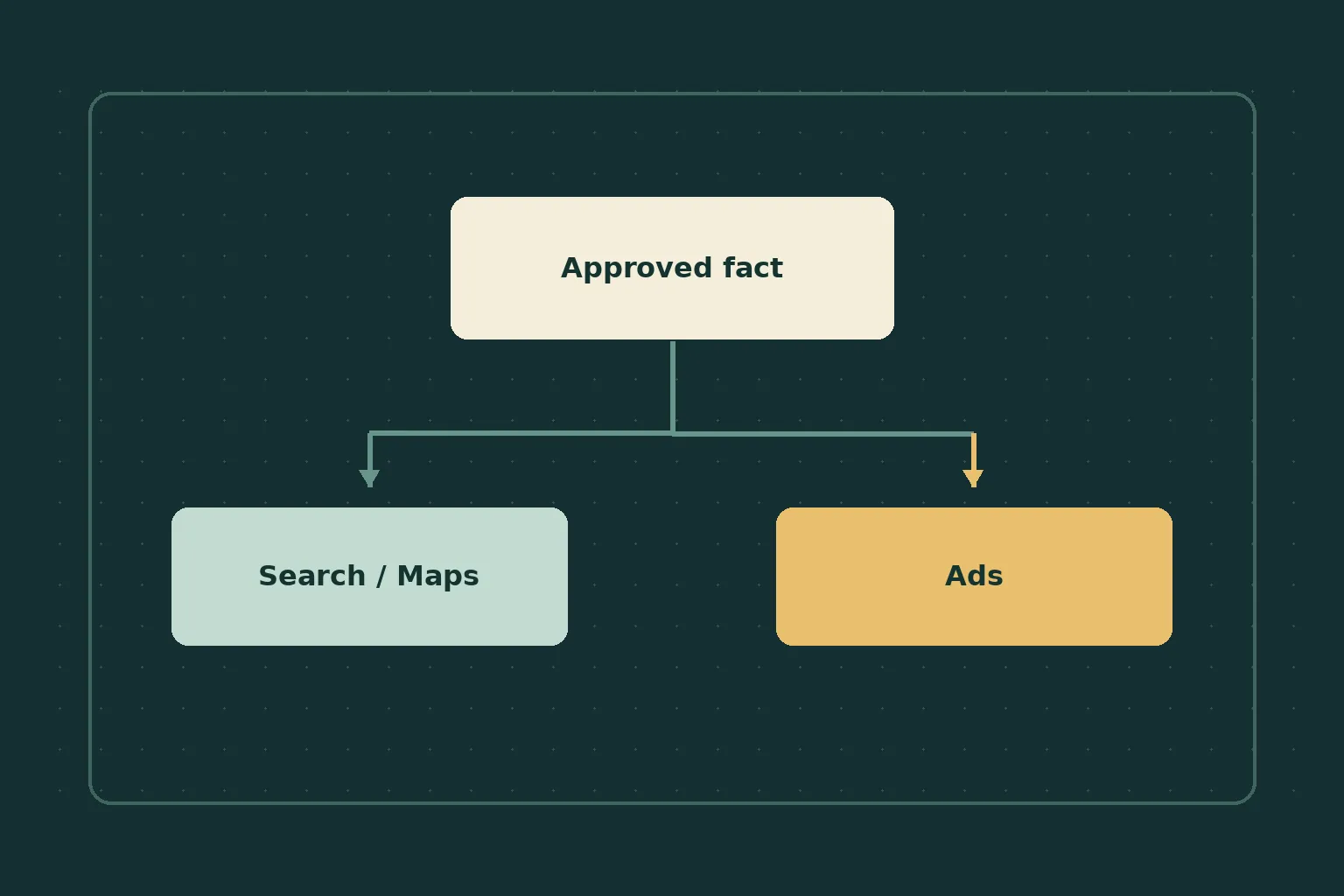
Check where the mismatch starts. If the page is accurate and an ad promises more, start with the ad. If the query reaches a stale or unexpected destination, verify the route and check which team controls it. If the opening headline describes the correct service but the contact control points to a different program, correct that route with the responsible owner. This keeps the team from rewriting large sections before it knows which part of the journey caused the problem.
Turn each mismatch into a testable correction
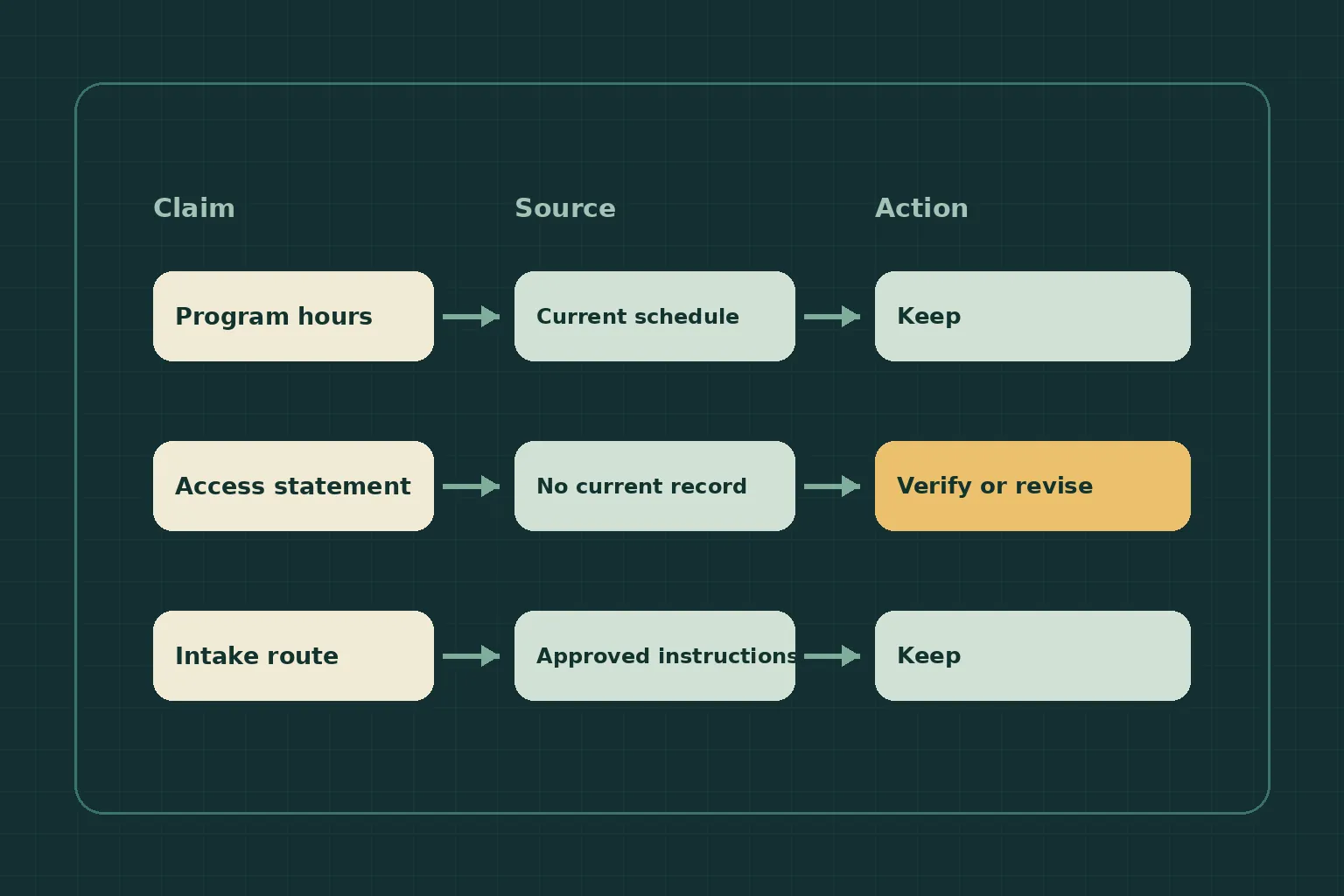
For each issue, record the observed promise, where someone landed, what the page showed, the owner of the correction, and what a successful retest looks like. Save source evidence for the correct wording. Distinguish facts about what the organization offers from choices about how to organize or explain those facts. A program owner can confirm availability. An editor can test whether someone can find the resulting answer.
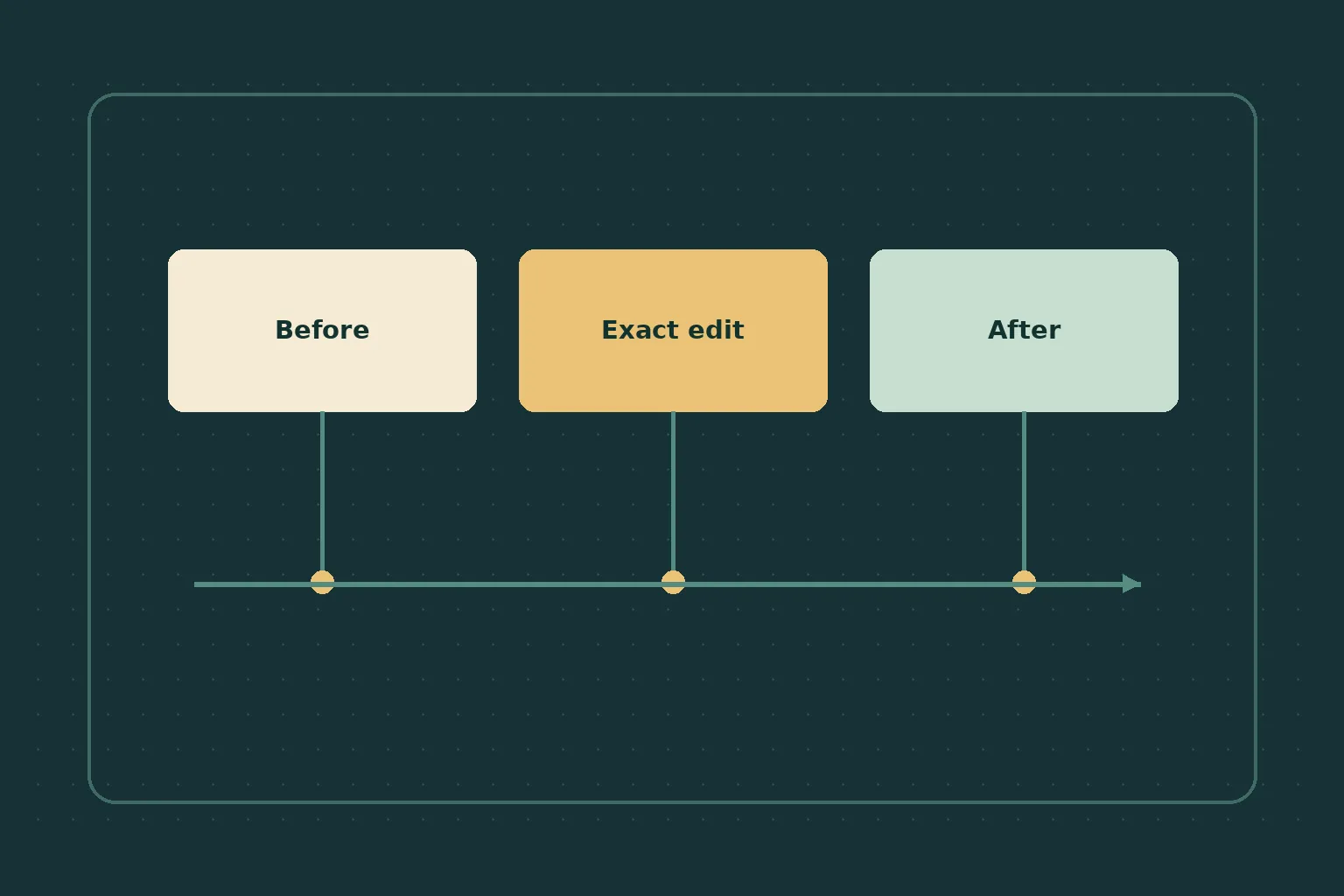
A useful correction could read: “The result identified the North Location. On mobile, the opening section did not name the location, and the contact control opened a generic callback form. The program owner will confirm the location wording. The admissions owner will verify that the form reaches the team assigned to those requests. The editor will add the verified location to the opening section and label the callback action accurately.” The retest asks a colleague to identify the location and explain the next step from the screen before using the control.
Prioritize gaps that prevent a visitor from reaching the correct destination or leave an inaccurate impression about what is offered. Group improvements that rely on the same verified fact, but keep their tests separate. The mobile rendering can pass while a program card retains old wording. Alliance’s website design, development, and optimization work is relevant where reusable components or responsive layouts make one edit appear in several different ways.
Repeat the original visits after the edit
Check the public version and repeat the same two tasks. Read the opening section and follow the action from each original destination. Ask whether the first reader found a useful explanation and whether the second can identify the verified local service and next step. Check an adjacent program page if both use the same template. A template change can expose a location label on one page and accidentally carry it onto another.
If a displayed organic result still reflects prior wording, record the current observation independently of what the page now shows. The published page and a search result may change on different timelines. Verify the surfaces your team controls, including any active campaign copy and destination after an authorized correction. Assign a later check for the search display if needed, with the query and the device recorded.
Use the results to decide what needs more work. A colleague who could identify the program but still misread a form as immediate booking points to a specific action label or confirmation. A colleague who followed the correct route but could not explain which location was involved points to missing context on the page. A successful retest shows the tested reader can find and act on the verified information. Search position, inquiry volume, and admissions each require their own evidence.