When a behavioral health organization changes a verified program fact, staff may need to update several places people use to find it. The website may name the current contact route while a map listing still shows the old one. An ad headline might use the correct location but leave out the distinction between the hours for general inquiries and the schedule for a program. Each placement has its own owner and release timing.
A program fact brief gives those owners the same approved wording, scope, effective date, and reference. It also shows who will confirm the live result. Start with one upcoming change and the placements you already control. The brief belongs beside the approval record and the update tasks so that an editor can find the source again when another version appears.
Write the fact before writing the placements
Choose one fact that staff need to carry across channels. In this example, a fictional organization will change the public phone route for general questions about a program at its North Office. Its program name and location stay the same. The new phone route has verified receiving hours. The organization has no approval to change program hours, add another service, or use the route for a second location.
Write the scope next to the wording. A short internal record could say, “For general program questions at North Office, use the Central Information Line during its published receiving hours, effective October 14.” The fictional sentence describes a location, a purpose, a route, and a date. An owner can check all four before writing the mobile button or editing the public listing.
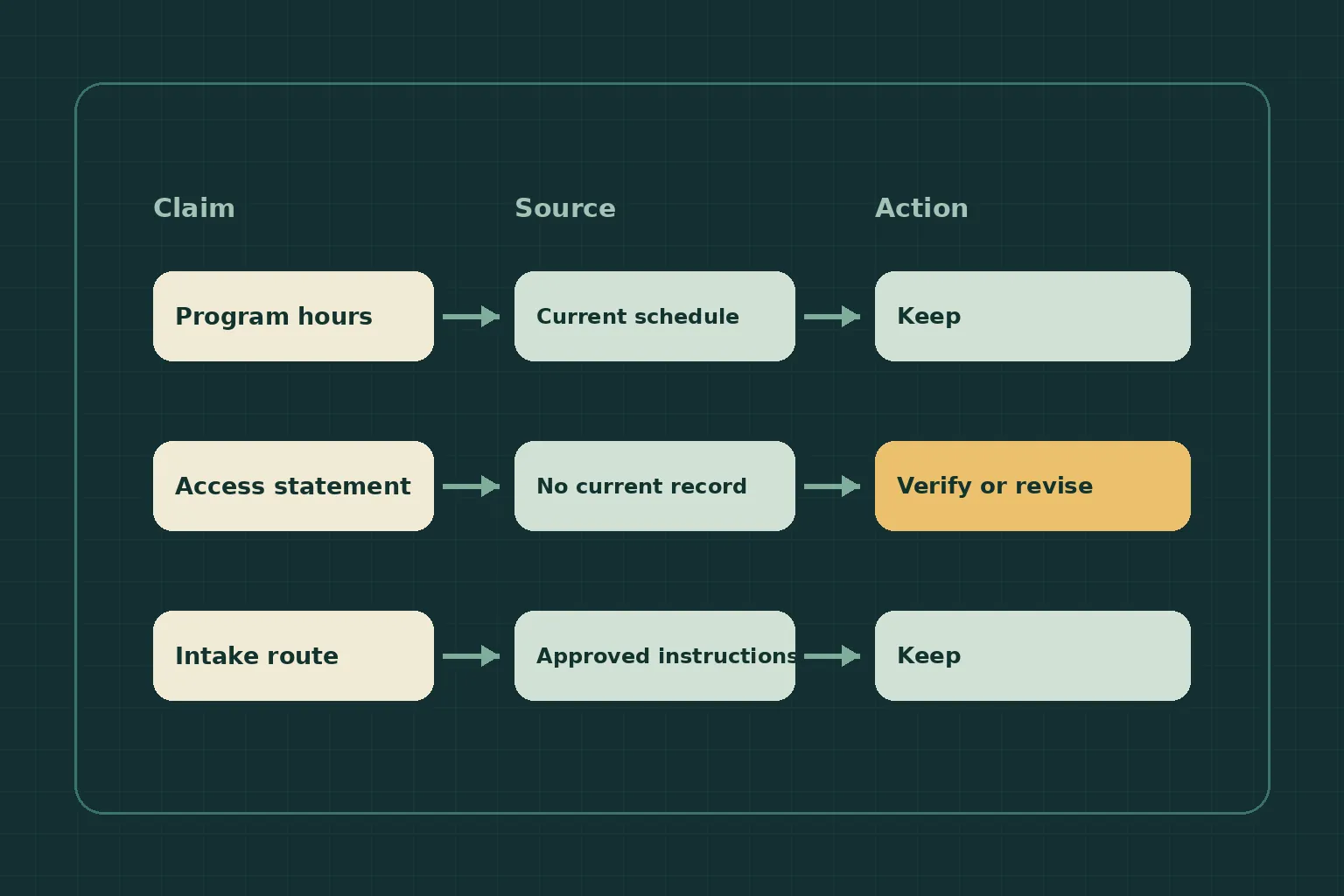
Ask which record can substantiate each part of the sentence. The program owner can confirm which program and site it applies to. The receiving team can verify where the line goes and when it is staffed. The communications owner can confirm which placements the organization is prepared to update. If the effective date depends on a separate operational decision, give that decision its own owner and keep the wording pending until it is settled.
In the brief, include a plain-language scope boundary. For the fictional phone change, the boundary might read, “General information line for North Office only. These are phone receiving hours. Program attendance hours are governed by their own source.” When a channel has little room, an editor can see which meaning must survive a shorter version.
Save a reusable fact block and its revision
| Field | What to enter | Fictional example |
|---|---|---|
| Fact and purpose | The exact statement and the question it answers | How to contact the North Office information team |
| Scope | Program, site, contact purpose, and explicit limits | General questions for one location |
| Source and owner | The approved reference and the role that can confirm a change | Receiving-route record and information team lead |
| Effective date | When visitors should start using the new information | October 14, once the routing change is confirmed |
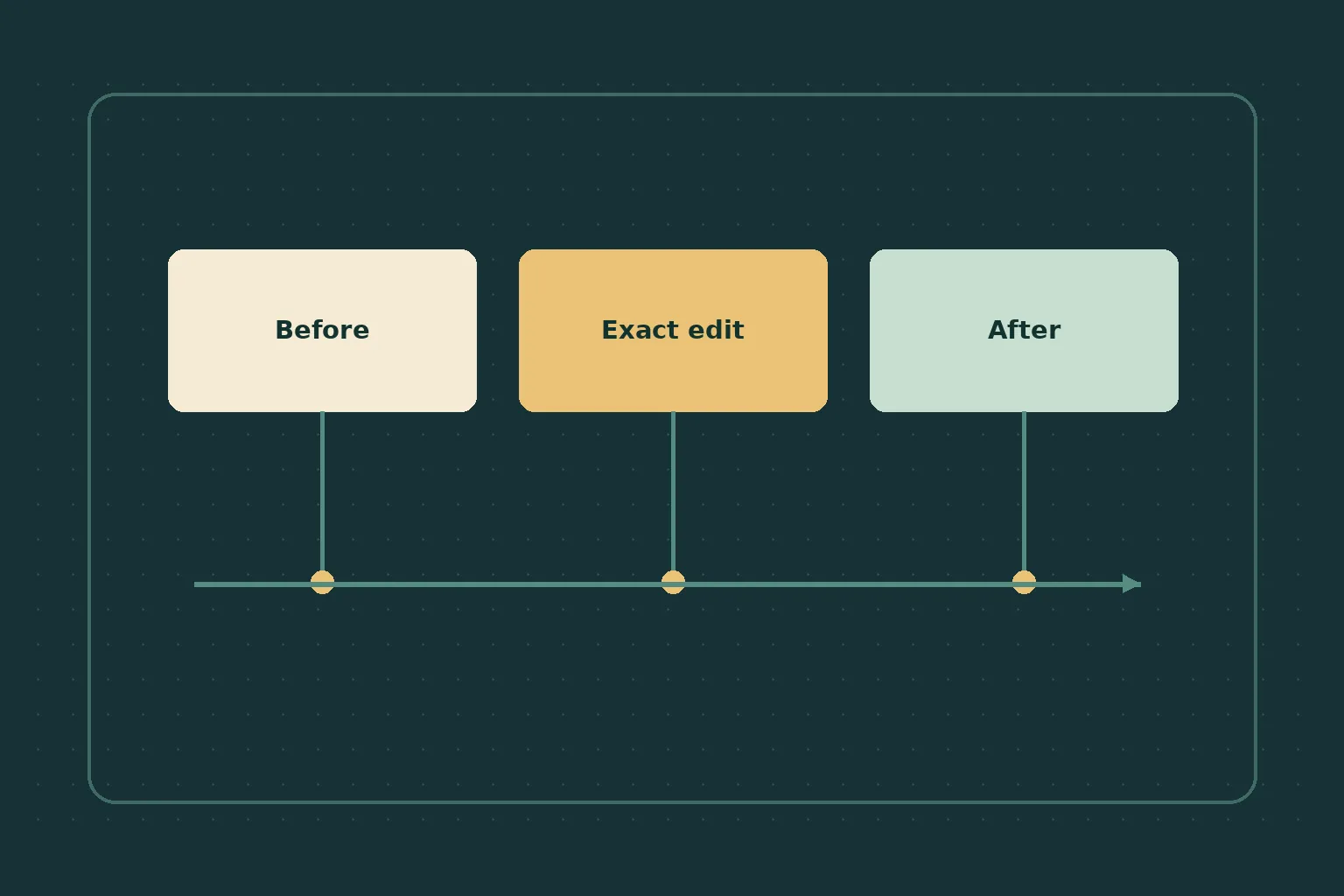
| Prior wording | What remains accurate before the effective date | Existing North Office general information route |
| Review trigger | Facts that require a new check | A staffing-hours change, routing change, or new location |
| Channel exceptions | Where a version cannot show the full detail | A short label that can point to the full verified instructions |
Give the block a short identifier such as North Office contact route, revision 2. Use that same identifier on the individual update tasks. When an effective date changes, keep the prior revision available to the team and label which instruction applies at the time of each public check. Work can then pause or move without repeating an unapproved date across every placement.
Record the source reference in a place the people checking the fact can reach through their usual process. If the source is a call routing plan, identify its author and revision or date. The brief may only need to carry the business fact, the accountable role, and where an authorized editor can verify it. The content development and copywriting page describes work on maintaining clear program language across related pages and materials.
Assign the update separately for each destination
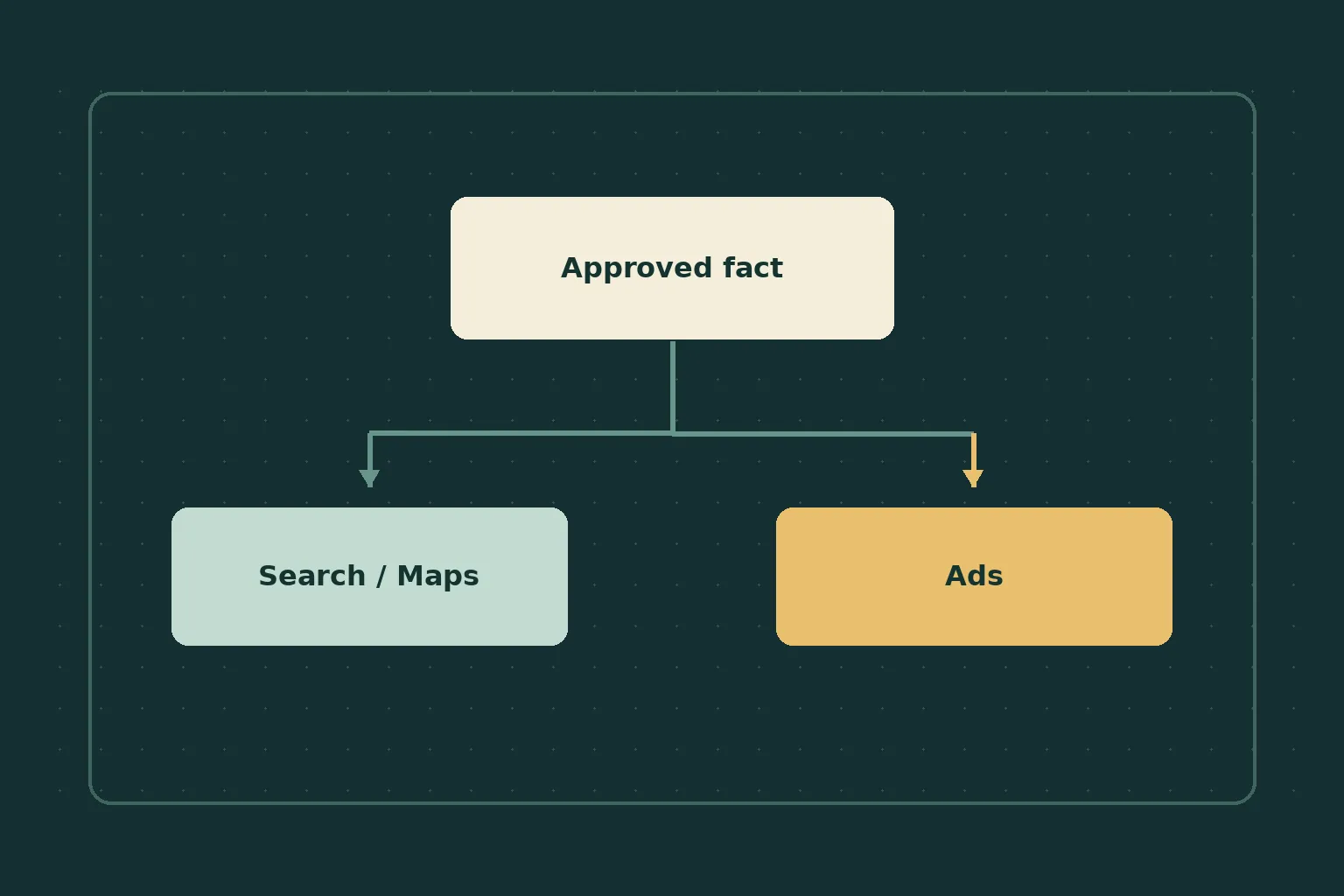
Make a short list of the public placements that use the fact. Include the website page, any shared contact block, the business profile or map entry, and active ad copy that repeats it. If a placement points to a landing page rather than showing the contact, check the actual destination. An identical-looking label can send visitors to different locations when templates differ.
For each placement, record the accountable editor, the planned wording, the approval state, and the expected evidence of completion. Consider sorting the list by who can act and when. A website editor may be able to prepare a change before the effective date. A profile owner may have to wait until the new information is effective. An ad owner needs to know when its destination will show the updated route. Keep those dependencies in the brief where the editors can see them.
| Placement | Adapt the fact to the context | What to verify when it is visible |
|---|---|---|
| Program page and mobile contact block | State the site and purpose beside the contact route | The right page renders the right wording, and the action leads to the verified route |
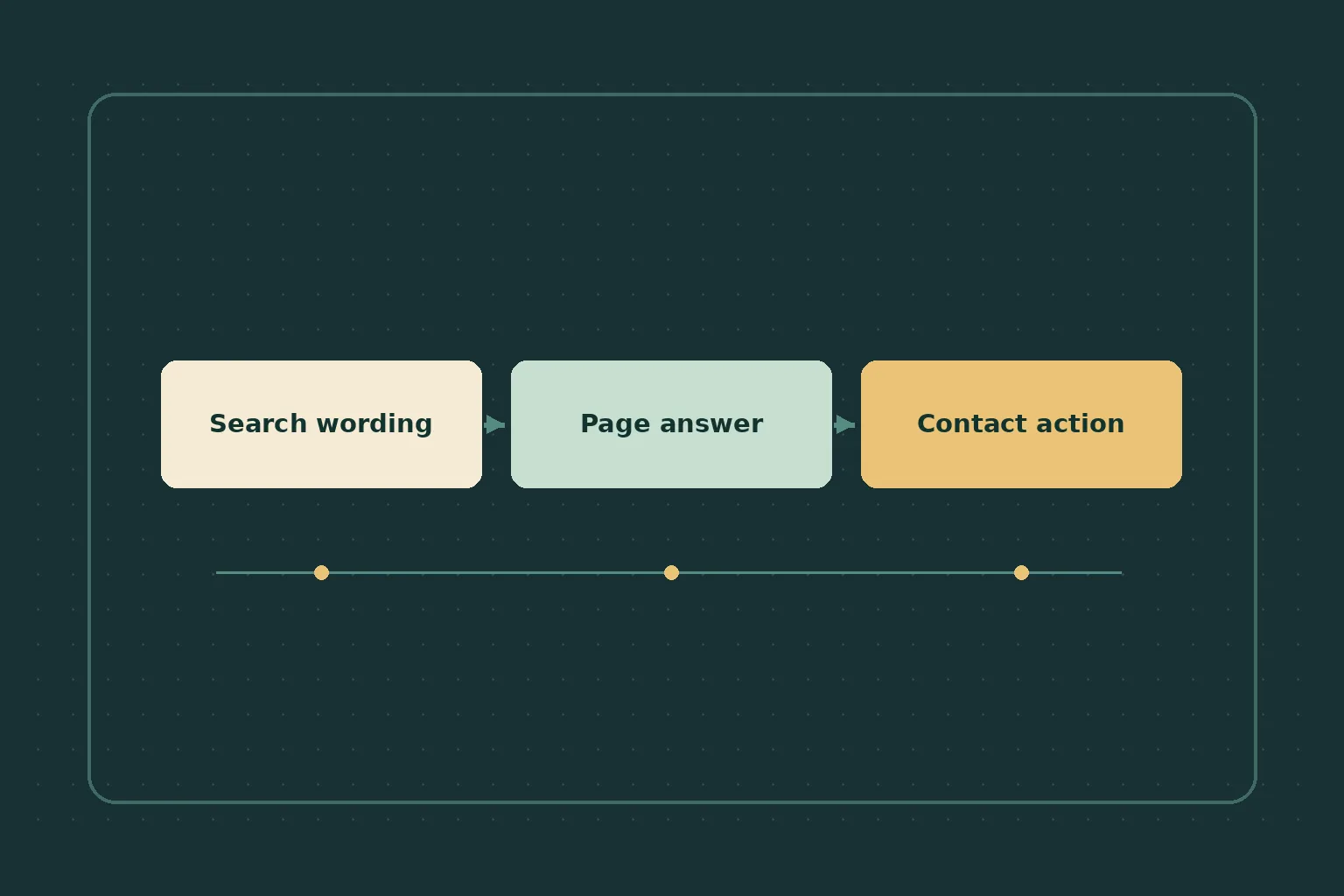
| Search appearance | Use page language that describes the site and the contact purpose accurately | The page is current, then record what the visible result actually shows |
| Map or business profile | Use the confirmed location and contact information in the applicable fields | The correct profile publicly displays the update and does not assign general line hours to another purpose |
| Active ad and destination | Keep the location and contact purpose accurate where the placement describes them | The visible message and the actual destination describe the same program and route |
Limit the placement notes to the fact this brief carries. A broad inventory can reveal other wording questions, but handling those in the same task makes it harder to decide whether the phone change is complete. Add a separate issue if an editor discovers a different fact that lacks approval. Alliance’s local SEO and Google Business Profile optimization page describes related work connecting location pages and profile information.
Keep shorter language inside the same boundary
Start by identifying which words prevent a likely misreading. “North Office general questions” may fit in a short control. “Contact the program” could suggest a direct program line when the verified destination is a general information team. A location label and an action label can work together where the interface keeps them visibly connected.
Give the editor an approved long version and one or two approved short versions. Record where a short version can be used and what must appear nearby. For example, a button can say “Call for information” if the surrounding card identifies North Office. If a reusable template displays the same button for another site, the context no longer supports the same route. Check one other page that uses the template before considering the change complete.
When a compact placement cannot hold an important qualifier, ask the owner whether to omit the detailed claim and direct readers to a current page instead. No editor needs to invent a shorter equivalent on the spot. A page owner can also decide whether the destination needs to change before any surrounding wording does. Alliance’s website design, development, and optimization service is relevant when a route appears in shared components, templates, or mobile controls.
Treat submitted and publicly confirmed as separate states
A marked-up asset, a saved profile edit, or a submitted change can establish that an authorized owner completed a step. It takes a public check to establish what someone can currently see. Keep separate statuses such as approved for preparation, submitted, publicly confirmed, and exception open. Give each open exception an owner and a next check.
Suppose the fictional organization verifies its new route at 9 a.m. on October 14. The website change is visible by 9:15. The profile owner has submitted a change and still sees the prior phone route when checking the public listing. A search result shows a description that appears to predate the website update. The website task can record its verified state while the profile and search observations stay open. The brief can support an accurate internal update without saying that every surface changed at 9:15.
Describe each observed mismatch with a date, placement, and expected text from the current brief. If different search views show different wording, note the observed query, device, and date where useful. Search results can present titles or descriptions independently of a particular page field. The observation should say what appeared and which page it led to. Alliance’s search engine optimization page covers work connecting search appearance with clear program pages and practical website responsibilities.
When an old route remains public, ask the accountable owner to determine the authorized response. They may need to check which instructions remain valid, where the old route points, and who will monitor the exception. Record what the owner decided and which claim is currently supported. Keep an alert or temporary message tied to an approved fact if one is authorized. That decision belongs to the relevant operations and channel owners because it changes what visitors are told.
Close placements that travel separately
Some formats take the fact out of its original context. A shared phone extension may be copied into a responsive advertisement, a map profile, or a downloadable welcome sheet. List these placements when staff know they exist. For a reusable asset, have its owner identify the places that use the active version before checking one screenshot and assuming it covers all placements.
Decide what each editor can actually confirm. A writer can verify the approved line and its qualifiers. The publisher can verify the live asset and its destination. A receiving lead can confirm which team answers the route during the stated hours. One row can name all three responsibilities if the editor needs their evidence to close it. Record a pass for each confirmed part, and keep any unavailable observation open.
Verify what staff and visitors will actually do next
Have someone who did not update a placement read it in the context a visitor would see. Ask them to name the location, describe the purpose of the route, and say what they expect after using it. If the answer implies program hours or a direct admission decision, check the wording around the control before closing the update. A rendered check can reveal a problem even when each field matches the draft.
Ask the receiving team to verify its approved instructions with a fictional example. A colleague could describe a visit from the live program page and ask which team would receive general questions from that location. Test any actual call or form only through the organization’s approved test process, using synthetic information. Record the confirmed receiving route rather than copying activity details into the brief.
At the final check, compare the exact latest version with the status of each placement. Confirm who will recheck remaining exceptions. Add the next review trigger to the fact block so the team knows when to revisit it, such as after a routing or location change. The brief is ready to reuse when an editor can identify the current fact, tell which placements actually reflect it, and name the person who can confirm the next change.