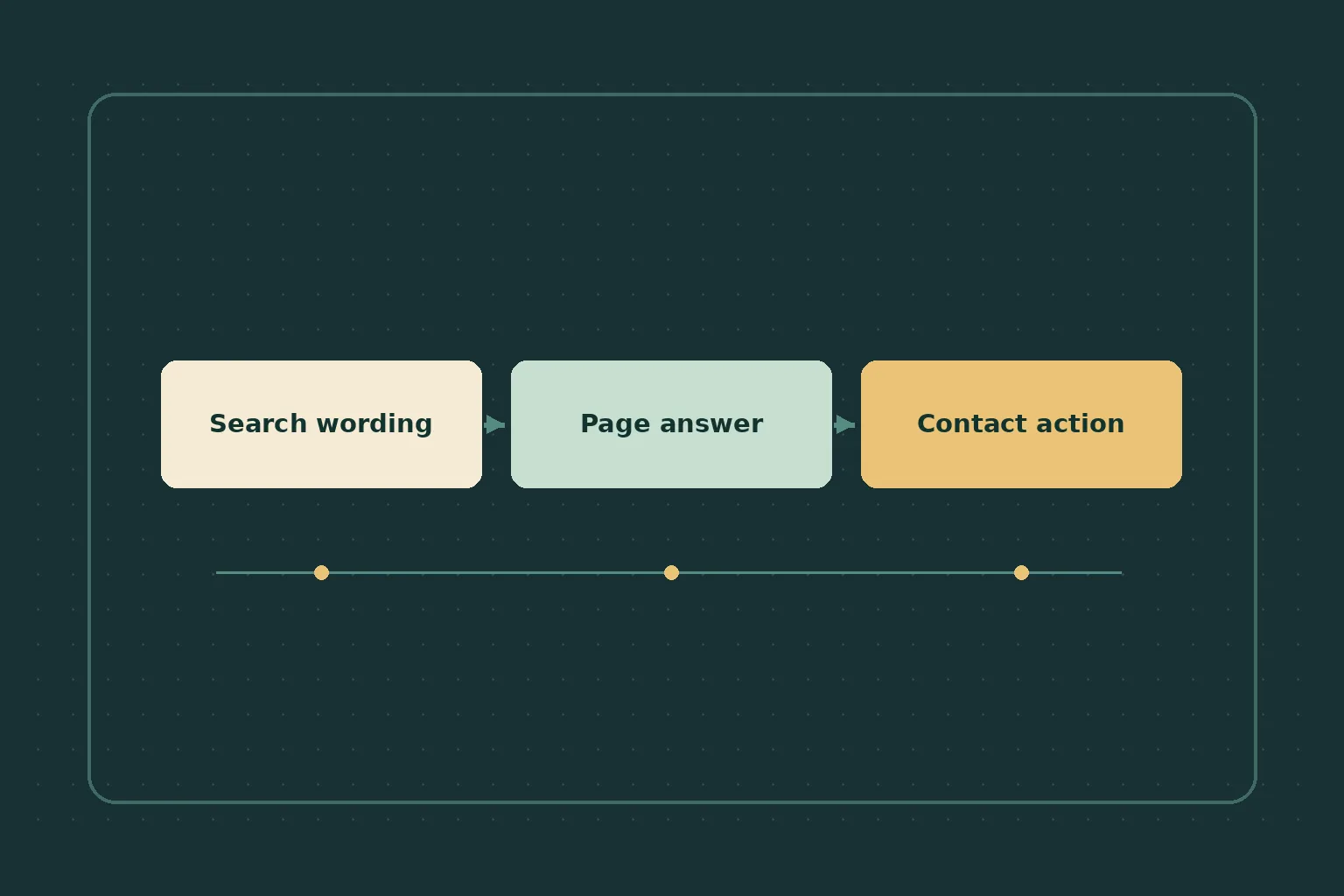
A website contact link changes on Wednesday. The admissions team starts a new coverage rotation on Thursday. At the next review, more visitors have clicked the link, but neither team can tell from those totals whether more people reached the right queue. A website change log makes the two events visible before anyone tries to explain the results.
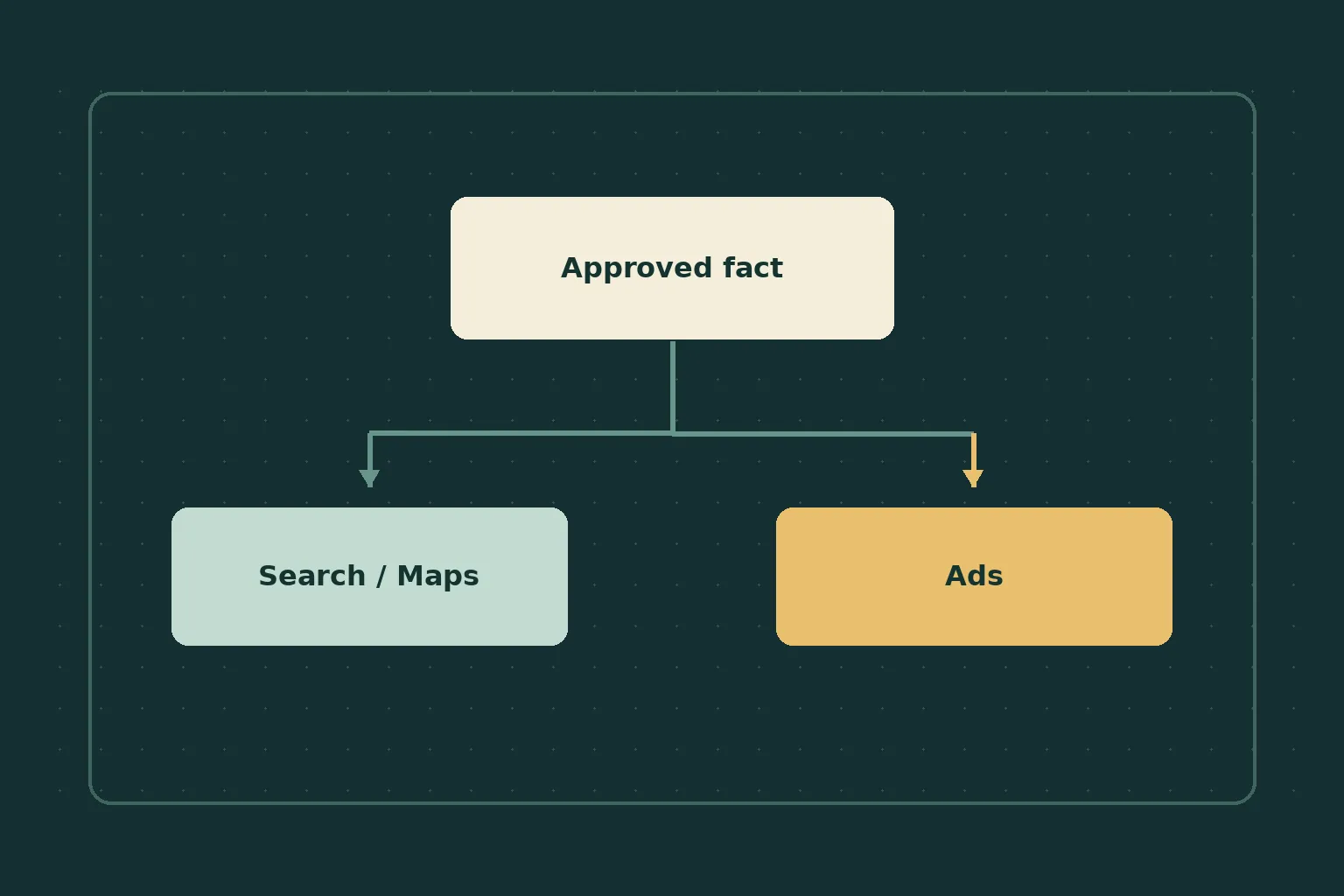
Use one shared record to capture what changed, when visitors actually saw it, which measures can be compared, and what else happened over the same period. The log gives marketing and admissions a common version of events. It also shows where the records cannot answer the same question, such as when an anonymous website event cannot be matched to a received inquiry.
Open the entry before the planned release
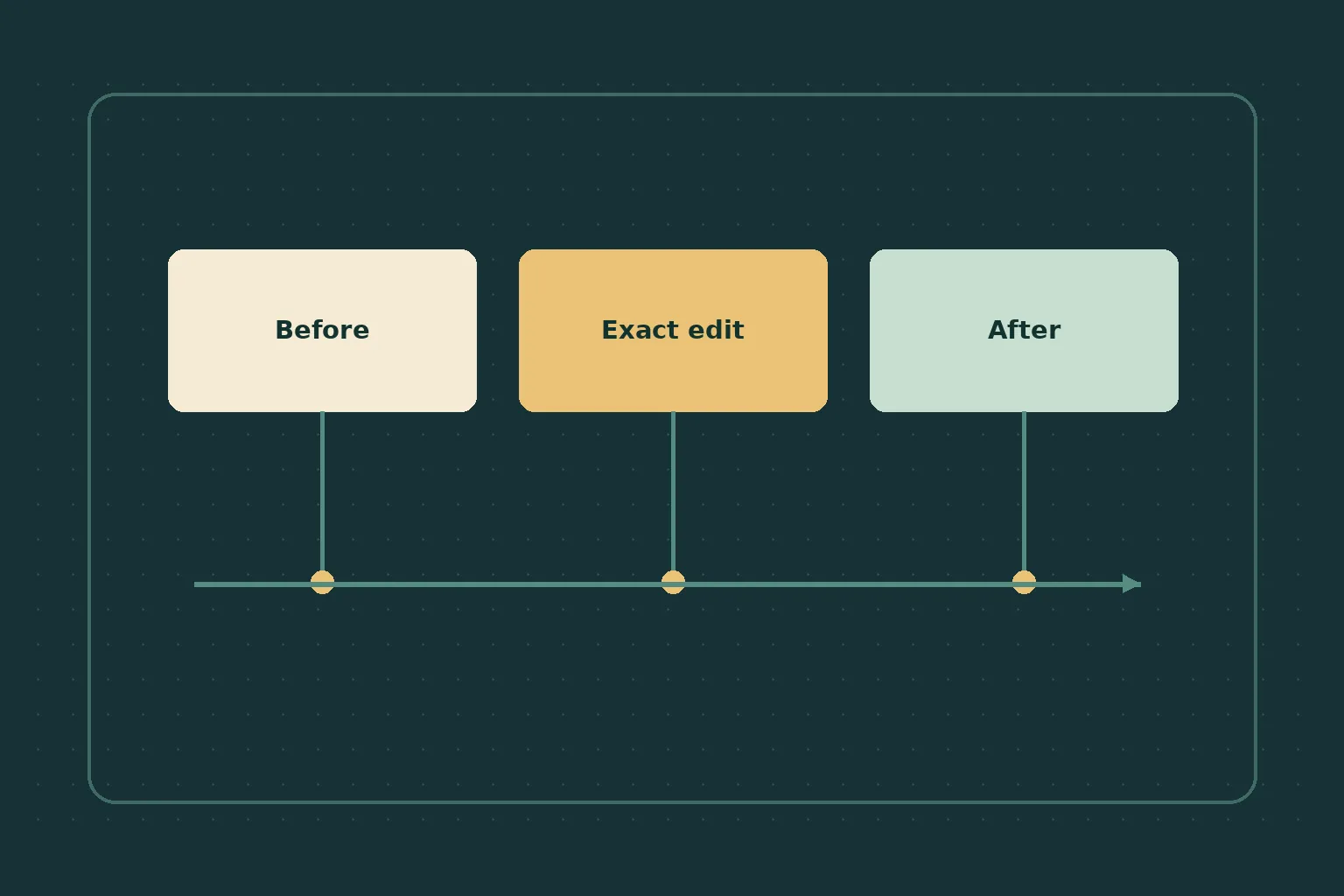
Start with the specific behavior the change is meant to support. “Make it easier for mobile visitors on the program overview to reach admissions” tells the team which page, audience, and task to check. “Improve the website” does not. Save a brief description of the old version, the proposed version, and a screenshot or other reference where the team is authorized to keep it.
Record what stays outside this change. For example, the desktop contact card still uses its current layout. The admissions queue may be the same even when the label changes. Use these details to decide which traffic belongs in the review. A sitewide report can bury a small mobile change under visits to pages and devices that never showed it.
| Log field | Fictional entry |
|---|---|
| What changed | Replaced a collapsed mobile contact block with one visible admissions link on the program overview |
| Versions and reference | Record the previous and revised block, exact page, and approved capture of each version |
| Intended audience | Mobile visitors who view the program overview, with desktop unchanged |
| Release owners | Website owner verifies display and destination. Admissions owner verifies the expected receiving route. |
| Working hypothesis | More members of the affected audience will be able to find and use the link |
| Website measure | Measured mobile visits to the page and measured visits with at least one activation of that link |
| Admissions measure | New inquiries received through the relevant route, where that route is known, using the existing definition |
| Other changes | Coverage rotation changes Thursday, with weekend availability unchanged |
| Review plan | Verify live behavior immediately. Compare usable periods after the records are ready. |
Choose a reviewer from each team before release. One verifies what the visitor can see and do. The other confirms how to interpret the receiving records. A single person may cover both jobs in a small organization. The record still needs a decision for both. Alliance’s website design, development, and optimization work is relevant when a release changes a template shared by several pages and the team needs to identify every affected surface.
Record the deployment and effective times separately
A person can announce a release before the revised page is visible. The website team may deploy an update, then enable a component later. Record the planned time, the actual deployment time if known, and the first verified time a visitor could see the change. Use the working time zone across the log. If all you know is that one person saw the old version at noon and another saw the new version after lunch, record the interval rather than making up a timestamp.
Validate the published version from the view affected by the change. Check that the new contact link appears, that the label matches the action, and that it reaches the intended destination. Include a second relevant device or view if the change depends on a template boundary. Have the admissions owner verify the receiving side with an authorized test using synthetic information where needed.
Log any change to the release itself. A fix later that day, a return to the prior version, or a second rollout can split the review period. If one location saw the revision before another, add a row for each effective time. Keep the original observations so the review can identify which visitors and days belong with each version.
Define each measure as the system counts it
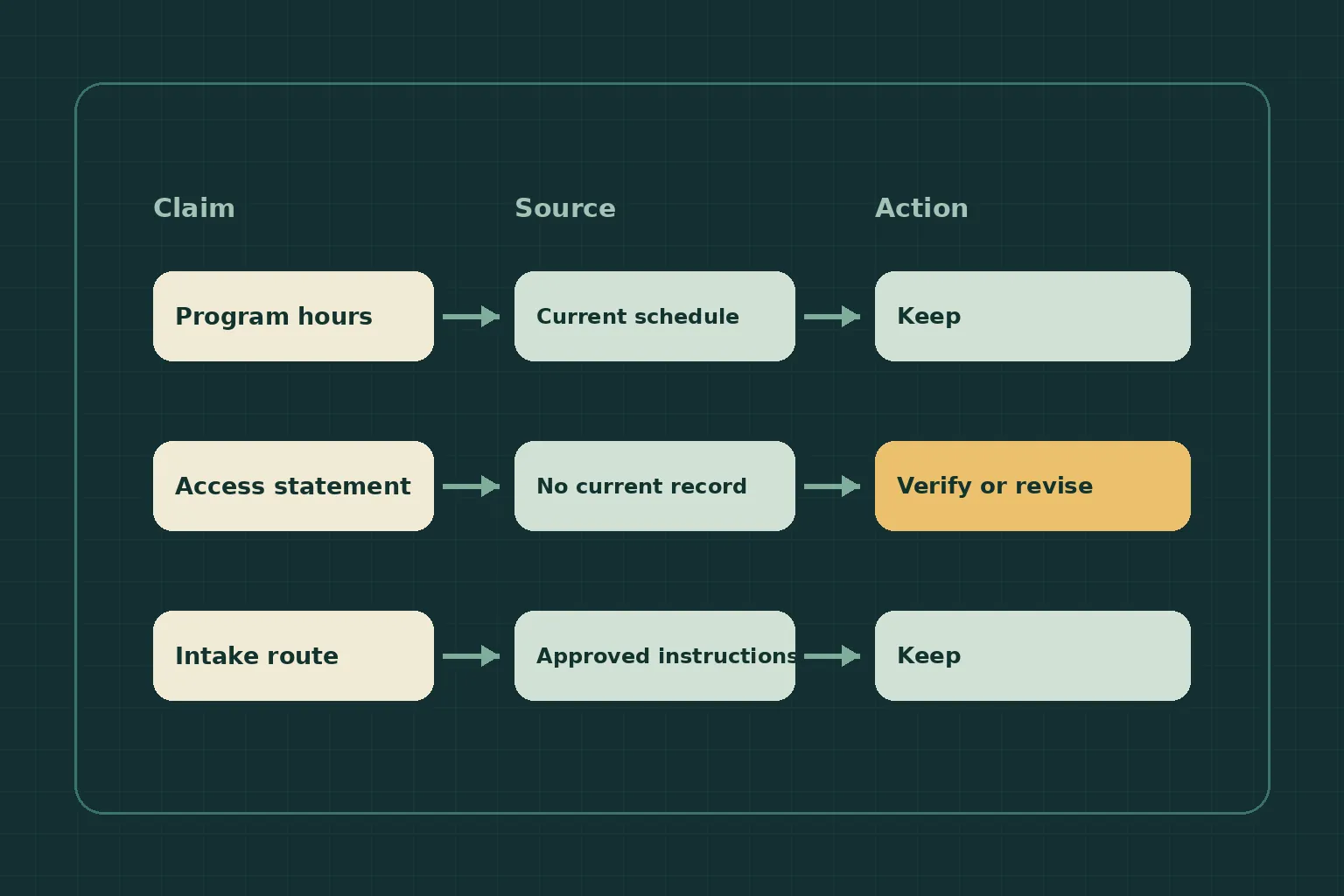
The log should state what qualifies, what gets excluded, and which report or approved record provides the count. A click could mean a visit contained a link activation or a device registered two taps on the same control. An inquiry could mean a new contact received by the team or any contact entered into a system that day. Two dashboards can use similar labels for different events.
Write the definition close to the number. For example, count measured visits with at least one activation of the changed link, with the eligible group defined as measured mobile visits to the same page. Separately, ask admissions for aggregate new inquiries from the applicable route where known. If source information is missing, show that as unknown. Do not assign it to the website just to complete the report.
Check the definition used by each source in both periods. If the website previously counted calls on link tap but now counts opening the contact panel and link tap together, the totals describe different behavior. Look for a stable underlying measure if the system supports it, and document how you recovered it. Otherwise, show both counts with their separate definitions and compare later periods when the new measure is consistent. See Alliance’s marketing performance tracking and analytics for related work when the team needs to reconcile measurement definitions before reviewing results.
Compare periods that share the same conditions where practical
Select a review window based on the release, expected traffic, and when both reports are ready. Use complete comparable periods when practical. A week may include a very different mix of weekdays and weekends than four days. If hours or campaign schedules matter, record them with the periods. Exclude the partial rollout window or show it separately when the audience could have seen either version.
Keep a column for changes with a credible connection to the review. Examples include a campaign starting, an admissions schedule shifting, a form being temporarily unavailable, or a report changing its grouping. Give each event a date and a short note about which measure it might affect. Details with no plausible link to the page, traffic, or receiving route can stay in their own operational records.
Write down how the systems assign a date. One report may count the time a visitor used the link. Another may count when the receiving team created the entry. A late Friday inquiry entered on Monday can fall in different reporting weeks even when both records are accurate. Ask the owners when each week is ready to review, and document the report cutoff with the comparison.
If a campaign changes midweek, compare the affected traffic separately where reliable reporting allows it. Keep the full report for context. If the two systems do not have a shared way to identify that campaign, name that limit next to the comparison. That lets the team investigate a change in measured site activity without assuming the admissions record represents the same group of people.
Small counts deserve a clear label. An increase from one to two inquiries is one additional inquiry, even if a dashboard shows a large percentage change. Review the actual counts and the size of the eligible group together. If a period is unusually quiet or the report is incomplete, record the limitation and choose a later review date. Alliance’s performance metrics and KPI development work applies when departments need shared definitions and comparable reporting periods.
Work through the numbers without assigning credit too early
Suppose the fictional program page had 200 measured mobile visits in a full week before the change, with 14 visits containing at least one activation of the contact link. In a full week afterward, it had 240 measured mobile visits, with 24 visits containing an activation. Within those report definitions, the measured share went from 7 percent to 10 percent. Keep both the counts and the share so the reviewer can see that website traffic also increased.
The relevant admissions route logged 11 new inquiries before and 12 afterward. Some inquiries in both weeks had no recorded source. A new rotation also began during the post-release week, potentially affecting follow-up or how staff record contacts. The two records show more measured link activity and one more recorded inquiry through the route. They do not establish who contacted the organization because of the new link.
Before discussing another design change, verify that the admissions owner can confirm the receiving path, the reporting window is complete, and the route was recorded the same way in both weeks. If one team changed when it enters inquiries, record that as a comparison limitation. Alliance’s admissions performance metrics and reporting service is relevant when the receiving team needs to define what enters each measure and when.
Give the review a decision the teams can act on
End each review with a short observation, what remains uncertain, and the next action. The example above might produce this entry: “The new mobile link worked in the published check. More measured mobile visits contained a link activation in the first full comparison week. Source attribution is incomplete and coverage changed in that period. Admissions will confirm the reporting definition. Marketing will check the same page and device group after another comparable week.”
If the release check finds a broken link or misleading label, give the problem an owner and a correction date. Verify the correction using the original task. If the current experience works and the measurements cannot be compared, keep that distinction in the record. The team can act on a verified defect while holding a performance conclusion open.
Where a cleaner comparison is feasible, plan it before another release. You might schedule the next page revision away from a major campaign change or keep an unaffected page for context. A similar page can help identify a broader change in traffic. Its audience and service mix can still differ, so record those differences before using it as a comparison. For larger decisions, assign the comparison design to the people responsible for measurement.
Keep the log useful after handoff
Store the log where both teams can find the current entry. Use an approved reporting location for aggregate results and source references. Keep contact details and individual records in their authorized systems. If the person maintaining a report changes, record the new owner, where to find the definition, and which reviews are pending. A reviewer should be able to rebuild the same comparison without opening any individual inquiry.
Keep the first observed live time, the measures, and the review outcome together. If a later check verifies a new detail, add it with a date rather than editing the original observation to match what you know now. This matters when a future reviewer needs to tell whether a mismatch was present at launch or appeared after a change in routing.
At the next website release, open one entry before anyone revises the page. Capture the previous version, assign the release check on both sides, and write down what the later comparison could reasonably show. When the metrics arrive, both teams can start with the version people actually saw and the measures each system actually counted.