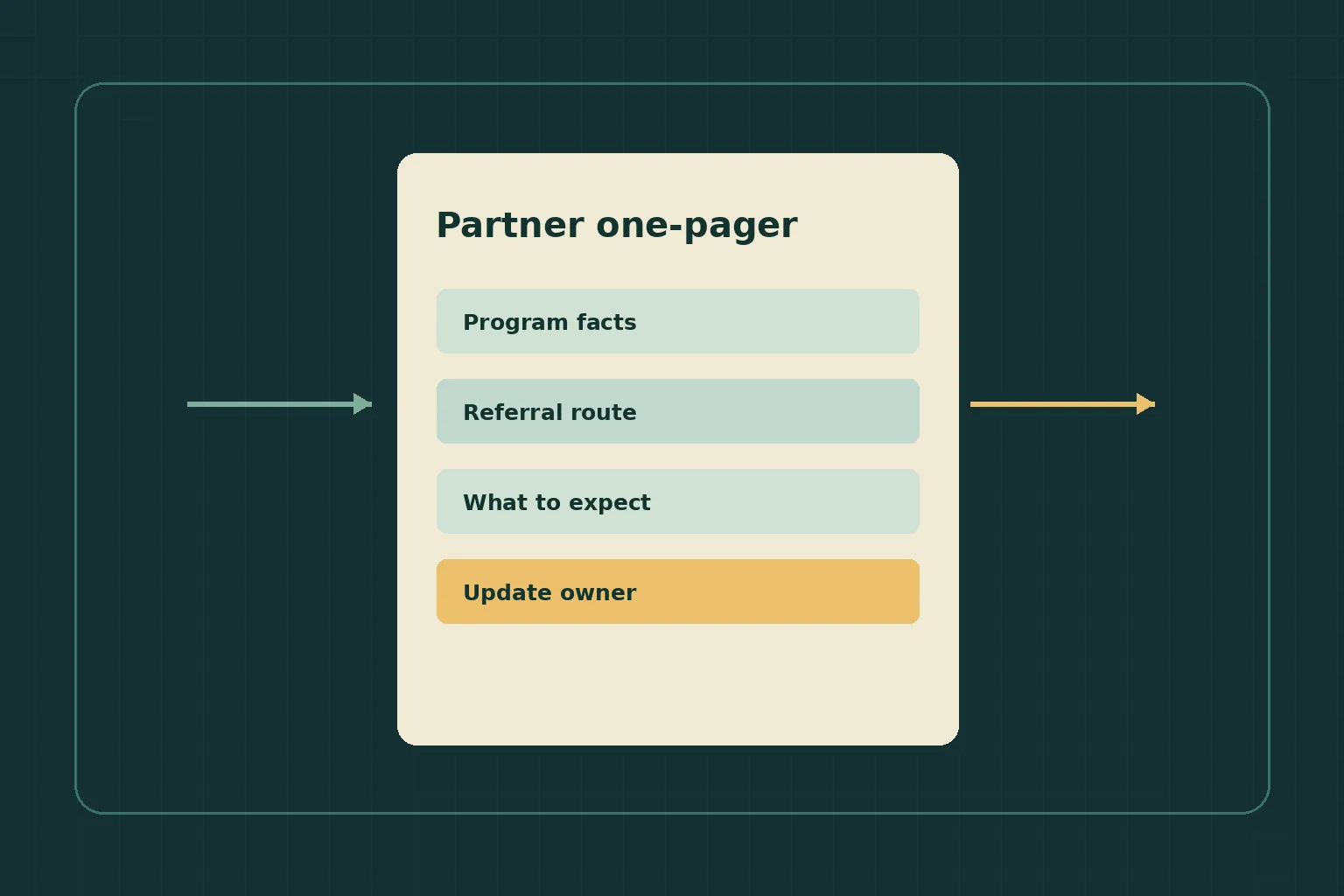
A referral partner one-pager should help a busy professional answer three questions within a few seconds. What does this provider currently offer? Where does it offer that service? Which team should I contact first? Put those answers together at the top of the page. Then use the rest of the space to explain what the first contact does, which version the partner has, and where to find the current copy.
The document gives a hospital liaison, community organization, or another provider a dependable first move. It also gives your outreach and admissions teams a shared description they can stand behind. Start with the facts your program, operations, and admissions owners have approved. Fill in the design once those facts and the contact route agree.
Start with what a partner needs mid-shift
Picture a liaison covering for a colleague. They open the sheet on a phone while taking a call. The organization name is visible, but the service-area information is at the bottom and the first contact is a staff member’s direct number. The liaison has to decide which program the address belongs to and whether anyone answers the number today. Each decision adds a chance of sending the inquiry to the wrong place.
Use the first screen or top third of the page for the provider name, the specific program or service, the verified location or service area, and one clear contact action. Keep the name of the program consistent with the name admissions uses when answering. If an address is a business office, label it that way or leave it off the service entry. List locations alongside the services offered there when the same services vary by site.
Put the supporting details next to the instruction they clarify. If the team has approved phone coverage hours, show them next to the number. If an approved professional inquiry page is the first point of contact, give the page a recognizable label and show where to find it. In a PDF, check that the text can be selected and links can be tapped. In print, include a readable short route alongside any QR code so partners can still act when they have only a paper copy.
The audience affects what you emphasize. A partner who already knows the organization may need the revised intake route more than an introduction. A new partner may need a clear explanation of which services the sheet covers. Use the same verified facts in both conversations. If different partner groups require different contact instructions, record who owns each version before creating a second document. Learn more about how those choices fit into a broader professional referral partnership strategy.
Use an approval worksheet before sharing
Create one internal row for each public fact. Record the exact words that will appear on the sheet, where staff can verify them, and who approves changes. That way, when a new service starts or an inbox changes, the distribution owner knows who to ask. The worksheet can be a simple shared table kept in the team’s existing document system.
| Public field | What to verify | Role that confirms it |
|---|---|---|
| Provider and program names | The organization name, the current service names and the wording staff use consistently | Program owner |
| Service scope | The services the sheet covers and a brief factual boundary where partners regularly confuse offerings | Program owner |
| Location or service area | Which location or area applies to each named service and how the organization describes it | Operations or program owner |
| First contact | A working, approved route and the team responsible for receiving inquiries | Admissions owner |
| Next step | What the receiving team can confirm and whether it uses an approved acknowledgment | Referral workflow owner |
| Version | Review date, current copy location and who replaces or recalls outdated copies | Distribution owner |
For each row, ask the owner to verify the wording as it will appear. A checked box against “service area” is hard to interpret later. A checked copy of the exact city or location statement gives the next reviewer something usable. If two teams describe the same service differently, ask the program owner to settle the wording and share the change with the staff who will receive partner calls.
Keep a short list of facts waiting for a decision. If a second site is still being prepared, the one-pager can describe the current site without creating an expectation at the second location. If a contact channel is changing next month, publish only the route the team can staff now, then schedule a review for the date the replacement becomes operational. Remove optional copy if nobody can confirm it. Hold distribution if any unresolved question affects where a partner should send an inquiry.
Write the first contact instruction in plain language
Begin with a verb and name the team. A reusable pattern is “Call [team name] at [approved business number] for current program information and referral instructions.” The brackets belong on an internal worksheet or sample. The released document should contain the actual verified information. Give the partner one primary action, especially if the organization has several numbers for different audiences.
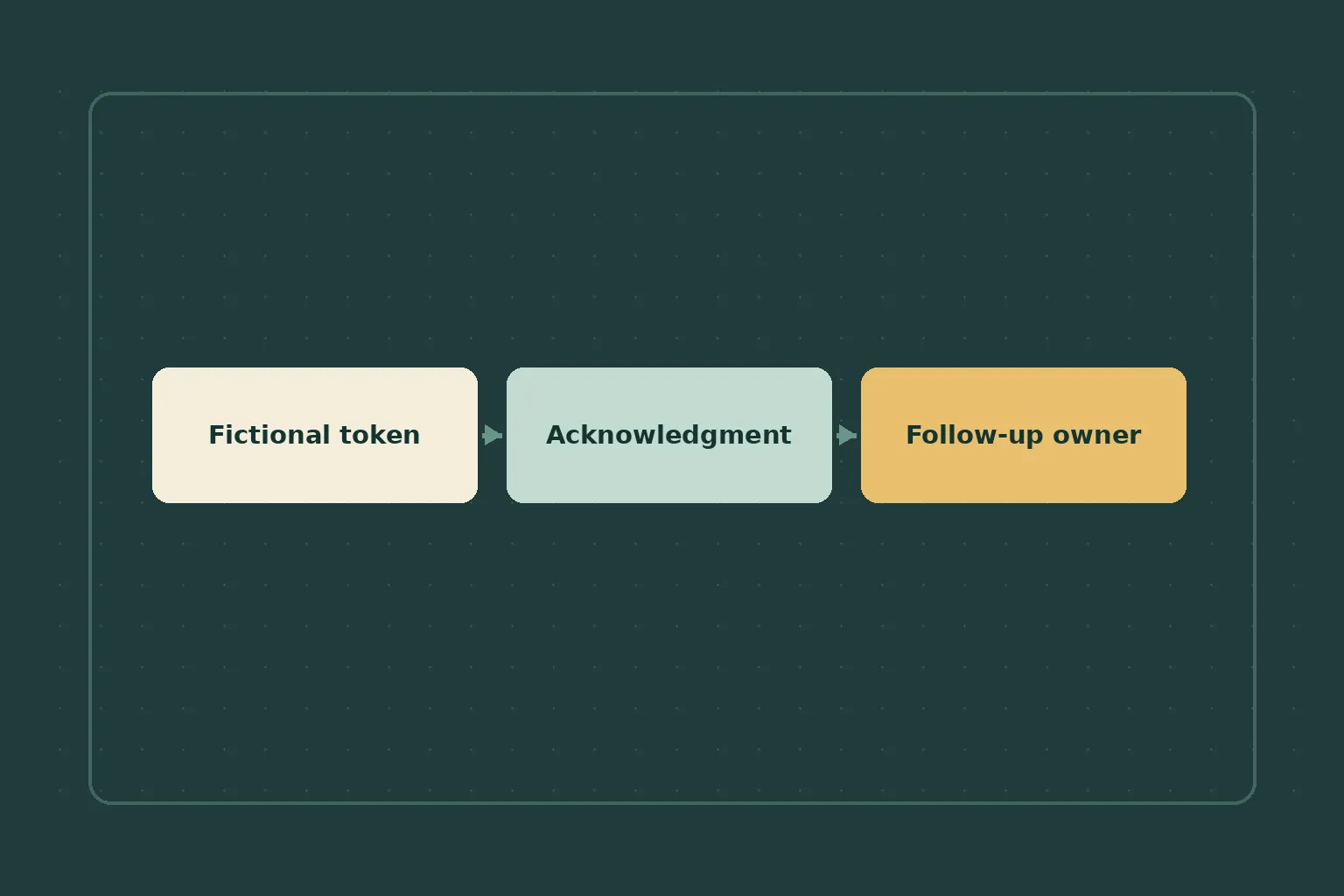
Ask the receiving team what it can say when someone uses that route. A team might confirm it received a general inquiry and direct the caller to the approved next step. An acknowledgment describes what happened to the inquiry. Any separate admission decision, service availability, or question about coverage belongs with the authorized team through its established process. Keep the sheet free of response-time estimates, acceptance commitments, or language that sounds like a reservation.
Use the one-pager for general business information. Keep out names, dates of birth, histories, personal contact details, sample referrals, and instructions to attach records or identifiers. When the organization already has an approved process for a person-specific referral, let the designated team provide those instructions through its established channel. Give staff a brief response they can use if a partner asks how to proceed, so the responsible team can guide that conversation consistently.
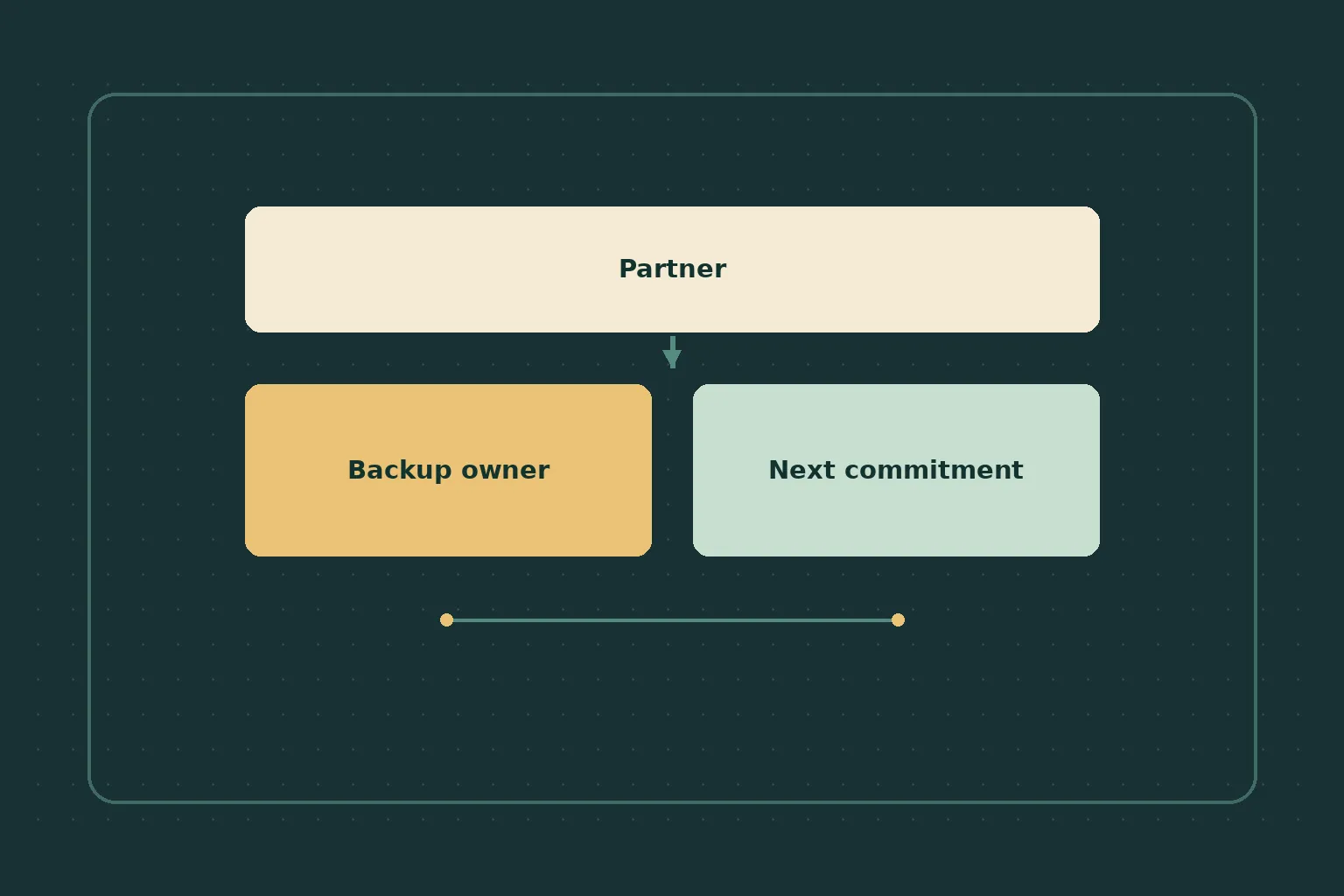
Agree internally on who takes the inquiry after the first contact. Write down which role monitors the channel, who covers absences, and where unanswered business questions go. The published sheet usually needs only the primary route. The team’s internal workflow should carry the backup details that make the route dependable. Teams refining how outreach and admissions record and hand off inquiries can review Alliance’s referral management and conversion tracking.
Test the handoff with a fictional inquiry
Ask an outreach staff member to play a partner who has never seen the sheet. Give the participant only the current draft and a fictional organization asking how to reach the correct team. Keep the exercise about routing and public program facts. The staff member should be able to find the contact instruction and explain which program it concerns without looking up an internal number. Ask someone from admissions to play the receiving role and describe the next action they would actually take.
Try three simple variations during the same review. First, the partner reads the page on a phone and uses the contact link. Second, a colleague gets a printed copy and has to use the text alone. Third, the usual receiving employee is unavailable. Record where the partner hesitates, whether the route works, and what the receiving team has to explain that the document could make clearer. Send each issue to the person who can fix it.
For example, a fictional provider makes its communications desk the first point of contact for general partner questions. In the exercise, the desk can answer the program name and location questions but forwards all requests for referral instructions to admissions. If the released copy says to start with the communications desk, a partner asking about the referral process has to wait for a transfer. The two teams can decide whether admissions is the more useful first contact, then check staffing and approve the corrected wording before changing the document.
Repeat the part of the exercise that failed once you revise it. A changed phone instruction needs a test at the number or link shown in the final copy. A changed program name needs a fresh read by the person who answers partner inquiries. If the exercise uncovers a broader ownership gap, map that gap in the operating process. Alliance’s workflow development and process improvement describes how teams can clarify roles and steps when a process crosses departments.
Plan how partners will get the current copy
Pick one approved location that will always hold the latest copy. Place a readable review date and, if your organization uses them, a version identifier on the sheet. If the sheet is normally attached to an email, add a stable route to the latest version within the document. If partners save PDFs locally, a link back to the current copy matters more than an elaborate version name.
Record the places where staff share or store copies. These might include the public site, a partner resource page, an outreach email template, a shared drive, and printed folders for meetings. Assign someone to maintain that list and someone to send approved replacements. The same person can fill both roles. The important point is that replacing the PDF on the website is only one step in replacing the copies people use.
Suppose a fictional program retires its old referral line. The distribution owner updates the current page and approved templates, removes the older print stock, and sends the refreshed document to the organizations that received the earlier copy. The receiving team confirms the current line works. Staff who reach out to partners can say which route changed and where the latest version lives. Retain older copies only within your organization’s records process and mark them so staff can distinguish them from material they can share.
Set a review date and agree on what triggers an earlier check. A new site, a program naming change, a revised contact channel, a change in which team answers, or repeated partner confusion can all justify another review. A short regular check can be as simple as confirming the service facts with the program owner, testing the route, and opening the public copy on a phone. Use actual feedback from partner staff to decide which parts need revision.
Keep the one-pager useful between updates
Give the relationship owner an easy way to report recurring questions. They can record business-level observations such as “partners are calling the site shown in the address block” or “the contact link is hard to find on mobile.” Keep that feedback about the document and the process. If a question belongs with admissions or another authorized team, route it through the existing process.
When several organizations ask the same thing, review the top of the sheet before adding a section. A stronger contact label, a clearer location line, or a change in placement can solve the problem without expanding the page. Use a separate approved resource when a partner needs more detail. At the next review, ask a staff member who was absent from the original exercise to use the sheet so the result reflects a fresh reader.
Before sending the first copy, have the program owner confirm the published facts, the receiving team demonstrate the first contact step, and the distribution owner point to the current version. Save the worksheet with the approved file so future changes have an owner. Alliance Behavioral Consulting’s referral network development support includes work on approved program communication, outreach responsibilities, and the handoff to admissions. Bring your current materials and the question partners ask most often if you want to discuss how the one-pager fits into that work.