Two teams can compare referral receipt totals and disagree even when both recorded their work as expected. The sending team may count an item when it leaves an internal queue. The receiving team may count the same item when a posting step finishes. If those events fall on either side of a cutoff, the reports show a difference. The first reconciliation question is which event each team counted and when.
For a behavioral health operations team, a receipt summary can be a simple business tool. It can tell staff whether the totals agree, whether they have an explanation, and who will review the next exception. Define those decisions before choosing fields or doing arithmetic. Use the existing approved routing process for any underlying work. The examples here use invented counts and status labels with no connection to individual records.
Give each business event one meaning
Write down the event your team describes as sent. The simplest version is a defined step in which something has passed through the approved sending route. An item added to a work list may still be waiting for that step. Decide which status in the existing process supplies the count. Ask the sending owner to show how they would explain the distinction during a reporting review.
Define received in the same way. The receiving count might come from a posted status that indicates the routing destination recorded an item. The receiving owner should be able to name the source of that count and tell a colleague when it updates. If route delivery and a local report update happen at different times, write down which one the summary uses. A choice you can explain is easier to reproduce than a local label everybody assumes they understand.
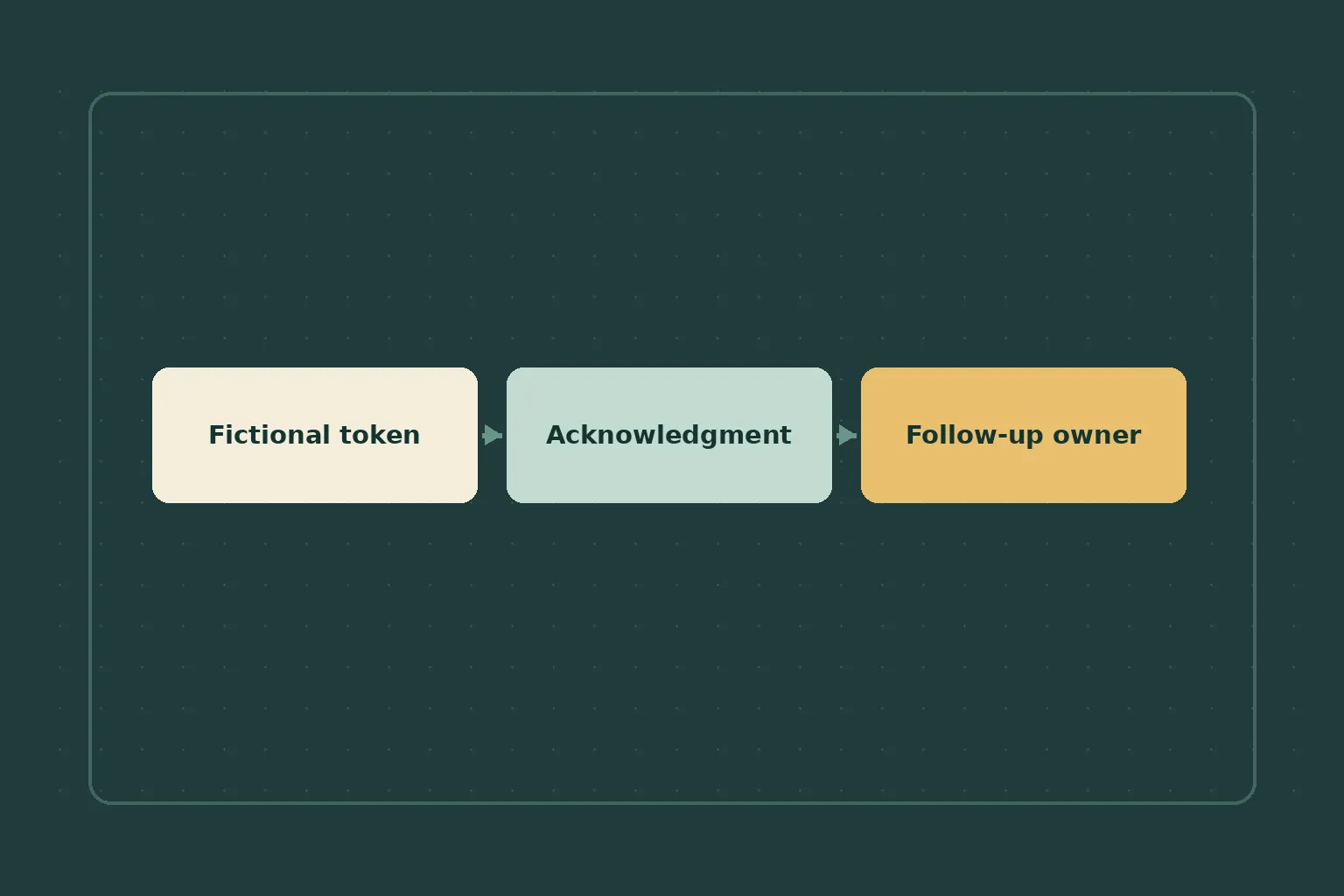
Some teams also count acknowledgment as a separate event. Define it only if the business process supports it and someone can describe the event consistently. For example, an administrative receiving role may record that it has started a review step. Include the measure only if it adds information the readers need. A receipt summary is easiest to read when its labels describe business activity and their source is clear. Alliance’s referral management and conversion tracking discusses how definitions and handoffs can support referral reporting.
Pick a unit and agree on the cutoff
Use the same unit across the comparison. One side may report batches and the other may report items. If a single batch contains several items, those figures can never be compared as if they counted the same thing. Ask both owners to describe a fictional batch of three units and say what each count would show. If the answers differ, agree on the unit before comparing another period.
Decide how to group periods and describe the reporting clock. A weekly summary might cover Monday to Friday, with both sides using a stated local time and a Friday cutoff. A team that refreshes reports in the evening may still have a different view from a team looking at an earlier snapshot. Record when each count was produced, and distinguish the report creation time from the event time it is intended to measure.
Write the choices where the next person can find them. A short reporting note can say which events count, which window applies, who runs each count, and how corrections appear. If one team changes its reporting practice, use the note to decide how to treat the first affected period. Alliance’s referral source tracking and CRM management provides related context on making reporting definitions and organizational records usable across staff roles.
Use the summary to direct the next check
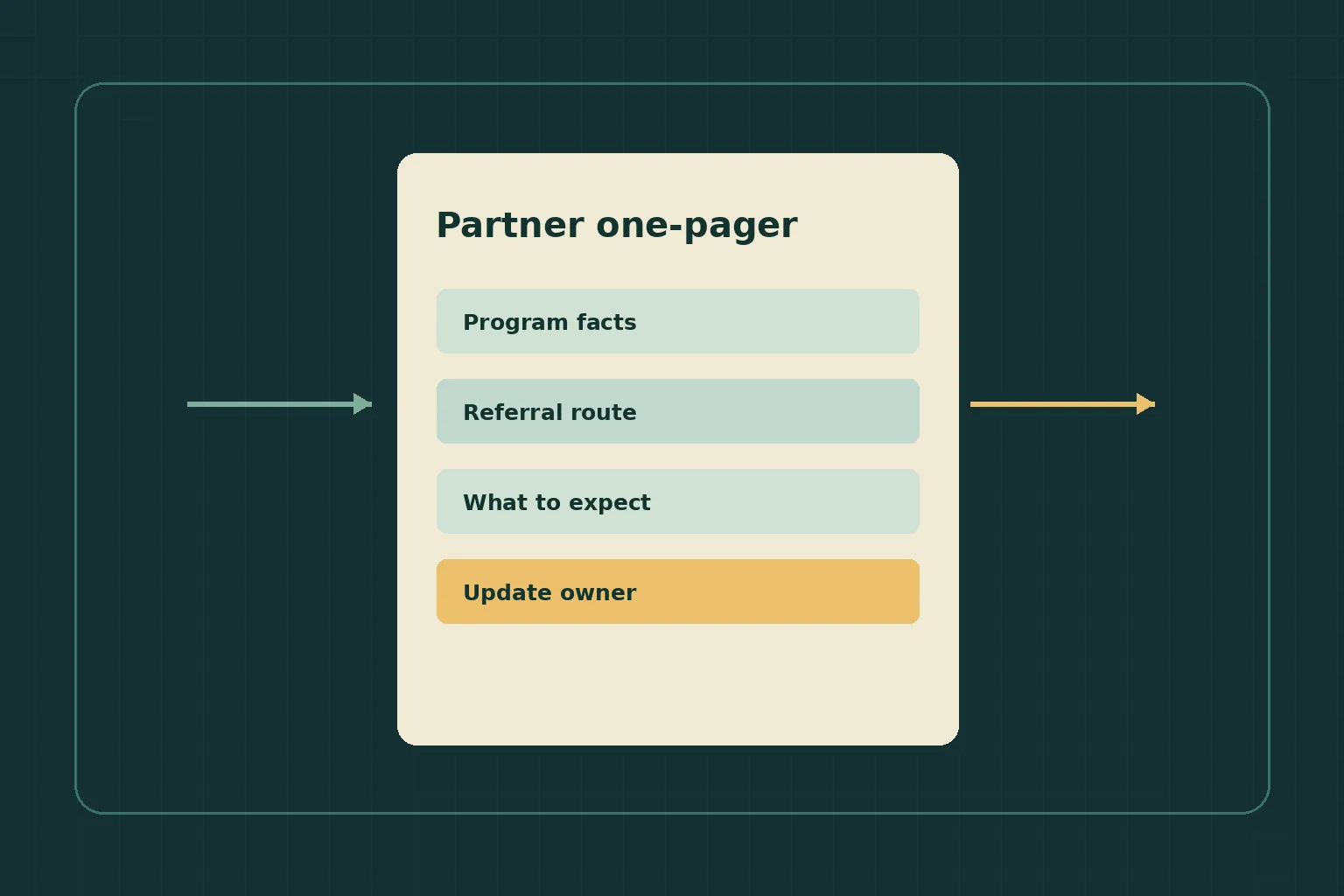
Agree on an approved internal summary before using it. A small table can answer the essential business questions by listing a period, a pair of counts, a group-level difference category, the role responsible for review, and the next review date. Give people a clear place to find the rules for the summary. Keep the worksheet focused on whether aggregate figures reconcile and what the business owner will check.
| Invented reporting line | Count | Business question |
|---|---|---|
| Sent before the shared cutoff | 24 | Did the sender use the agreed event and reporting window? |
| Receipt posted before the cutoff | 22 | Does the receiving count use the same unit and cutoff? |
| Received items with acknowledgment by the cutoff | 20 | If acknowledgment is reported, did both teams use the agreed definition? |
| Sent-to-received difference at the cutoff | 2 | Which owner will review the aggregate difference and when? |
The last line is a subtraction within one invented period. It describes a difference between two counts. It does not establish that two items went missing. Start by checking calculation inputs and definitions. If those agree, ask the authorized owner to check timing or another ordinary explanation through the established process. Bring the resulting business explanation back into the summary if it is within the approved scope.
If a worksheet is used, keep it to the organizers’ approved summary fields. The examples in this article need only fictional status tokens such as TEST-SENT, TEST-RECEIVED, and TEST-TIMING. They describe events or reconciliation outcomes for practice. They represent no person, referral, or account, and they are never codes to attach to actual items. The worksheet can stay useful without turning into a second record or a place to reconstruct individual activity.
Work through mismatches in a consistent order
First reproduce the figures with the written definition. The summary owner can check date ranges, filters, status groupings, and whether a late calculation replaced an earlier number. A mismatch caused by two reporting views often disappears when both teams run their counts with the same choices. Document the corrected figures and approved explanation so the next review begins from the same understanding.
Next consider when each event was recorded. In the fictional example above, the sending count includes two entries near the end of the week. The receiving report shows the corresponding change the next reporting day. The owner can classify the difference as a timing issue once the approved routing source supports that explanation. A reconciliation note can say that later posting explains the aggregate difference at the cutoff. The original cutoff figures remain useful context if the team also records the later reconciliation.
If timing does not explain it, check whether the counts may include repeated workflow events. A process might record a second attempt under a different status, or one view might include a reversal that another view excludes. The fact that two totals now agree does not settle those questions. Agreement is more useful when the event definitions and source behavior are understood. Have the responsible owners agree on how they expect the numbers to behave in the next period.
If the owner cannot confirm the reason, keep the difference open and assign the next review. A simple status such as Unresolved is enough when paired with the role and the question to check. The purpose is to show that someone still has work to do. Alliance’s workflow development and process improvement is relevant when teams need to trace how existing reporting and routing steps create repeat discrepancies.
Rehearse the reporting rule with made-up events
Before putting a new or revised summary into routine use, run a short exercise with wholly fictional statuses. Present one invented period whose counts agree, one with a known cutoff difference, and one where the cause has deliberately been left open. The exercise can take place entirely inside the team’s working discussion. Ask each role to say which count it would run and what would appear in the summary.
In the first exercise, assign the invented tokens TEST-SENT and TEST-RECEIVED to event types. Show that both totals reached ten in the same window and ask the summary owner how they would record the period as reconciled. In the second exercise, move one fictional receipt posting outside the window, then provide a later business count to illustrate a timing outcome. Ask whether the owner would explain the cutoff difference or recalculate the original period. Use the answer to clarify the written rule.
For the third exercise, provide two invented totals that differ and leave the cause unknown. The team should be able to name the review role and next review date using the existing process. If the solution depends on adding a detailed row or creating a lookup code, return to the agreed summary purpose. The rehearsal should demonstrate the decision about the counts and who owns it. Any additional work belongs with the process already authorized to handle it.
Keep a short record of how the test went. Note which definition worked, which team had to ask a question, and where to clarify the instructions. Repeat the affected part after a revision. Teams that need one place to record definitions, cadence, and ownership can look to Alliance’s standard operating procedures support for related process documentation.
Make corrections visible and keep the review small
Agree on how staff will distinguish a corrected figure from the figure originally reviewed. A receiving team may refresh a count after confirming a delayed posting. If that changes the summary, leave a short explanation and a date alongside the corrected result in the approved reporting location. A colleague who sees a different number in an earlier meeting note should be able to trace what changed without guessing which copy to trust.
A team may also find that it has been comparing different generations of the same report. In a fictional exercise, the sender brings a count generated Monday morning and the receiver brings the count shown on Friday afternoon. Before asking either side to check the route, put the two report times next to the event cutoff. Have each owner restate what their number measures. If a repeat run uses a consistent view and the figures then agree, write down which report belongs in the recurring summary and how staff can recognize it in the next review.
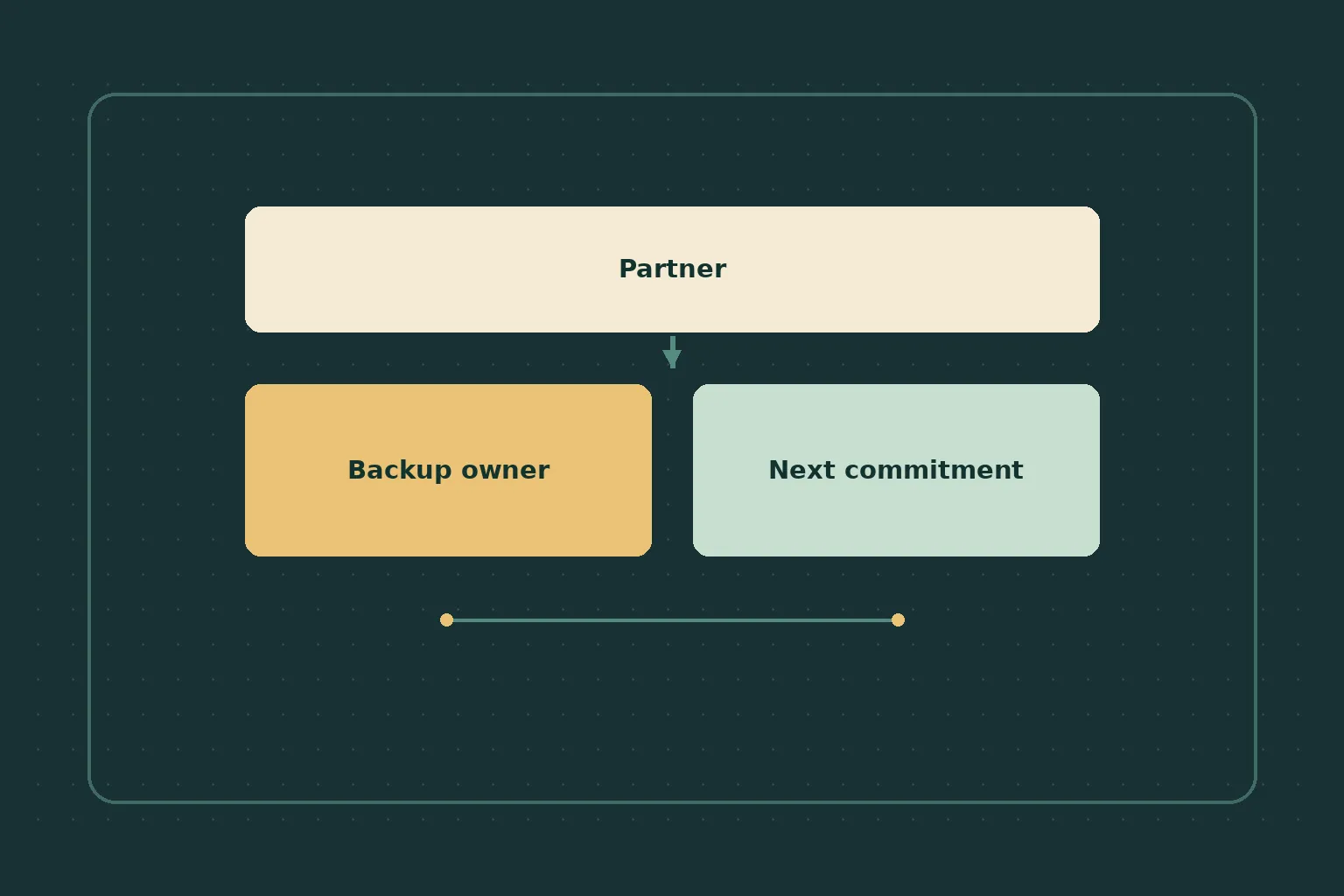
Give each reconciliation review a specific end point. A clean period can be marked reviewed under the agreed rule. A timing difference can close when the explanation has been confirmed by the responsible role. An unanswered difference carries forward with an explicit owner and review date. If a pattern repeats, give someone the task of checking the process itself so the weekly summary stays focused on the current decision.
A useful review can often start with three questions. Did the teams count the same events during the same period? What can the owner confirm about any remaining difference? Who will check what is still open and by when? Add another category only when the answers repeatedly show the current set is insufficient. If a category becomes a catchall for unrelated questions, split the review responsibility before adding labels.
One practical test is to hand the latest fictional summary to a colleague who did not design it. Ask them to find the unit, cutoff, difference, and next owner. They should also know whether the numbers are as of the cutoff or reflect a later reconciliation. Their questions can show where a definition belongs next to the figures instead of buried in an instruction elsewhere. Run the same check when the team changes a source, an event definition, or the role responsible for reviewing exceptions.