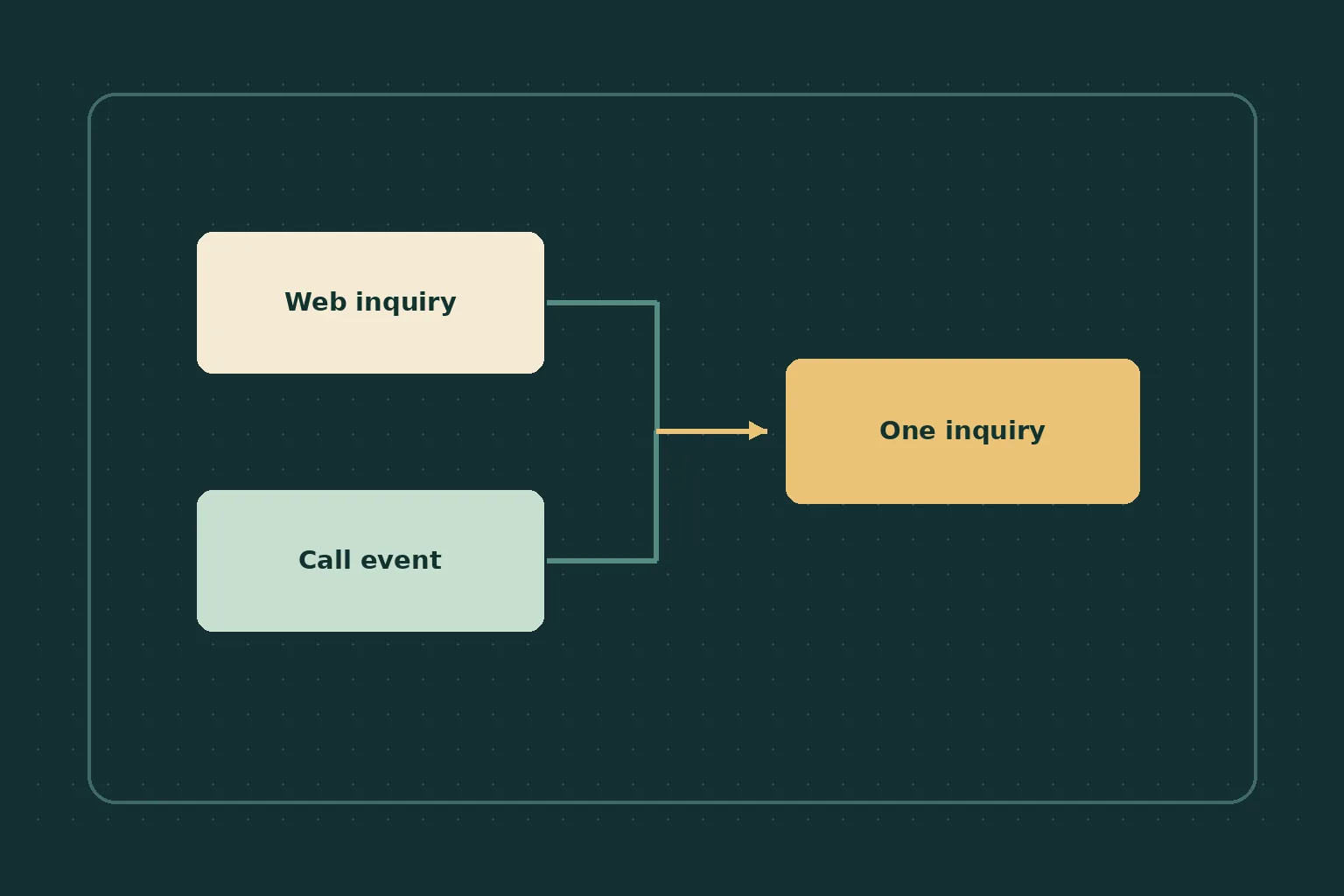
A form submission, an incoming call, and two callback records can look like four new inquiries when each appears on a separate line in a report. If they all concern the same request, the admissions team received one inquiry and performed several actions on it. The other records still matter. They describe work and conversations that a new-inquiry count cannot explain.
Start with the question the report needs to answer. “How many new requests came in this week?” asks for a count of requests that opened during the week. “How much contact work did the team do this week?” asks for actions that happened during the week, including work on earlier requests. Build both views from recorded events and keep their headings specific enough that readers can tell them apart.
Write definitions before counting
For this worksheet, an inquiry is a request for program or admissions information that meets the team’s definition of a new request. An outbound attempt is an action recorded as an effort to reach someone. A completed conversation is a confirmed exchange that meets the team’s definition of a conversation. Decide what event marks the beginning of an inquiry and what gets excluded from that measure. Save the definitions alongside the worksheet so a reviewer can reproduce the count.
A newly created record does not always represent a newly opened inquiry. For example, an incoming call may produce one record in the phone system and another in the admissions system when someone enters the request. For counting purposes, the event that created the second record can point to the existing inquiry. Keep the records needed for each system’s operations while using one inquiry identifier for the reporting count.
The converse matters too. One source record can contain activity that belongs to two distinct requests over time. If the team can verify that a later contact introduces a fresh request under its definition, give it its own inquiry identifier. A reporting rule that counts one inquiry per caller would hide the second request. A rule that counts every call would overstate new volume. Write down how the team distinguishes a fresh request from a continuation.
If the report includes a separate measure of distinct people, write its label in full and explain its relationship to inquiries. The two measures answer different questions. Similarly, label completed conversations separately from admissions. A report can show how many requests were discussed while leaving admission outcomes to the figures that measure them. Alliance’s admissions performance metrics and reporting page puts measurement in the context of an admissions workflow.
Give events a way back to the inquiry
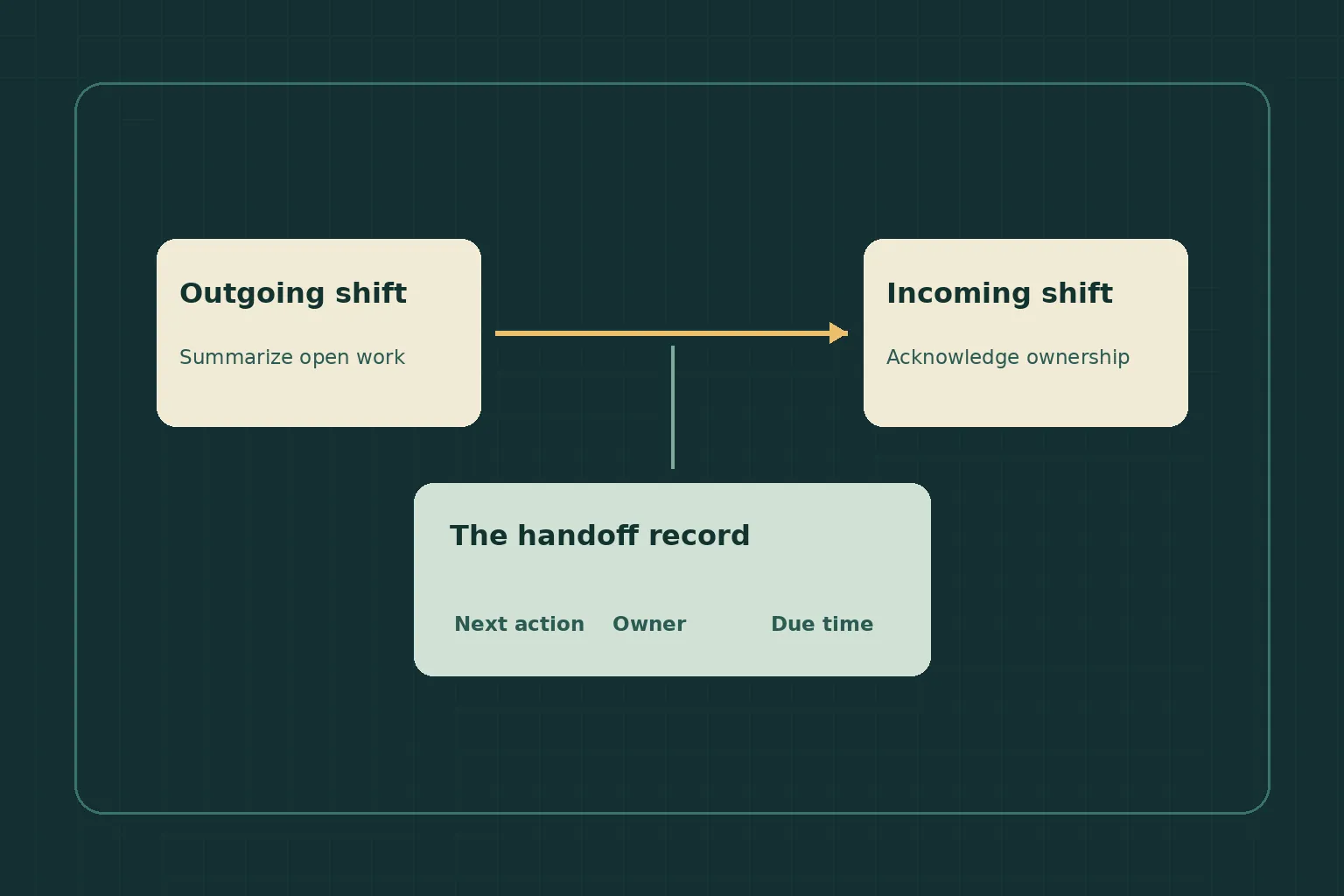
A useful event view measures the activity without forcing each event to become a new inquiry. Keep the inquiry identifier, opening timestamp, and reporting status together in an inquiry view. Keep each event’s timestamp, event type, and link to its inquiry in an activity view. Whether your team uses one system or reconciles several exports, readers should be able to explain when the inquiry opened and when the related activity happened.
Sometimes a single action contributes to more than one measure. An outbound call can count as one attempt and, if it meets the definition, one completed conversation. Those counts describe different properties of the same action. One call can also trigger two events within a system, such as a call-ended event followed by a completed disposition. An event identity or reliable cross-reference helps tie those records to the same action before it contributes to either count.
Two different deduplication decisions follow. First determine whether two records describe one action. Then determine whether that action belongs to an existing inquiry. A form system and a CRM may both report the same submission, for example. That is an event duplication issue. A subsequent callback has a distinct event identity and can point to that same inquiry. This distinction is useful when reviewing CRM development and integration with the people who maintain the reporting fields.
Keep the worksheet small enough to reconcile. At minimum, record the event timestamp, the event source, the type of event, and the inquiry reference if verified. A separate review field can show that an event’s inquiry reference is still unknown. In aggregate reports, distinguish confirmed records from unresolved items rather than quietly allocating the latter to a convenient row.
Work a fictional reporting period
Assume a team is reporting Monday through Friday. In the first example, a form opens inquiry A and two outbound calls follow, only one of which meets the completed-conversation definition. In the second, a new inbound call opens inquiry B and meets the conversation definition on the same call. The third example is an outbound call against inquiry C, which opened before Monday. The call connects and meets the conversation definition.
| Fictional activity | New inquiries this week | Outbound attempts this week | Completed conversations this week |
|---|---|---|---|
| A: new form, one unanswered callback, then one connected callback | 1 | 2 | 1 |
| B: new inbound call that meets the conversation definition | 1 | 0 | 1 |
| C: one connected outbound call for a prior week’s inquiry | 0 | 1 | 1 |
| Total confirmed | 2 | 3 | 3 |
The table is internally consistent even though there are more conversations than new inquiries. Three conversations occurred this week. Only two new requests opened this week. If leaders ask how many of this week’s new inquiries have had at least one completed conversation, select A and B as the opening cohort and count each inquiry at most once in the numerator. At Friday’s cutoff, both have met that definition. C still belongs in the activity table for Friday’s report.
Now add an unresolved event. An export shows another inbound call whose source cannot be tied to an existing request before the cutoff. Keep it visible as one unresolved event. The confirmed inquiry total remains two in the published worksheet, with the open review shown separately. If the reviewer later ties the call to A, it may change an activity measure depending on what occurred. If the reviewer confirms a distinct request opened during the week, it changes the inquiry count for that opening period.
Decide how to handle ambiguous records
Give a designated owner the job of researching candidate duplicates in the team’s existing system. Ask that person to record the distinction they resolved. Did both exports represent the same action, did the contact concern an existing inquiry, or did it open a new one? A short reason such as “second record is the CRM copy of the original submission” helps the next person understand the choice.
A matching arrival time can flag a candidate pair for review. A shared source can do the same. These clues help a reviewer find records, but the decision still depends on evidence that the team recognizes in its own workflow. When evidence is missing, keep the relationship unresolved. Consider whether ambiguous events cluster around a particular intake route. The pattern may point to a field or mapping the team can investigate before deciding how to count the records.
Be explicit about which timestamps drive which views. A request can arrive late Friday and appear in the export on Monday. If the team uses the opening timestamp for the inquiry cohort, that entry belongs in Friday’s reporting period once verified. The report made on Friday could only include what was known at that cutoff. Capture the report’s revision and reason when a verified record arrives after the window. Avoid silently changing historical totals that staff have already used to make comparisons.
When a contact can carry different reporting perspectives, preserve the difference. A referral source may be attached to an inquiry while the activity attached to it arrives by phone. The worksheet can report where requests originated and where staff activity occurred using separate headings. If reviewers need to understand the distinction, walk through referral management and conversion tracking together with the source-field definitions in the report.
Keep cohort outcomes usable
A period activity report includes work that happened in a defined window. A cohort report starts with requests opened in the same window and asks what has happened to that group by a stated observation date. The two views can use the same detailed records. They require different selection rules. Put the activity dates on the first view and the inquiry opening dates plus observation date on the second.
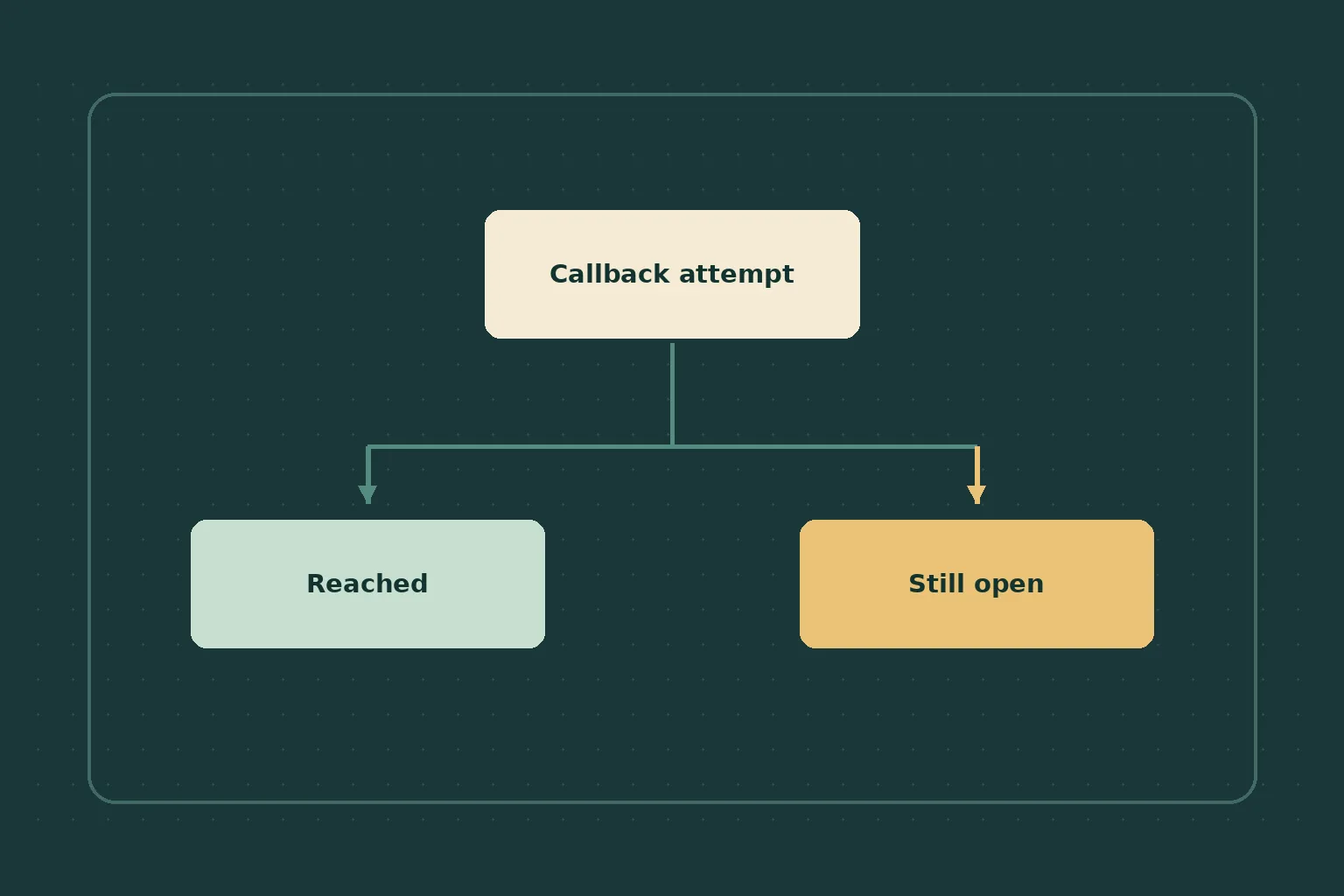
For example, give the cohort a column called “Opened November 16–20” and give its status field the heading “First completed conversation as of November 23.” If a callback reaches someone on November 23, the activity appears on that date while the cohort view updates the earlier group. A reader who sees both headings can explain why the two reports are changing in different places.
Use the same observation window when comparing cohorts. One week observed for three days and another observed for ten days might have different counts partly because they had different time to develop. If the reporting team cannot align the observation dates, show them. Add the number of unresolved records when material so readers can see the uncertainty behind the confirmed totals. A useful report lets readers compare like with like and still see why a figure might change.
Show a report reader how the totals reconcile
A short reconciliation note can explain why the activity report and cohort report diverge. Start with confirmed activity, then show how much concerned the current period’s cohort, how much concerned prior cohorts, and how much still awaits an inquiry match. For the fictional report, a reader can trace two completed conversations to the current cohort and one to a prior cohort. If the team later identifies another completed conversation, the note should say whether it added an event, changed the link between an event and an inquiry, or did both.
Keep one example calculation with the definitions. In a busy week it is tempting to copy a number from the last report and update the date. A repeatable calculation gives the next analyst a way to identify missing inputs and run the same check before the report goes out.
Reconcile a small sample before sharing
Choose several fictional examples before trying the worksheet with a live report. Include a form and callback, one inquiry handled across periods, one duplicated record describing the same action, and an ambiguous record. Ask two reviewers to mark when each inquiry opens and which events attach to it. Have them compute the three counts separately and explain each one. Where their answers diverge, locate the definition or field that forced a judgment.
Repeat the exercise with the most common source of unresolved records from the reporting process. Try the comparison with and without the disputed mapping. If the resulting difference would matter to the report’s readers, label and report it until the team can verify a correction. Assign a person to close the open review and have them record the reporting period affected. Teams doing an admissions process evaluation can use discrepancies like these to locate the step that introduced duplicate records or inconsistent dates.
Before circulating the worksheet, confirm that every counted inquiry has one opening period, every counted action has one event identity, and any relationship that remains unclear is shown as unresolved. The report should let a reader say how many new requests arrived, how much contact work occurred, and what happened to the group of requests they care about. Each answer comes from its own count.