An internal project folder can hold everything a team has collected and still fail to answer a basic question. If a project lead asks what supports the current schedule description, the folder might contain three schedules and two meeting notes with similar names. An evidence index should lead to the version the team actually relied on and explain why it was relevant. The underlying documents can stay with the people who maintain them.
Use the index to organize evidence for your team’s own project decisions and reviews. Start from questions the team has agreed to answer. The sample rows below are fictional and describe ordinary project administration.
Give each row a question
A useful row begins with something a reviewer must be able to establish. “Schedule folder” tells someone where to browse. “Which dated schedule supports the opening-week coverage exercise?” gives them a way to decide whether they found the right record. Phrase the question so that the owner can tell which source fits and the reviewer can tell why it matters.
Keep one row for each evidence question. One document may inform more than one question. For example, an internal schedule might show the distribution of practice sessions and also identify who was expected to lead each session. Link the same source version in both rows, and specify the section or table that answers each question. When the schedule changes, staff can then see both questions that may need attention.
An evidence row can also point to several sources when a question requires them. For instance, a confirmation of a training exercise might need both the approved outline and a record that the exercise took place. Mark which assertion each source supports. A reader should be able to distinguish the planned activity from its recorded completion without reading every linked file.
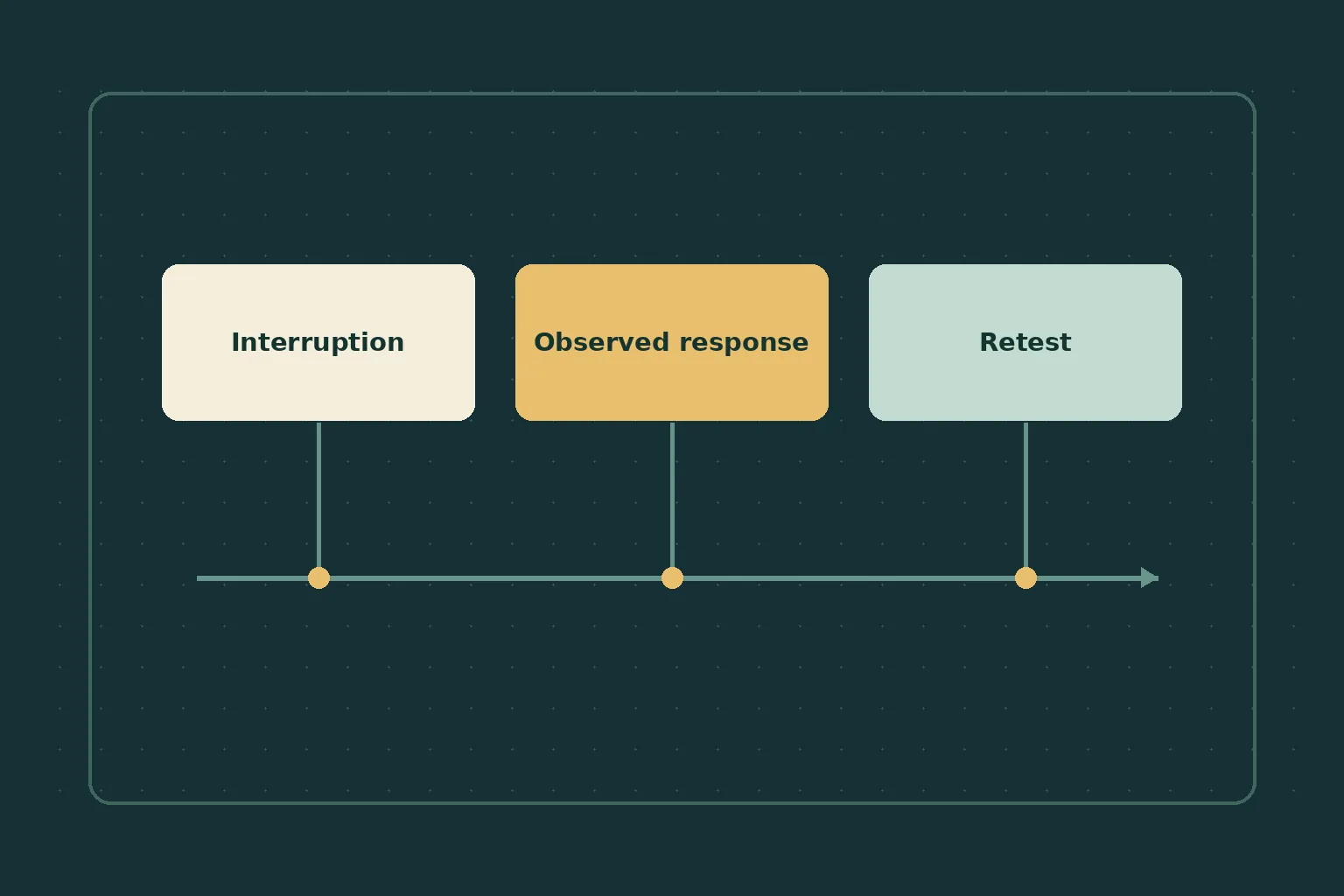
Work backward from a recent review to find the first questions to index. Which facts did the team have to verify? Which files took time to locate? Which versions were unclear? Begin with those questions and use them to test how the index changes the way staff work. Workflow development and process improvement is a useful context for identifying where an evidence lookup repeatedly interrupts the project.
Start with a small set of fields
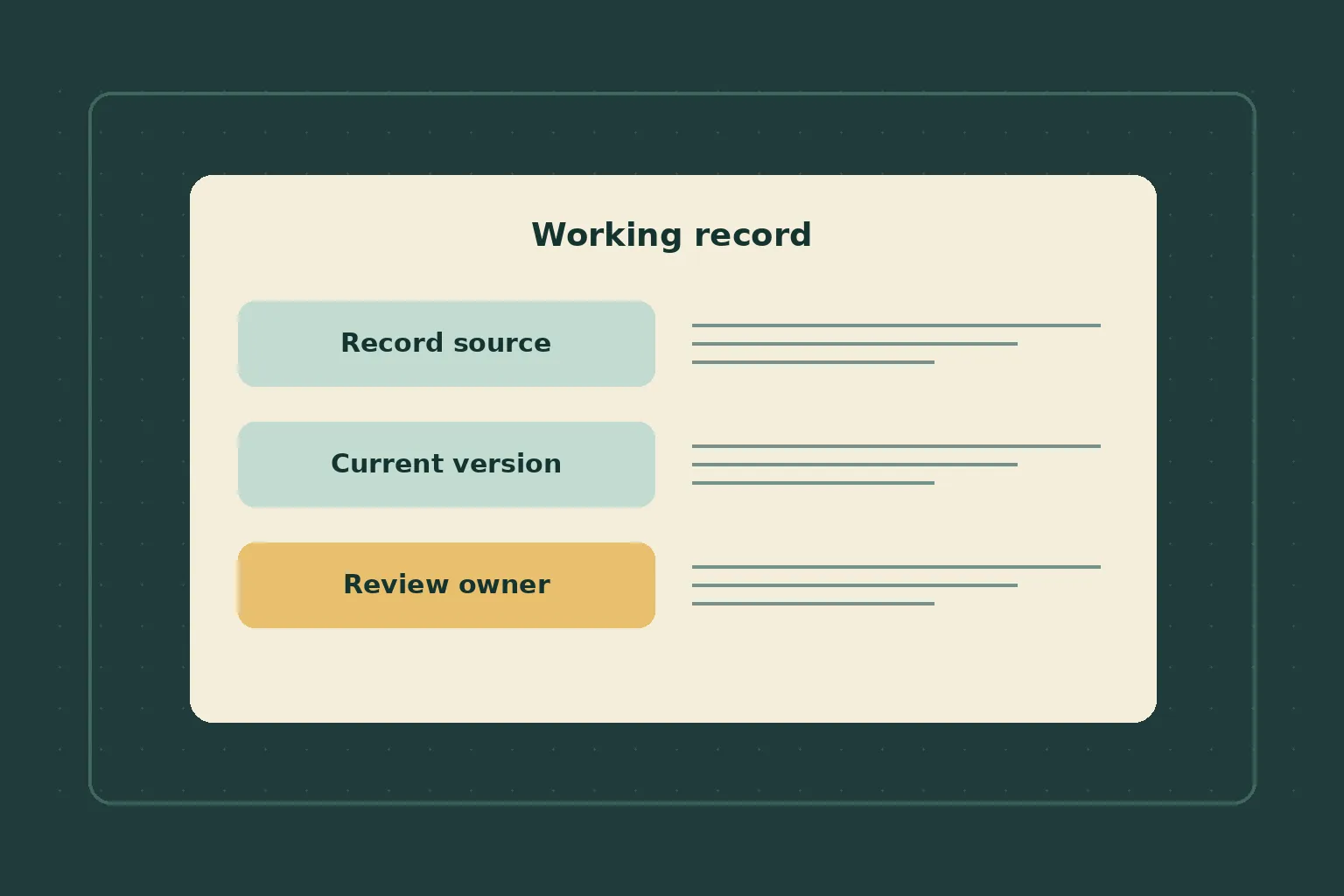
| Field | What it records | Fictional example |
|---|---|---|
| Evidence question | The fact or decision a reviewer needs to trace | Which schedule was used for the coverage rehearsal? |
| Source reference | The controlled document and relevant location | Opening-week schedule, coverage table |
| Source version | The revision or durable version identifier | v4, dated November 12 |
| Source owner | Person who maintains the document | Opening-week schedule coordinator |
| Review record | Date and outcome of a specific internal review | Internal review recorded November 14 against v4 |
| Current state | Open, ready for review, reviewed, stale, or blocked | Reviewed |
| Next action | The unresolved step, owner, and review date as needed | Confirm whether a newer version affects this row |
| Snapshot reference | Where the exact source once used can be found | Internal rehearsal packet, November 14 edition |
Choose only fields you will use. If no one has a reason to sort by document type, omit that column until a real need appears. If every review requires comparing the prior version with the current one, make both easy to find. Index fields should reduce investigation time at the next review. A minimal but well-maintained row serves that purpose better than a complete-looking row with stale values.
Distinguish the source owner from the person who reviewed or indexed it. A coordinator may add a link without being able to revise the document. The source owner knows when a revision is controlled. The reviewer knows which version was examined. Record the relevant person for each action without asking a general project inbox to own every update.
Keep working versions and reviewed versions visible
A working source may change after a team has relied on it. Retain a reference to the source version that supported the earlier decision. If your document system offers durable version links, record one. If the team already uses dated project snapshots, point to the exact snapshot. The normal latest-document link can sit next to that historical reference, clearly labeled.
Imagine the November rehearsal packet cited v4 of the opening-week schedule. Today the schedule owner is working on v5. A staff member reviewing how the rehearsal was designed should be able to retrieve v4. Someone resolving a current scheduling question may need v5, with its current status. Neither purpose is served by replacing all links to v4 with a link to today’s file.
Write a neutral note at the point of divergence. “v5 changes the Tuesday rehearsal slot. Review whether the coverage check based on v4 still applies” tells staff what moved and which question needs attention. If v5 only corrects a harmless typo, record that the evidence owner checked the change and explain why the review can stand. This keeps each source update from automatically creating a large rereview queue.
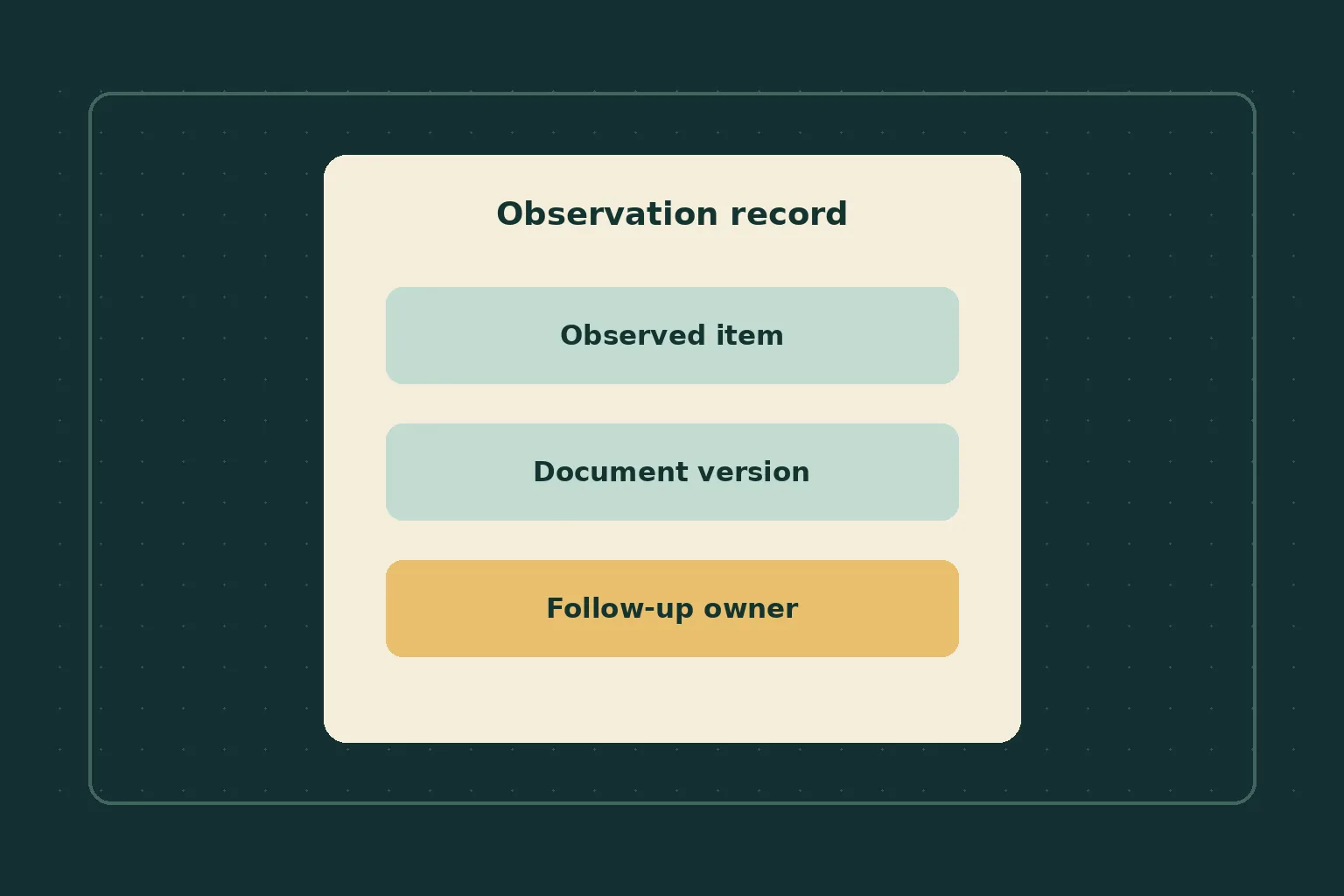
For operational improvement work, a source may depend on a date as much as a file version. A room inspection, workflow walk-through, or staffing rehearsal describes conditions at a particular time. Let the row show when the relevant observation took place. If readers need to understand why those observations were collected, link the corresponding review purposes and findings. Organizational and operational assessments offers related context for distinguishing an observation from the project action it informs.
Make the status useful to the next owner
An index state should describe the evidence task. Open means the owner has yet to find or confirm an appropriate source. Ready for internal review means a source and version are available for the team to examine. Reviewed means someone completed the identified review against that version. Stale means a changed source or question has made the row due for another look. Blocked means a named issue prevents the next step.
For any status beyond open, ask what event supports it. If a row is reviewed, who reviewed it and which version did they use? If it is blocked, who can resolve the issue and when will the team check again? The state and next action together should tell a new staff member what to do. Where a row cannot answer that question, add the missing fact rather than inventing a narrower status for every situation.
A review disposition may be attached to a dated package that collected several evidence rows. Treat that package as a record of what was examined then. The current index can show that certain sources have changed while the historical package remains easy to identify. Someone looking back should be able to retrieve exactly what the team saw without assuming today’s sources were already available.
Rehearse a change and a handover
Create three fictional index rows. One has a stable reviewed link. One has a working copy newer than the reviewed version. The third points to a source that has moved within the team’s system. Ask a backup owner to find the version used in the original review, the current working version where relevant, and the next action for each row. Watch which labels and links help them make the distinction.
For the stable row, check that the backup can explain why the source answers the row’s question. A link can open successfully and still lead to a document that makes no connection to what the reviewer needed. Adding a section reference or one sentence about relevance can solve that. For the changed row, see whether the backup can articulate what changed and route the question to the appropriate owner. For the moved source, have the backup restore a durable reference or record the reason it cannot be reached.
Switch roles and let a second staff member maintain the same sample. Give them a reviewer’s note that says a particular planned session took place. Ask where they would record the completion evidence and how the original plan would remain visible. Staff can work through the exercise as part of staff training and professional development for colleagues who maintain shared project materials.
If the exercises repeatedly send people back to whoever created the index, tighten the row definitions. It may be enough to change a label from “version” to “version reviewed,” then add a separate latest-version link where staff need one. Ask the backup to rerun only the example that exposed the problem. That keeps the improvement connected to a real failure instead of producing a more elaborate spreadsheet that is harder to maintain.
Keep the index useful when a source is missing
Sometimes a question belongs in the index before any source exists. For example, an upcoming rehearsal may require the project team to establish what changed since the last review. Create the question, name the person who will obtain the source, and leave the source field open. A draft reference can help the owner find the work in progress if it is clearly marked. Completing the row should depend on a source that actually supports the question.
If a link points to a retired location, record the missing reference as an issue with an owner. Search the normal document history or ask the source owner to resolve it. A newer file with a similar title is only a lead. The row stays open until the owner can identify the relevant version or explain that the earlier version is unavailable.
Review changes where the work already happens
Add a short review of changed, stale, and blocked rows to an existing project check-in. Start with the rows tied to upcoming work. A blocked source for tomorrow’s internal review deserves a different response from a stale note whose next use is weeks away. Use the due dates set by the project team to prioritize what needs attention.
When an owner updates a source, identify affected rows by source reference before replacing anything. Ask whether each question still has support, whether the prior reviewed version is still needed as a historical record, and whether someone should check the new version. Where a change affects several rows, link them to the same update event instead of entering slightly different versions of what happened.
Periodically sample completed rows in addition to the open list. A link may become unavailable after an owner moves files, or a team may discover that two rows refer to the same question with different wording. Resolve the duplicate by preserving any history that explains separate reviews and directing future work to a clear current row. Teams doing new program launch implementation can use this check as ownership changes across project phases.
As the index grows, separate the views people need. The full log can preserve historical evidence references. A current view can focus on unresolved questions and the relevant version owner. A reviewer preparing a particular project check can filter to the evidence included in that review. These views can use the same rows. They let each reader find relevant work without creating independent spreadsheets that staff must reconcile.
You can assess maintainability by asking a backup owner to answer four questions without oral context. What does the row establish? Which source did the team rely on? Does a newer version require attention? Who owns the next action? If the backup can answer those questions, the index is doing a different job from a folder. It is showing the relationship between a project question, the source that answers it, and the next person who needs to act.