A proposed change can start appearing in launch materials before anyone has decided what to do with it. A working schedule includes an extra block. A training outline picks up the new hours. An admissions coordinator then sees the outline and reasonably assumes the extra block is part of the opening plan. The problem began when a planning idea and an authorized change started sharing the same source.
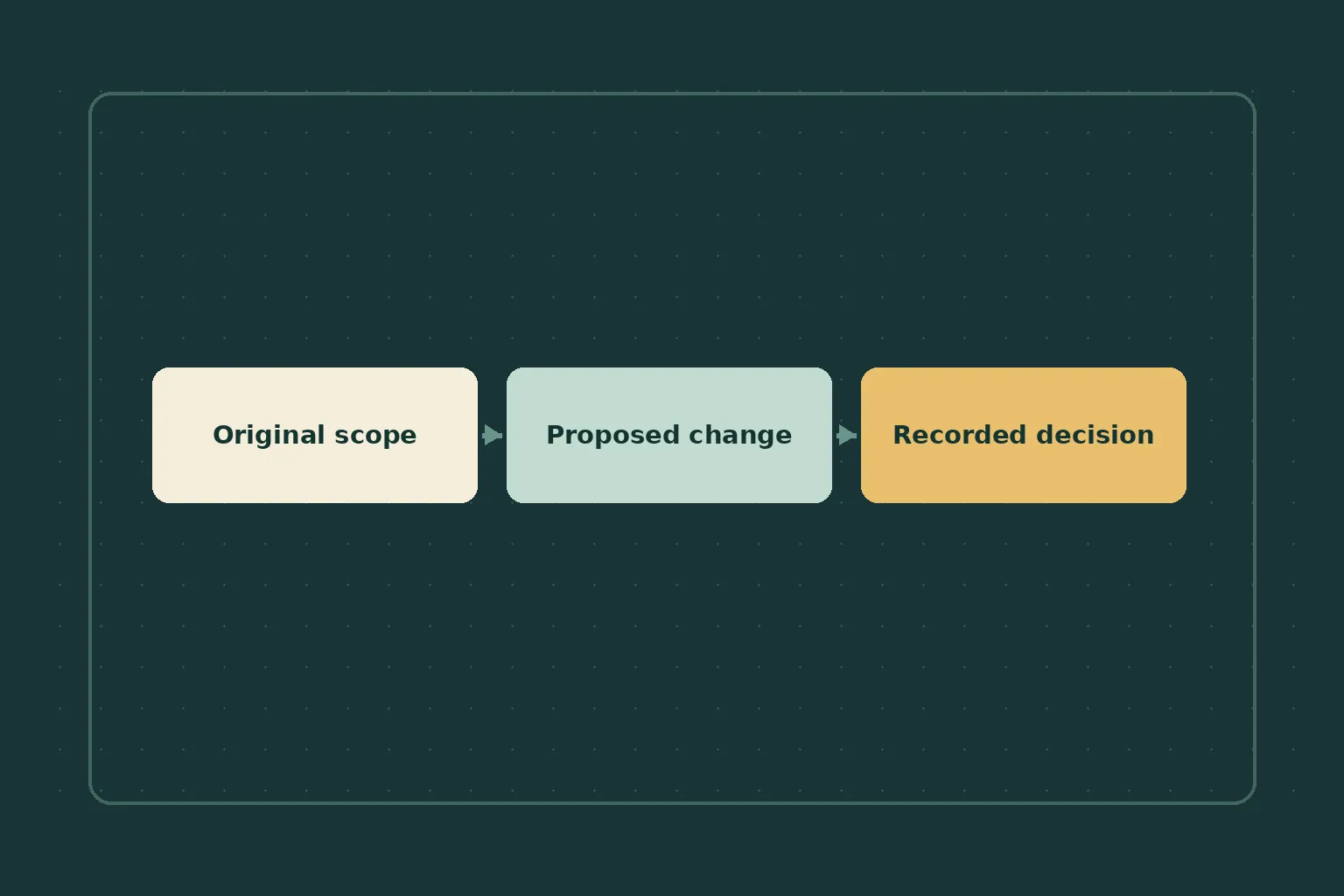
A decision log gives the idea a place to live while the existing plan stays in use. It records the proposed change, the evidence someone needs to review, the decision, and the materials that must be reconciled afterward. The useful record continues beyond the moment when a leader says yes or no. It tells the next person which version of the plan to use and how to tell whether the change has reached the affected teams.
Describe the change against a named baseline
Open one entry for a specific proposed change. Give it a short identifier and name the exact baseline it would revise. The baseline could be a dated launch plan or a controlled internal schedule. Link to the version that was in effect when the proposal arrived. This is the comparison a reviewer needs if the current plan changes again while the proposal is still open.
Write the proposed change in one sentence. For a fictional example, “Add a Tuesday evening operating block to the initial schedule in Launch Plan v3.” Follow with the boundaries staff could otherwise infer incorrectly. The opening date, remaining operating blocks, and currently circulated descriptions continue to follow v3 while the proposal is reviewed. A proposal this specific tells the reviewer which part of the plan would move and gives other teams a consistent interim instruction.
Record why the issue surfaced. A planning conversation may have identified an unexplored scheduling question, for example. Describe that observation in the terms it supports. If the reason is a question about demand or workload, keep it as a question until the reviewer has evidence. The log should preserve the difference between why someone raised a proposal and why someone eventually approved it.
If the request actually includes two independent changes, split the records. Changing hours and changing the way a team receives inquiries could each affect different owners, even if they were raised together. Link related entries when one depends on the other. Teams doing new program launch implementation can then track progress on each decision without treating the whole bundle as approved.
Give each field a job
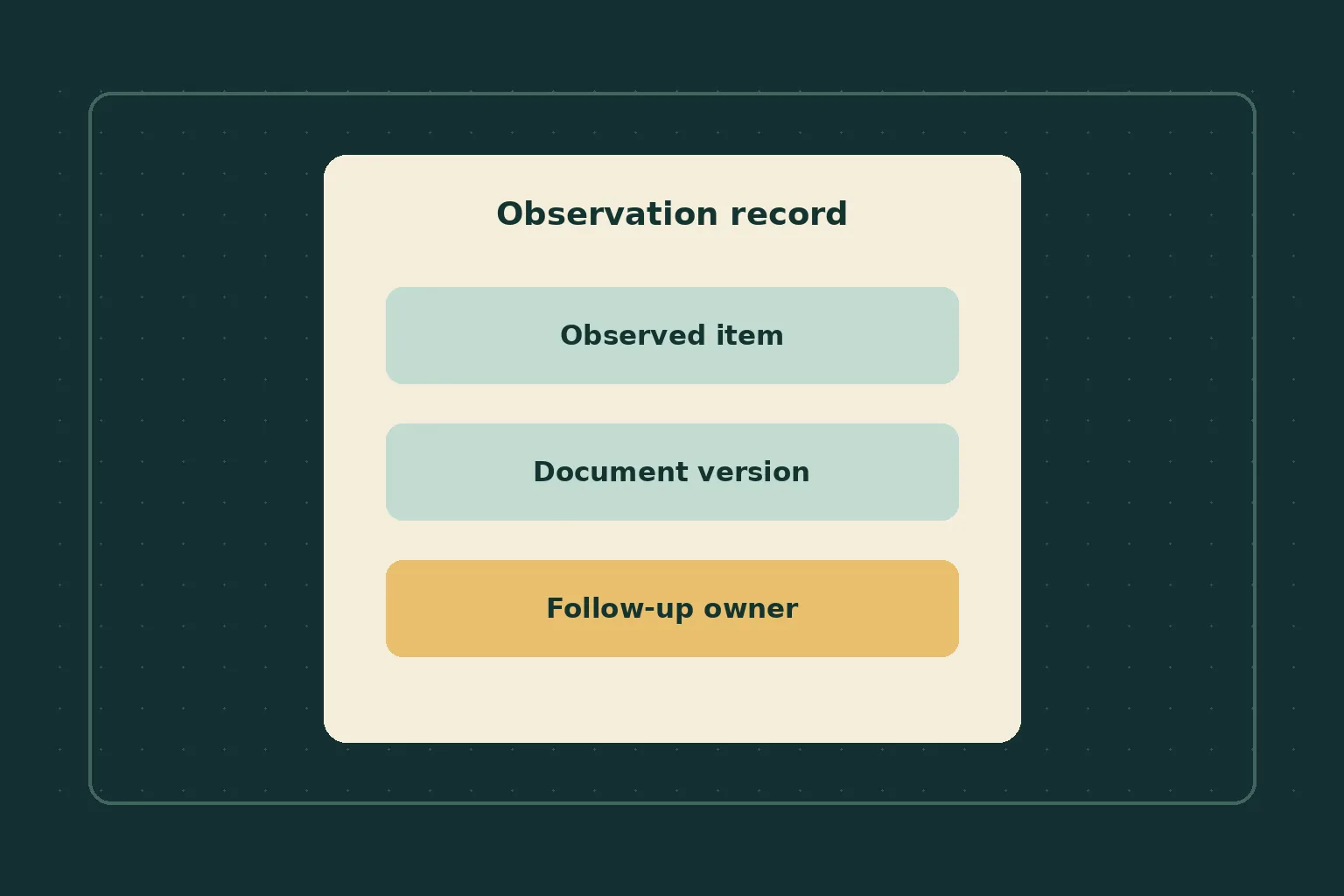
| Field | Example for fictional change CH-014 |
|---|---|
| Baseline | Internal Launch Plan v3, schedule section |
| Proposed difference | Add one evening operating block on Tuesday |
| Reason raised | Planning team wants to examine whether a different schedule addresses a documented scheduling question |
| Decision owner | Named launch sponsor with confirmation from the project lead |
| Evidence tasks | Verify room availability, staffed coverage, and which separate internal reviews apply |
| Interim instruction | Use v3 as the operating and communications reference |
| Review due | Next designated scope review, with evidence due in advance |
| Materials affected | Working schedule, coverage plan, admissions instructions, web brief, and training exercise |
| Disposition and verification | Record the decision, effective version, and each affected owner’s status |
Avoid turning the evidence field into a list of concerns without next steps. “Room availability” is too broad to close on its own. A better question identifies the room, its proposed block, and who can confirm whether another commitment uses it at that time. The same principle applies to staffing and intake support. Ask which responsibility would fall outside current coverage and who will check it. An entry that names a specific open question can be reviewed without reconstructing the planning discussion.
Keep links to separate evidence records rather than copying an entire schedule or conversation into the decision log. Record the evidence date if its timing matters. A resource confirmation for an earlier month may not establish availability for the opening period. If an owner cannot verify the proposed window, show the unresolved dependency plainly so the decision owner knows what is still uncertain. The facility planning and operational readiness context is useful when an apparently simple schedule change depends on a shared room or other limited resource.
Record how the decision was made
Choose a disposition staff can apply. Approved as scoped means the named authority agreed to a defined change. Record the exact wording, the affected plan version, and how potential conditions will be verified before the change is reflected in other materials. An approval with an unmet condition needs a separate indication of whether the changed scope can take effect now.
Deferred pending evidence keeps the current plan in force while a named owner resolves a question. Record the evidence or event that will put the decision back on the agenda. “Revisit later” leaves the project team with neither an owner nor a trigger. “Revisit after the room owner confirms the Tuesday block and the coverage lead reviews the affected hours” gives the project a concrete next check.
Declined for this launch closes the proposal against the current planning scope. Summarize the reason and identify any draft materials where the suggestion already appeared. A decline can be recorded even if the team wants to revisit the idea after launch. If it comes back with a different baseline or proposal, open a related entry so the earlier decision and circumstances stay readable.
The decision field should identify the person acting with the appropriate internal authority and the date of the decision. Staff supplying evidence, attending a meeting, or acknowledging a later document may appear elsewhere in the entry. Those contributions have different meanings. A timestamp and a short decision statement are more useful than a participant list that makes it unclear who made the choice.
Turn the decision into an update list
A schedule change affects more than the schedule. For CH-014, identify who maintains the coverage plan, who owns the admissions instruction, who controls the website brief, and who updates the training materials. Write one row for each affected artifact so the project coordinator can see which teams have adopted the effective version. Include those artifacts that must be checked for outdated copy, even when their owners expect no edit.
| Affected artifact | What to reconcile | Evidence to record |
|---|---|---|
| Internal schedule | Realign the planning source with the decision | Current version and effective date |
| Coverage plan | Align assigned roles with the agreed operating block | Owner confirmation against the new schedule |
| Admissions instructions | Check that the stated hours and handoff points match | Dated reference used in staff instructions |
| Website brief | Remove exploratory language or update the approved brief | Brief version checked by its owner |
| Training materials | Refresh any example schedule or operating scenario | Training item checked against the same effective version |
Acknowledge each update where the work actually happens. An owner who says “received” has confirmed receipt. An owner who responds “coverage plan v5 now reflects the approved Tuesday hours” has confirmed an update. A coordinator can ask for the latter if the first is all the log shows. Teams reviewing cross-department communication and coordination can use the acknowledgment step to identify where information consistently arrives without making it into the working document.
Some artifacts may properly show a different level of detail. The public brief might state only the approved operating window, while the internal schedule includes who staffs it. Compare the facts shared across both. Each owner should know which source controls those shared facts and where to raise a contradiction. The aim is to carry one decision through several uses, without expecting every document to become identical.
Rehearse a late change before the next review
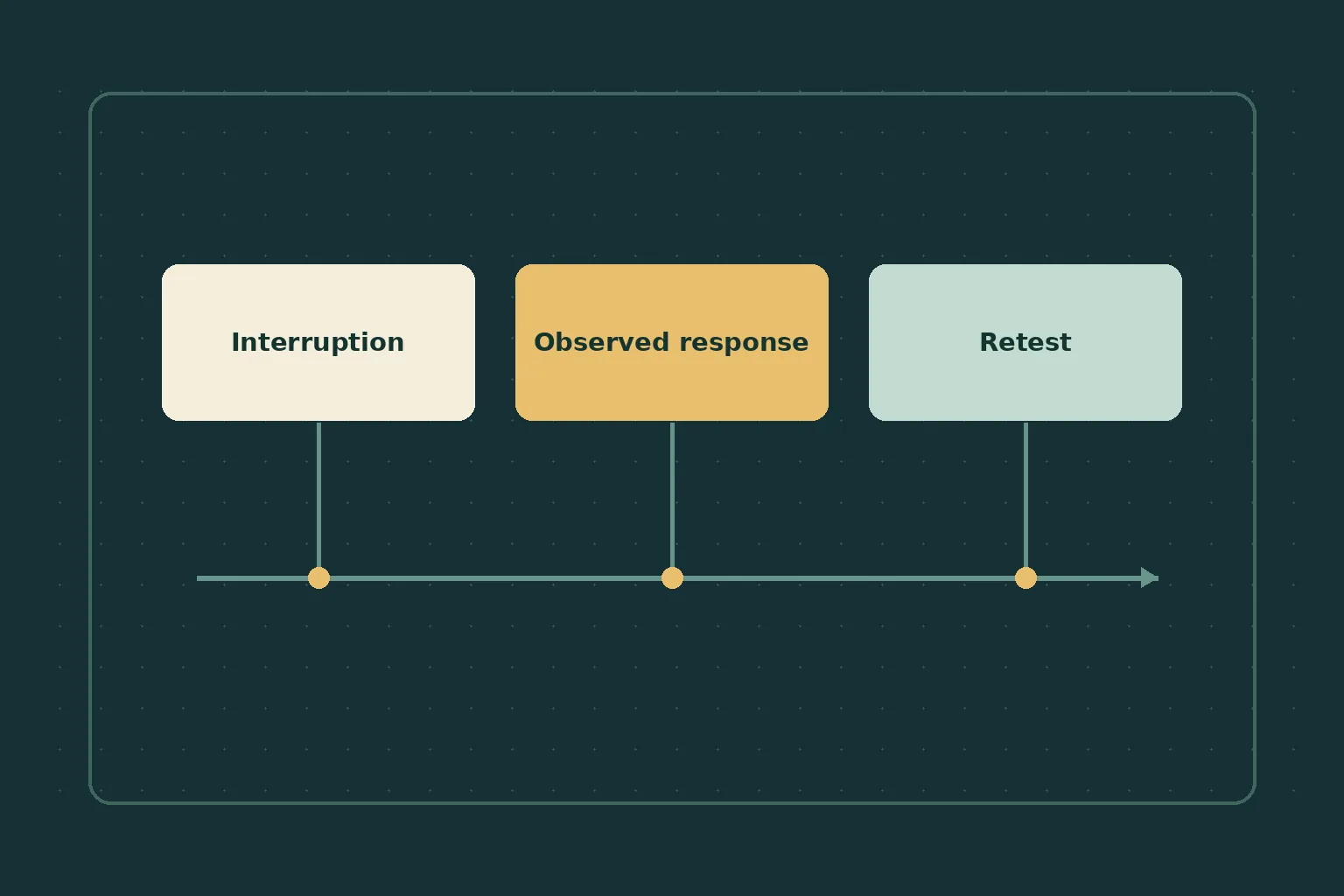
Imagine the room owner confirms that the evening block is available, while the coverage lead reports that the closing responsibility is still unassigned. The sponsor defers the proposal. CH-014 stays open, with the coverage lead assigned to bring back a defined answer. The interim instruction remains v3. The web brief owner checks that a copied mention of Tuesday evenings is removed, even though the project team is still investigating the proposal.
At the next review, assume the sponsor approves a smaller change than originally proposed. The authority statement should describe the smaller scope in plain terms. If the revised plan adds an evening block during a defined trial period, include that boundary and its review date in the effective planning document. A note that says “evening block approved” would allow someone with the first proposal to apply a different scope than the one the sponsor chose.
Ask a project member who missed both reviews to identify what was originally proposed, why it was deferred, what was authorized, and which document governs staff preparation now. Give that person only the log entry and its linked artifacts. If they can identify the current plan but cannot explain the difference from the first proposal, the disposition needs more detail. If they understand the decision but find an older schedule first, the version links need work.
Also rehearse a decline. Put one outdated phrase in a fictional training slide and another in a website brief. Have the responsible owners remove those phrases and respond with the checked versions. The project member should be able to verify that both places were reconciled. Use your team’s standard operating procedures as a natural home for the repeatable steps, including where to find the current plan when someone joins the project later.
Close the entry after the plan catches up
Before marking a change complete, read the decision against the current baseline, then check the rows for affected materials. Look for documented agreement on the exact scope and an effective version available to the people who use it. If some updates remain open, keep those visible even though the decision itself is complete. Give pending updates a named owner and a date appropriate to the project.
Check where routine distribution can reintroduce an old version. A training owner might revise a file while a shared starter packet still links to the previous copy. A communications owner might update a brief but leave an outdated sentence in a scheduled internal review document. Document locations where people enter the workflow and confirm that the leading link points to the version they should use. If older versions are needed to explain prior work, mark their status clearly where staff can see it.
Keep the log workable as the project grows. Review open decisions and outstanding material changes at an existing check-in. Move resolved items out of that active view while keeping them available for a later question. A short record for a simple change can be enough. Add detail where it will help someone trace an assumption, understand a conditional approval, or identify an artifact that still needs its owner.
A change can also be superseded before distribution finishes. If CH-015 replaces the decision in CH-014, link the two entries and tell the affected owners which update they can stop. Retire the stale working copy from its normal entry points, then carry any unfinished checks into the new record. This keeps an outdated assignment from surviving just because it was already on someone’s list.
The final test is what a staff member can find without asking who remembers the meeting. They should be able to locate the current scope, see what changed from the earlier plan, and identify which materials use the effective version. The log preserves the proposal and the answer. The verification steps show whether the answer reached the work.