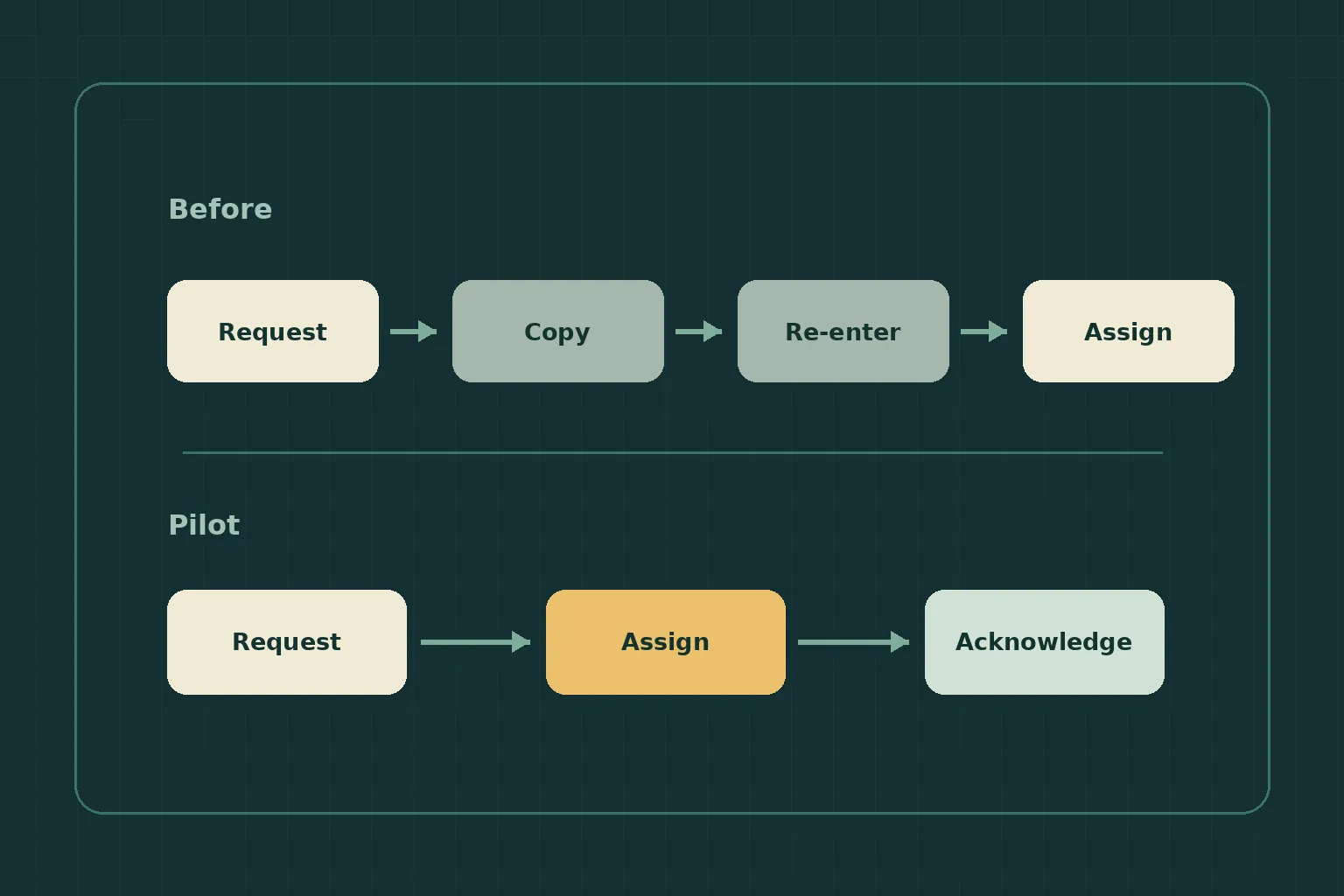
An unused workflow usually has a replacement already. Staff may send a direct message, ask a familiar manager, or carry a task forward in their own notes. At a behavioral health organization, consider a routine office supply request. The written instructions point to an internal queue, yet the people making requests message the office manager because they can see that someone received the message.
Begin by observing one request and finding the step that makes the workaround useful. Then test one change with one team for a week. Put the temporary instructions where people already do the work and use an existing check-in to decide whether to keep, adjust, or revert the change.
Pick one request with a clear start and finish
Choose an ordinary administrative task with enough repeat activity to observe. Restocking printer paper or mailing envelopes gives you a useful starting point. The task begins when somebody records an item and quantity in the existing office queue. It ends when the requester can see the disposition, such as stock supplied, order pending, or request declined under the normal purchasing process.
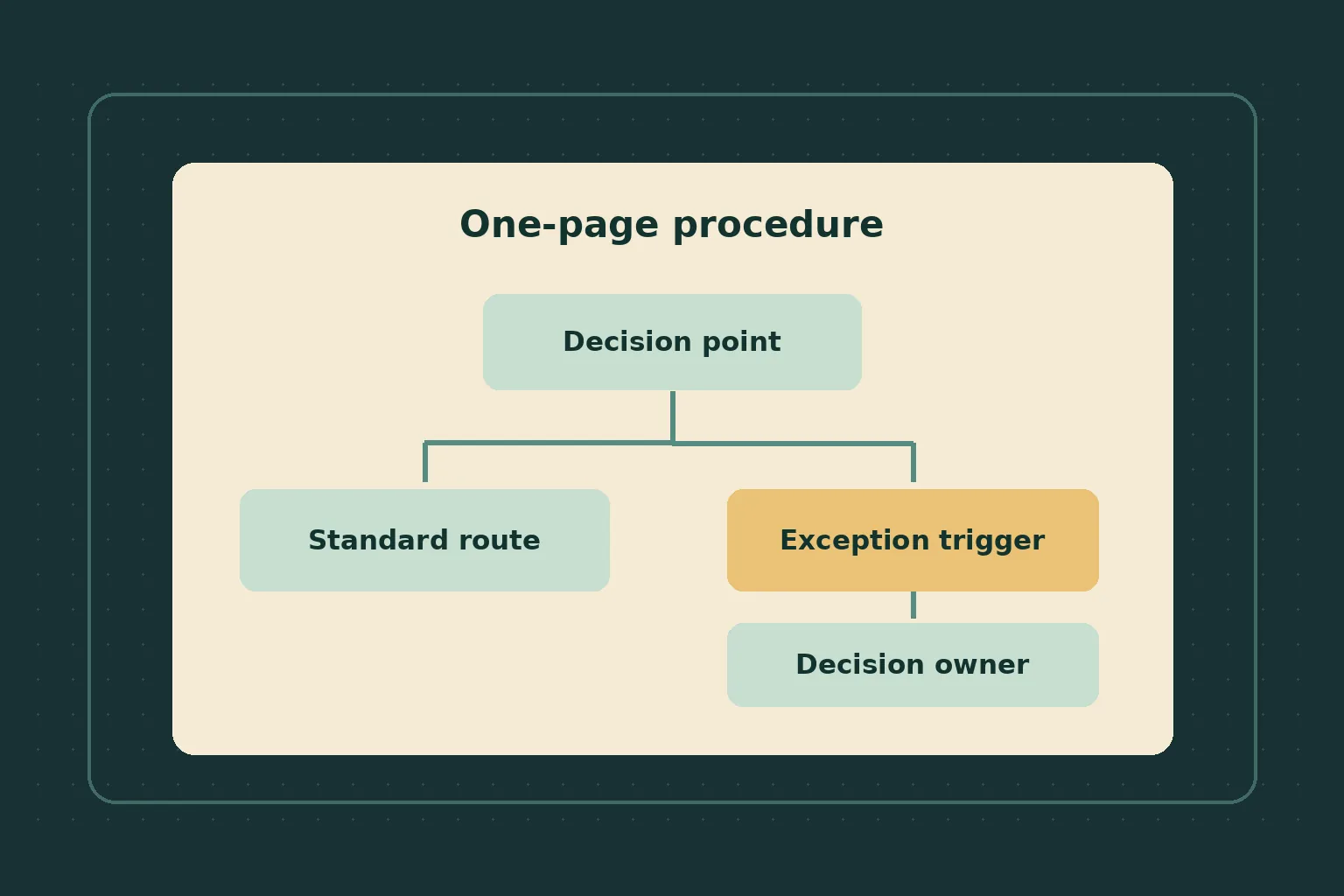
Define the boundary in a sentence: “This test covers routine office supply requests from the administrative team that already qualify for the office queue.” Keep the experiment away from clinical work, safety procedures, purchasing authority, and time-sensitive requests handled through an established route. If the demonstration reveals two request types with different owners, choose one type for the test.
Pick a process owner who can answer questions and make the end-of-week decision. That role might be the office manager. The process owner can authorize a test and inspect how it is working. The queue owner is the person who accepts and follows ordinary requests on a given day. Both duties can sit with one person, but writing them separately makes it easier to plan for an absence.
For a broader review of where administrative work stalls and who is affected, see Alliance’s operational consulting and performance improvement overview.
Watch someone do it with a fictional request
Ask a staff member to show what they would do if the shared printer were running low on paper. Use a fictional item in a demonstration and have them talk through the choices they would normally make. Ask where they open the instructions, where they enter the request, and how they can tell who has taken it. Let them reach the point where they would normally send a second message or ask in person.
Then ask the receiving role to show what they would see. Give them the fictional request and ask when they would first notice it, what they would do if they were already occupied, and where the requester would see a response. If either person describes a step you cannot see, ask them to show the field, instruction, or marker they rely on.
Record the mismatch in a way somebody else can reproduce. For example: “The instructions say to enter the request in the queue. The queue shows who opened the request, but the requester cannot see who owns the next action. When unsure, the requester messages the office manager directly.”
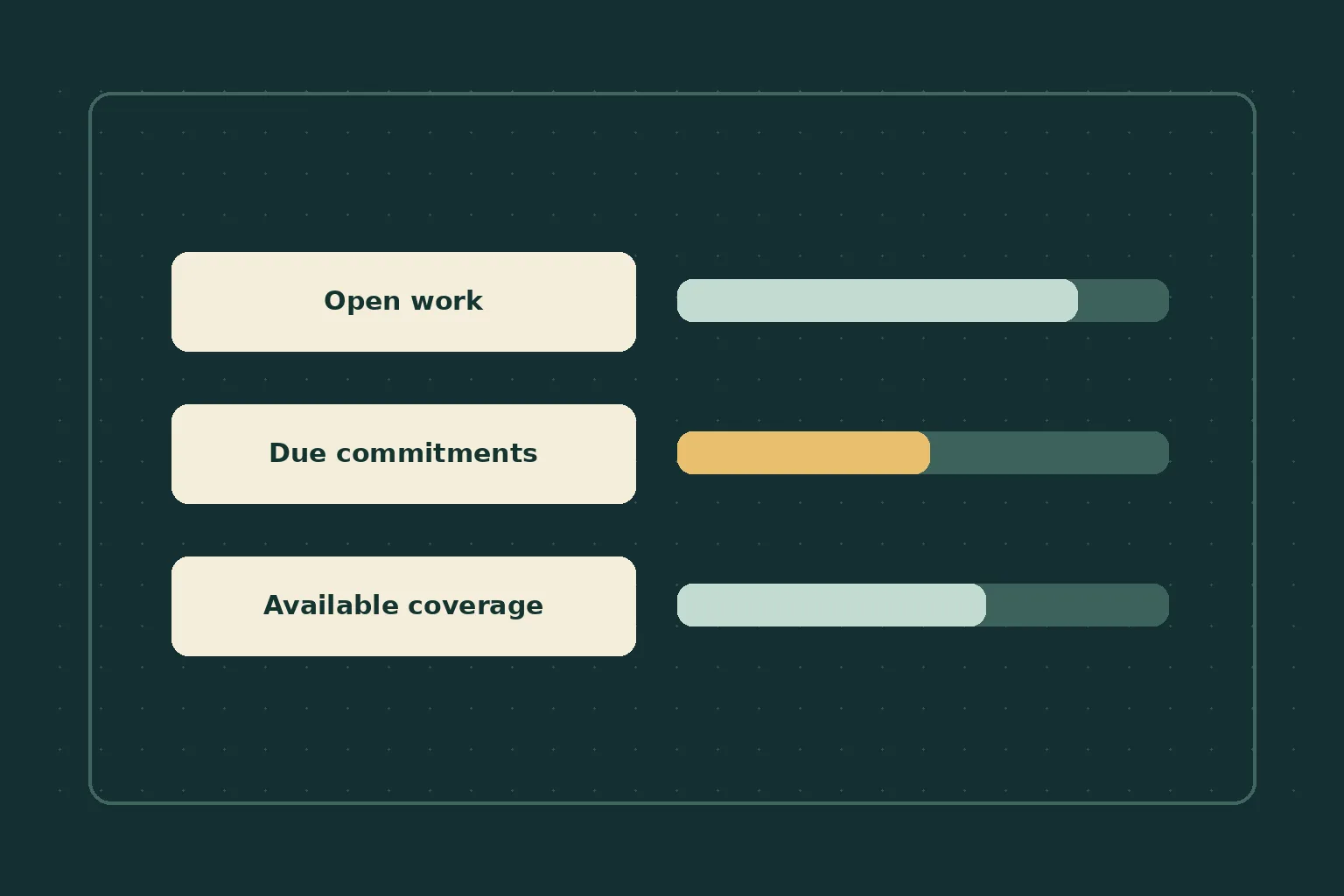
A second demonstration with someone from a different work period can expose a coverage gap. Perhaps the morning team knows who usually checks the queue, while the later team depends on a colleague remembering to look. If the two demonstrations disagree, retain both accounts and use a small sample of ordinary requests from the normal process to see which pattern recurs. Alliance’s workflow development and process improvement page describes how to connect observations about day-to-day work with the responsibilities people actually hold.
Change one step and keep the rest steady
In the paper request example, direct messages give staff an acknowledgment. Keep the original queue and add a visible acceptance step. Assign a named owner and a backup using the existing coverage record. The owner marks the request accepted inside the queue. The requester can then see who took responsibility and when an update is expected. Existing rules continue to govern any purchase or approval.
Before you start, confirm that the roles already have the access and the queue can display the necessary information with its current features. A designated owner who can see the queue but cannot record acceptance will leave staff asking the same question. If the system lacks a usable marker, pause and choose a change that fits the available setup and the owner’s authority.
Write the test as a short card the team can keep open while working.
| Test field | Illustrative entry |
|---|---|
| Scope | One administrative team and ordinary office supply requests |
| Change | Today’s queue owner records acceptance where the requester can see it |
| Owner coverage | The existing desk roster names the primary and backup |
| Expected cue | An accepted request names an owner and the next update |
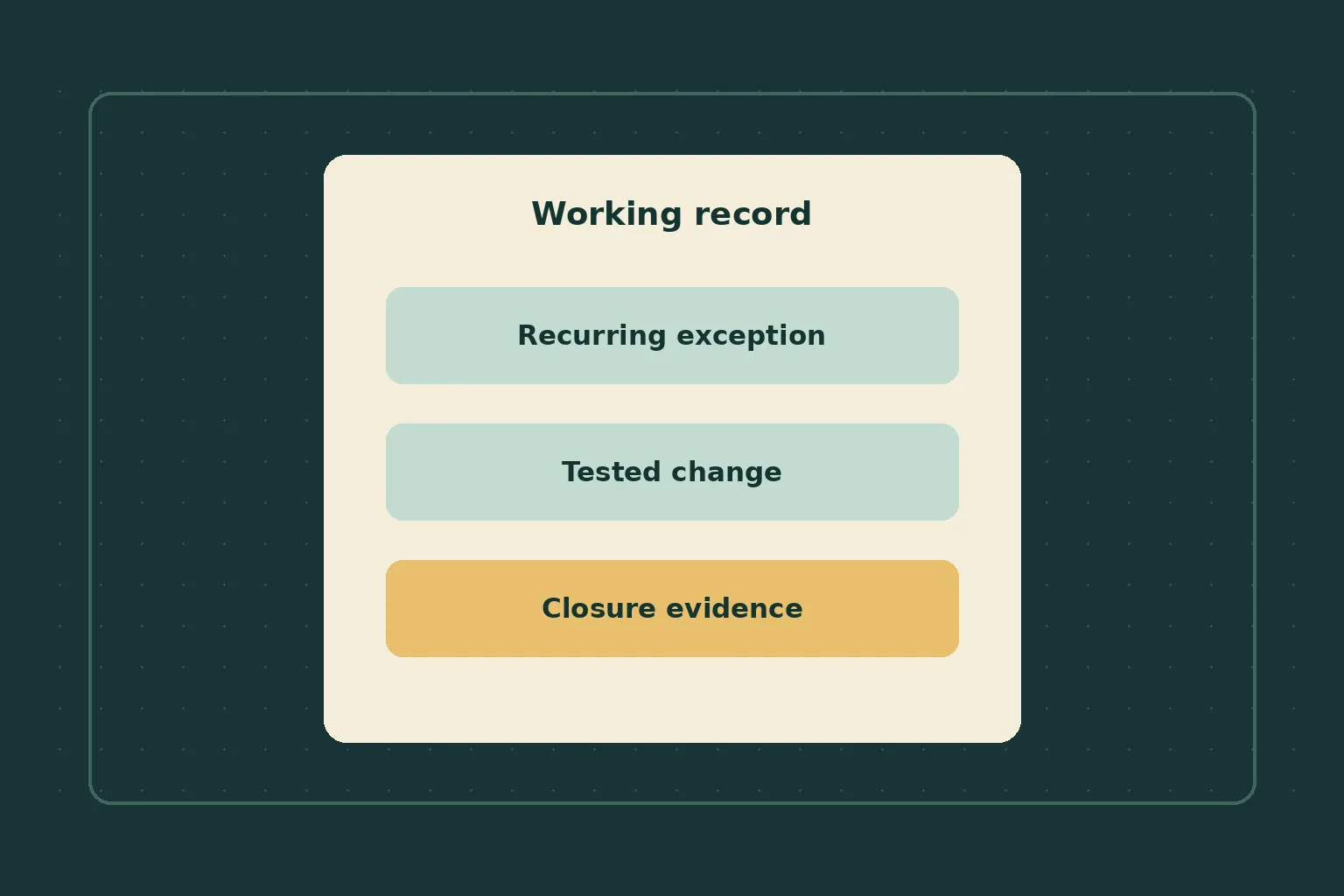
| Record of work | The existing queue holds the request, its status, and its disposition |
| Stop condition | The test interrupts established escalation or leaves normal requests without a responsible person |
| Duration and decision | One working week, followed by a decision from the office manager |
Give each status a practical meaning. “Received” means the request reached the queue. “Accepted” means a named person took the next action. “Completed” means the disposition is recorded and the requester can see it. If existing labels have different names, use their accepted local meanings and spell out the distinction in the card.
Put the test instructions at the point of use
Post the card in the queue’s existing instructions or in the staff guide people already open to reach it. Label the team, the request type, the dates, and the name of the person who can answer questions. Include one example of acceptance and a sentence that sends out-of-scope work through the existing channels. A dated note or brief demonstration during a regular check-in can introduce the change.
The temporary instruction can be short. “For routine office supplies this week, submit the usual entry in the queue. The owner listed in the desk roster will accept it in the queue and record the next update. If the primary owner is away, the listed backup takes ordinary requests. For exceptions, use the existing contact in the staff guide.”
Ask a staff member to find and apply the card without prompting. Have them submit a fictional request, identify who would accept it, and point to the place they would check for an update. If they search in a second guide or have to guess what “accepted” means, fix the instruction before the test begins. Alliance’s standard operating procedures support page covers how approved instructions can define responsibilities, handoffs, and completion.
Collect enough evidence to explain what happened
Choose two measures before the test. One is the number of eligible requests that a staff member could track to a named owner without a separate check-in message. The other is the number of eligible requests with no accepted owner at the usual end-of-day review. Write both as counts with their denominators, such as six of nine requests. Count a request once, even if the person asks for its status more than once.
If the old records show the same fields, take a short baseline from a similar recent period. If they cannot show whether staff sent a separate message, write “baseline unavailable” for that measure and use the test week to learn what can be counted. Stick to the same eligibility rule throughout. A request sent through the usual urgent route falls outside this test. A routine request that began in the queue and later drew a second message still counts.
Note the circumstances that help interpret the numbers. The week might include an office closure, a purchasing cutoff, or a day when the backup covered. A daily tally and a short description of the sticking point are enough for this example. If an event needs follow-up, keep its operational record in the normal system. Alliance’s performance metrics and KPI development page explains why a measure needs a shared definition and a reliable source before managers use it to compare performance.
Here is a fictional readout. Eight of ten requests had a named owner without a separate message. Two had no assigned owner at day’s end, both during an unplanned absence when the backup was listed but had not been alerted. That pattern gives the process owner a practical question: how does the backup know the queue has passed to them? It gives little evidence about a normal week with steady coverage.
Use an existing check-in to make the decision
Give the process owner three pieces of information before the usual check-in. Share the original mismatch, the tally including any limits, and one example of an unresolved exception. Say which part of the test appears to have helped and which part still needs a decision. Include what would happen to open requests if the test stopped that day.
Use the following choices to close the test.
- Keep the change when staff can use the acceptance step, coverage works, and the existing queue makes progress visible. Confirm who updates the roster and who acts if a request reaches the end of the day unassigned.
- Adjust the change when a specific issue has a plausible fix. For the absence example, use the existing coverage handoff to confirm that the backup has taken the queue. Keep the rest of the pilot steady and document the new end date.
- Revert when the added step leaves staff unsure who owns a request, creates a second queue, or disrupts another established process. Tell the team which instruction to follow and assign responsibility for any item still open.
- Extend briefly when there were too few ordinary requests to judge. Pick a new decision date, specify what evidence is missing, and keep a responsible person assigned during the extension.
Record the decision where staff already find instructions. For example: “Adjust for one week. The backup will confirm queue coverage in the daily desk handoff. The office manager will check unassigned items at the next scheduled review.” A simple decision helps staff see whether the change is still a test or is now their regular instruction.
Close the old version and check that the change sticks
If the procedure becomes standard, revise the main instruction, remove the dated test note, and point any onboarding materials to the updated version. Update the fields that staff need during a shift, including who accepts work, where the action appears, and what to do when the owner is unavailable. Ask the person who maintains the guide to check any references in nearby documents.
Before you archive an older instruction, trace any open routine requests back to an owner. The requester should still be able to tell who has their item and when an update is expected. If you revert, give open items the same attention and restore the previous route in the places staff use to find it.
At the next regular check-in, ask someone who was not involved in the test to show where they would submit an ordinary request and how they would know somebody has accepted it. If they can find the current instruction, identify the responsible person, and explain the exception path, you have evidence about whether the procedure is usable after the pilot ends. That follow-up can fit the same management routine that supported the test.