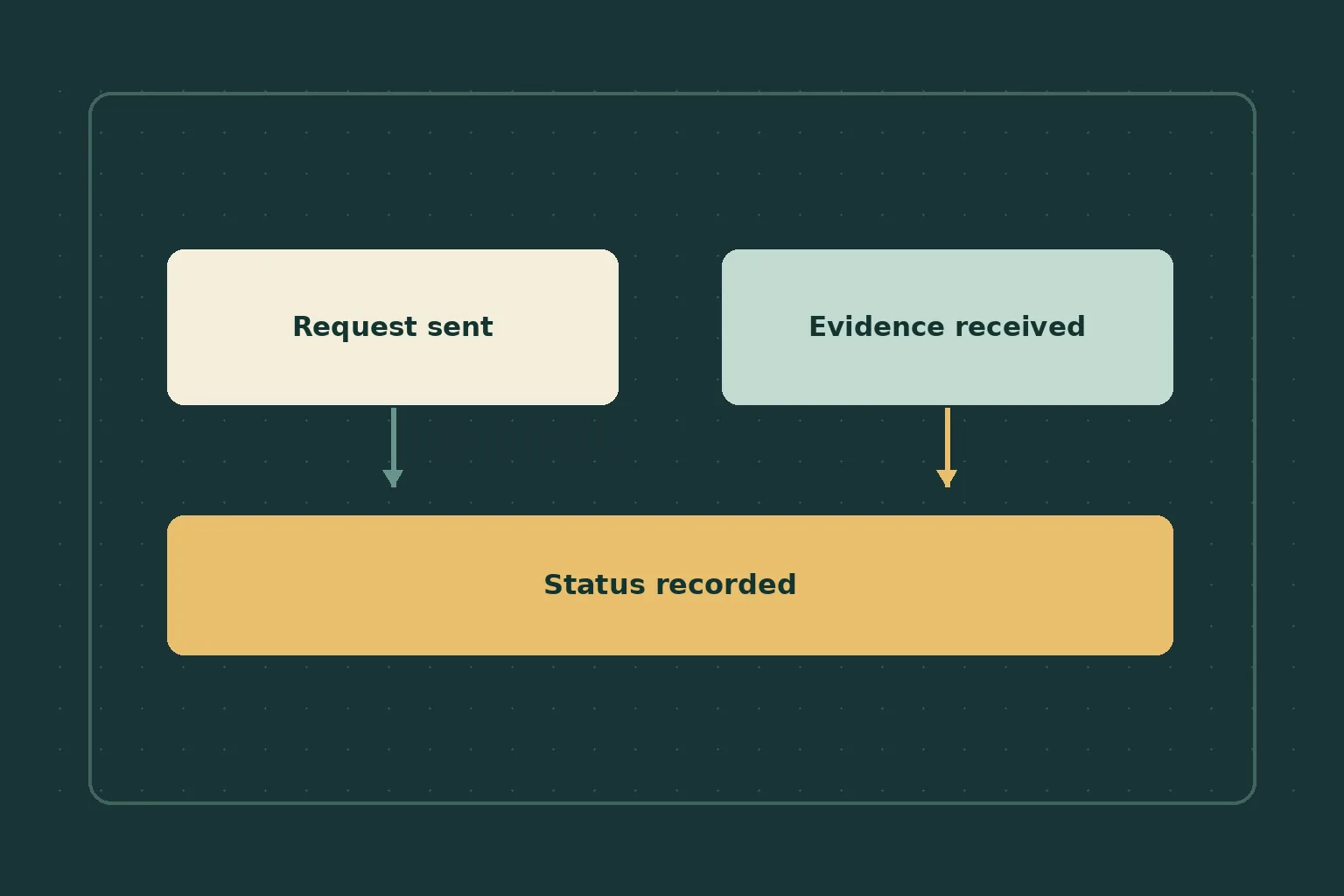
A note that says “verification requested” records an action. Someone asked for information through the team’s approved process. The note does not tell the next coordinator whether a response arrived, whether an authorized reviewer examined it, or whether it answered the exact question. If one status tries to represent all three steps, a staff member can see a completed-looking field and still have work to do.
Use a short status map to represent observable events and the next administrative decision. The fictional example here concerns the instructions for a general information session at a program office. It shows how a team can confirm wording and routing without assuming more than the source supports. The same record structure can help a manager separate the request, the review, and the next action in other administrative work.
Name the exact question the request should answer
Begin with one statement the team expects to be able to record after review. “Confirm whether the current general information session takes place at North Office on the date shown” is narrower than “verify session details.” The narrower question gives someone a way to recognize a response that confirms the schedule but names a different location.
Record what the request covers before sending it. A working entry can contain the question, the date or location it concerns, the reference or role expected to respond, and the name of the person who will check for an answer. If the applicable information changes on a particular date, keep that date with the question. An answer for a prior event should not appear to settle a new event.
Show the source that will be used to review the response. For an internal session schedule, it could be an approved scheduling record whose owner is identified in the team’s workflow. A shared calendar may help someone find the date. An informal note may explain how a question started. The designated source or decision owner determines what the team can treat as confirmed. Alliance’s admissions process evaluation and optimization work relates to clarifying who performs a step and what evidence the next team receives.
Keep the expected result small enough for another person to check. A request can ask two related questions, but the record should show when only one is answered. Where two questions have different owners, track separate tasks and link them to the same underlying record. That lets a completed location confirmation stay visible while the schedule question remains open.
Give every label an observable event
| Administrative label | What the record needs to show | Next action |
|---|---|---|
| Not started | No request has been sent for the stated question | Assign the person who prepares it or record the missing input |
| Requested | The request was sent through the approved process and its scope is visible | The named owner checks for a response at the agreed review point |
| Response received | A response can be found and has yet to be reviewed for the stated question | Assign the authorized reviewer |
| Reviewed for stated scope | The reviewer recorded the supported fact, its source, and the applicable version or date | Use only the documented fact for the approved next action |
| Exception pending | A response is missing, unclear, out of date, or outside the requested scope | Record the open question and assign clarification |
| Closed with disposition | The administrative work ended with a documented reason | Preserve the disposition and identify any separate remaining task |
Use these labels as a starting point for a local map. Your team’s tools may use different words for the same states. Put the definition near the field so someone seeing “response received” knows that a review remains open. If a field cannot represent both receipt and review, use the existing workflow or an approved linked task to make the open step visible.
A source can record arrival before anyone has seen it. If an email notice or system event creates a “received” entry, preserve that observation and assign the review separately. The entry should still show who will determine whether it answers the question. Alliance’s CRM development, integration, and optimization service addresses related questions about matching record fields with the work people perform.
Keep the request and its response tied to the same scope
An authorized reviewer can start with four questions. Whose question is this, what exact date or location does it concern, what source has answered it, and what can the team now record? Put the answers in the designated record with enough detail for a colleague to find the reviewed version. Keep the supporting record where your established process stores it.
Consider a fictional response to a North Office schedule request. The response includes a date and an office name. The date matches the original question, but the office is South Office. A literal copy from the response into the North Office entry would give the appearance of a completed verification. The response is available, and the North Office question is still open. Record both facts.
A second response might confirm the site but omit whether the date is current. The reviewer can record that the location is supported and date confirmation remains pending. If the team must give one clear status, use an exception label tied to the remaining question and preserve the supported location in the appropriate field. A future colleague can then see which part to recheck.
Look at wording when the answer uses a different term from the request. A response may mention an information desk, while the original question asks about the general session location. The desk can be relevant and still leave the meeting location unconfirmed. Ask the source owner to clarify which term describes which activity before recording a broader statement.
Give exceptions a question, owner, and review time
Replace “needs follow-up” with the missing decision. For example, an exception entry could read, “Confirm the location for the October 14 general information session. Response names South Office; request concerns North Office. Scheduling lead to clarify at the next agreed review.” The entry gives the new owner a concrete question and explains why the apparent answer did not close it.
Record which action already happened. The prior request remains sent and the response remains received. Opening an exception does not erase either event. If a staff member needs to send a new request under the team’s process, record it as a new action with its own scope. That preserves the difference between rereading the original evidence and asking for a separate answer.
When an exception sits across work periods, assign it to a staffed role or a named person. A role that no one is covering cannot confirm a question. The manager can verify the backup follows the authorized route and has access to the same source. If the review point passes, the exception should remain visible until someone records a decision or an approved disposition.
Avoid treating a delay as a finding. An unanswered request leaves the question open. A conflicting response creates a need for clarification. A clear resolution can close the task once the appropriate owner has reviewed and recorded it. If the team repeatedly confuses these states, ask which field or handoff makes them look alike. Alliance’s cross-department communication and coordination page describes ways to clarify ownership when work moves between roles.
Walk through a fictional record from request to resolution
Suppose the coordinator is asked which office will run a general information session on October 14. At 10 a.m., the coordinator sends the scoped question to scheduling through the team’s approved workflow. They set the status to requested and assign the scheduling queue lead to check for the response at the agreed review point.
A response arrives that afternoon naming the correct date and the wrong office. The entry now shows that a response is available, but the reviewer opens an exception. They record the mismatch and route the specific location question to the scheduling owner. The coordinator can see that there is a response without using it to state an unconfirmed location.
The scheduling owner later identifies the current record and confirms North Office for that date. The authorized reviewer checks the new source, records the supported location and date, and identifies the instruction the team can now use. The old response stays in its original history. A separate disposition shows which source the reviewer used for the current confirmed statement.
Now change one part of the example. Suppose scheduling can verify that North Office generally hosts the session but has no confirmed record for October 14. That answer supports a general statement about the location and leaves the October 14 question unresolved. Record the difference and agree on who will check the missing date. The team can avoid inventing a clear answer while keeping the work assigned.
Check that staff can explain the status plainly
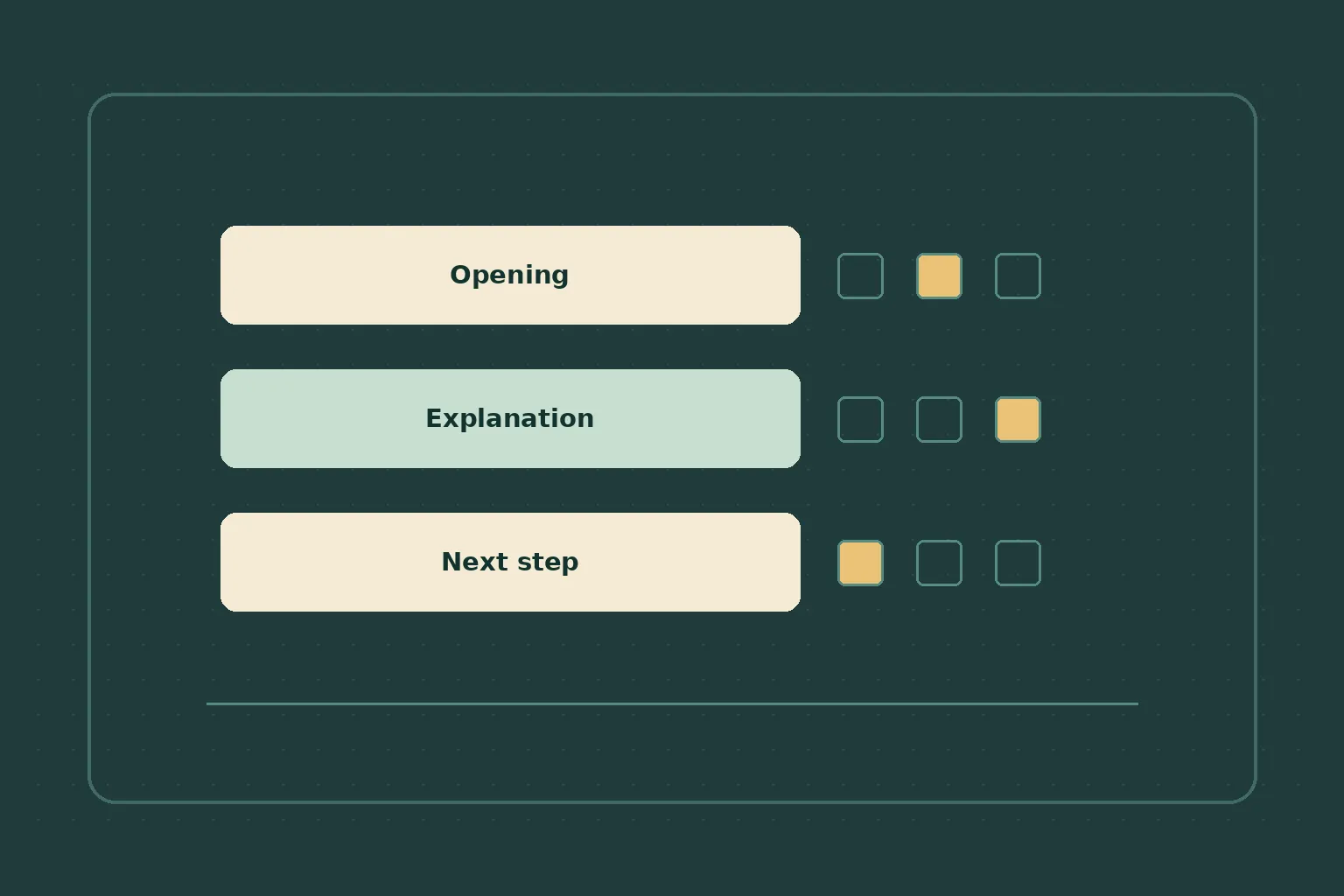
Give a colleague three fictional cards. One says the request has been sent. One says a response arrived but names a different office. One includes a reviewed statement with the date and scope. Ask what can be said from each card and what action the team still owns.
For the requested card, an accurate update could be, “We sent the question to scheduling and are waiting to review the answer.” For the second, “We received a response and need to confirm that it applies to the office you asked about.” For the third, the staff member can state the reviewed location for the specific session using the wording the team approved. Each response can remain short while showing exactly what the record supports.
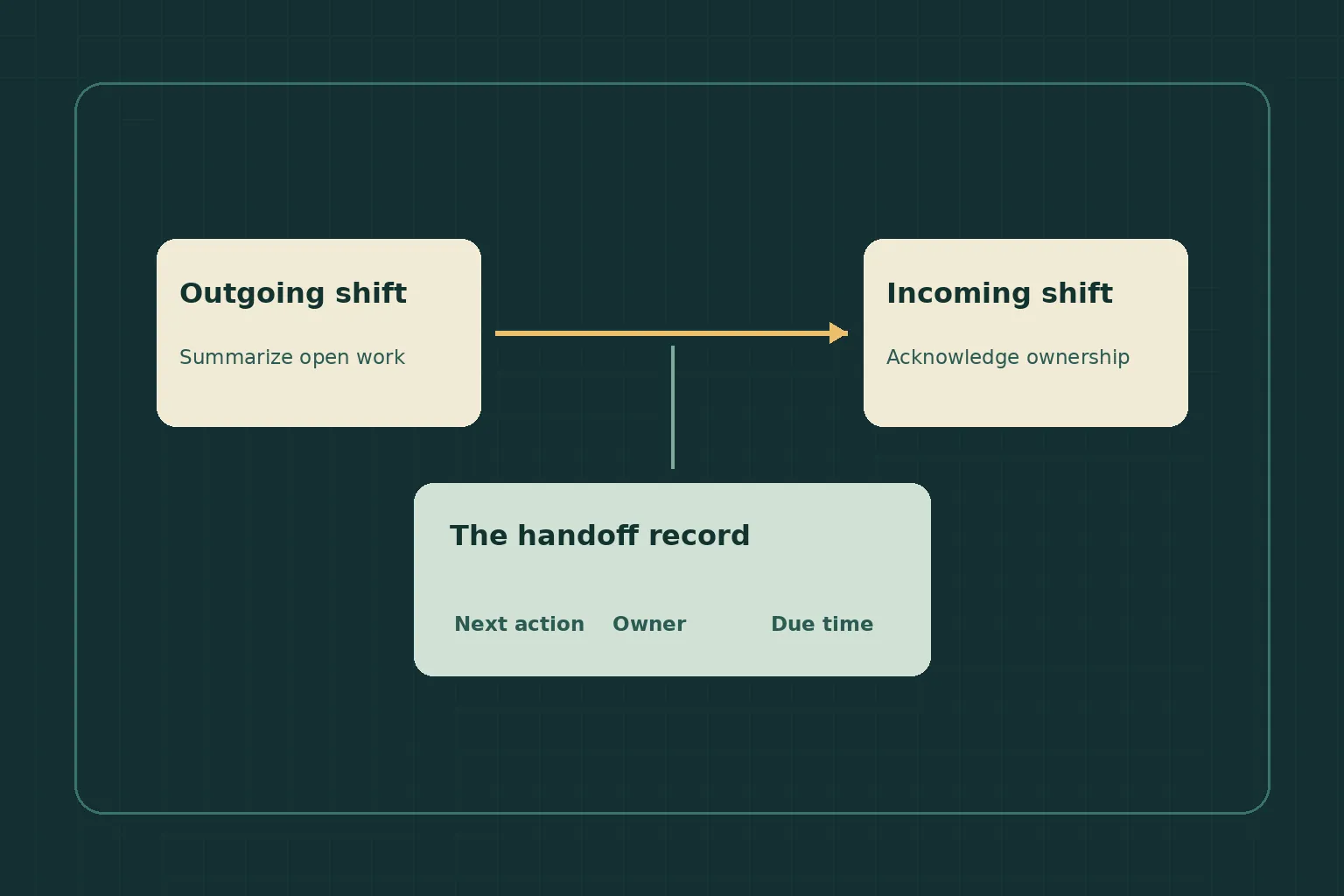
Ask the next coordinator to identify who owns the follow-up and how they would recognize a decision. If they can name the reviewer but cannot find the supporting record, the handoff still lacks something. A short training exercise can distinguish gaps in the workflow from confusion about phrasing. Alliance’s admissions scripts and communication training page describes related work on clear language and defined handoffs.
If a version changes after a review, let staff know which entry they should use. For example, the current scheduling record may carry an updated room number after the earlier confirmation. Note what changed and when it applies. Open a separate check for any previously approved instruction that still points to the older location, and have its owner record the correction at its usual source.
Review the field before people start relying on it
Sample a few finalized examples and one exception. For each, have a reviewer point to the original question, the response, the decision that closed the work, and the next step if one exists. When a record uses one “verified” indicator for different scopes, describe the ambiguity and take it to the workflow owner. That owner can decide how to make the review evidence, date, and scope clear in the existing record.
Include the status definitions in the normal handoff materials. When the approved source changes, update the reference and test a new fictional example. Keep a way to tell whether a change affected one task, one system field, or instructions shared across several shifts. This lets the next person compare similar entries without assuming every completed-looking flag means the same thing.
At the next review, ask three short questions. What did we request? What exactly does the reviewed source support? What do we still need to do? Clear answers allow staff to continue the administrative work without losing the request history or overstating the decision.